The South Carolina trademark search is a helpful tool for determining whether a mark is currently being used and who it’s registered to. Trademarks (goods), service marks (services), and brands/earmarks (livestock) can be found by description, applicant name, and registration date.[1]
Registered marks remain valid for five years, with the option to renew every five years as long as a renewal application is filed within six months before it expires.[2]
Trademark Search
1. Go to the “Trademark Search” Page

2. Define Search Parameters
South Carolina trademarks can be searched by typing keywords into one or more of the following fields:
- Mark description
- Applicant Name
- Goods or Services (sold by an entity)

3. Search for Marks
To determine whether a trademark is available, a keyword can be entered into the Description field with the Search Type set to “Contains” so any use of the keyword entered will come up. After typing in the keyword, click Search.

4. View Results
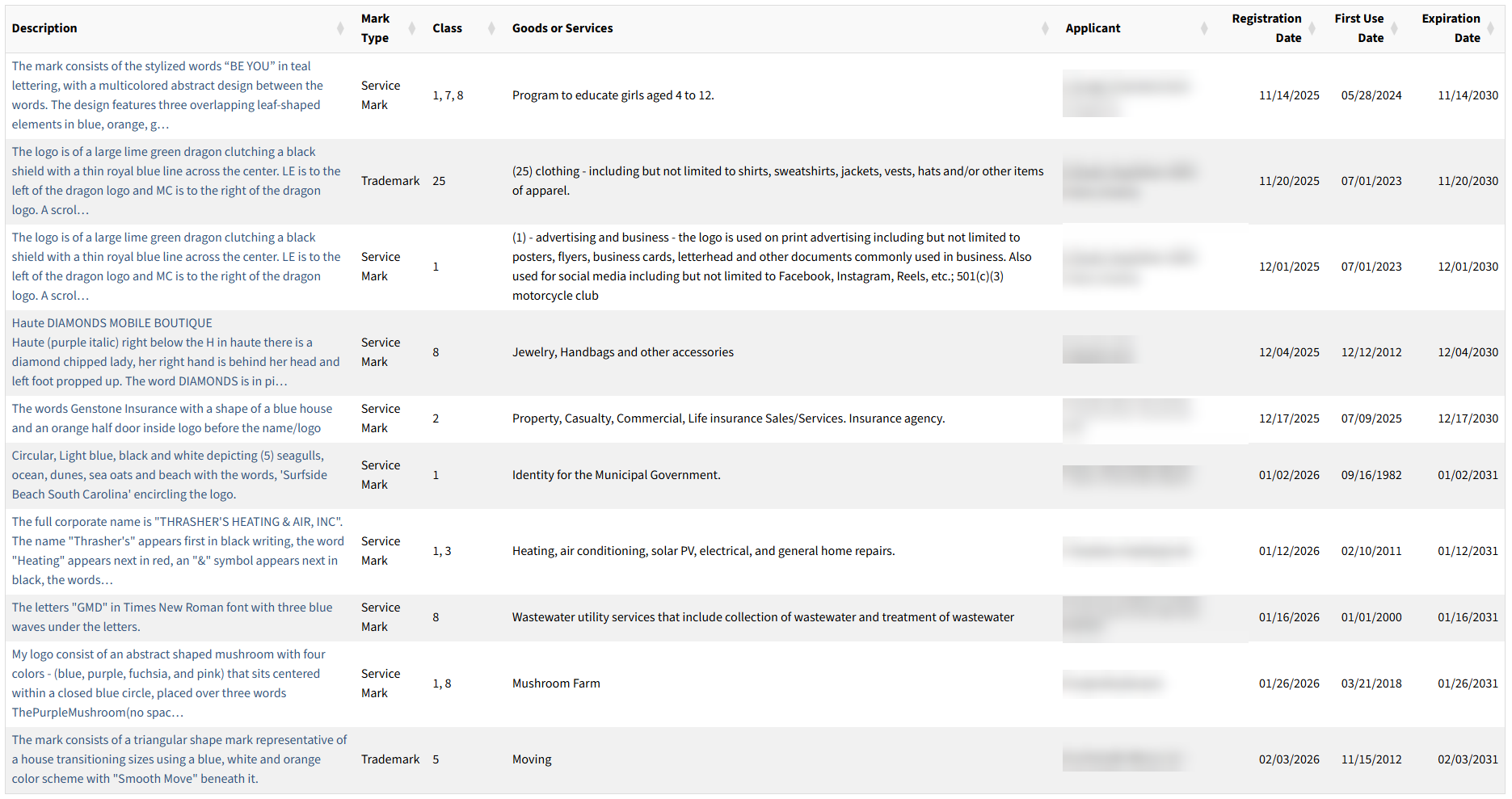
All marks that fit the search parameters will appear in a list with each row displaying the mark’s description, type, class, goods/services, applicant name, registration date, first use date, and expiration date.
5. View Specific Mark
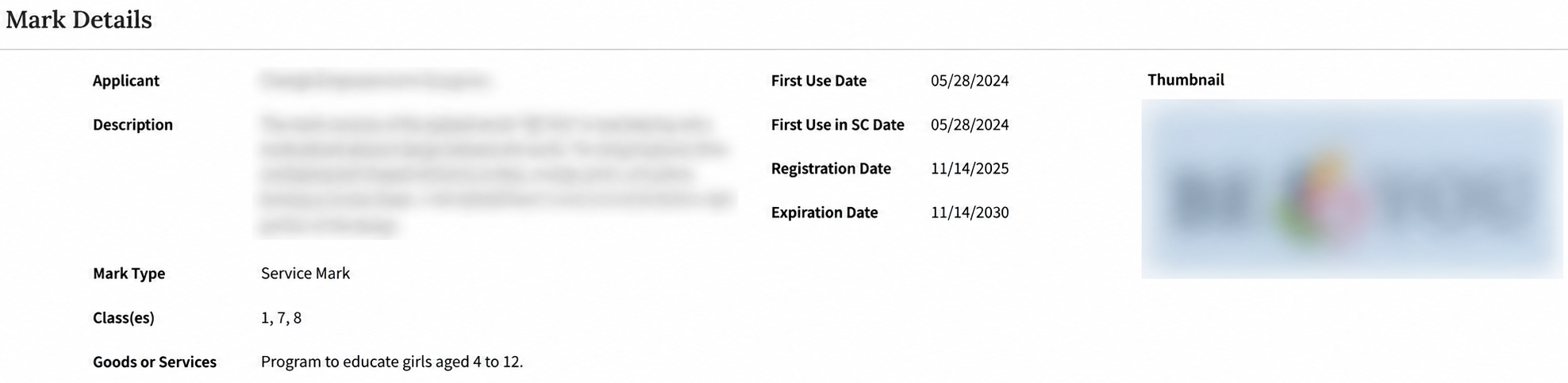
To get more information on one of the marks, click on the description in the left-hand column. The following mark details will be displayed:
- Applicant name
- Mark description
- Mark type
- Class
- Goods/services offered
- First use date
- First use date (in-state)
- Registration date
- Expiration date
- Thumbnail of mark