The New Mexico trademark search is a database that anyone can use to search for trademarks registered in the state. Prior to registering a trademark it may be necessary to verify it isn’t registered nationally or internationally. Trademarks are defined as any word, name, symbol, device or combination thereof that is used to identify and distinguish a business’s products from all others.[1]
Once registered with the Secretary of State, trademarks are valid for 10 years, and must be renewed 6 months before their expiration date to avoid losing it.[2]
Trademark Search
1. Go to the “Trademark Search” Webpage
2. Enter the Name
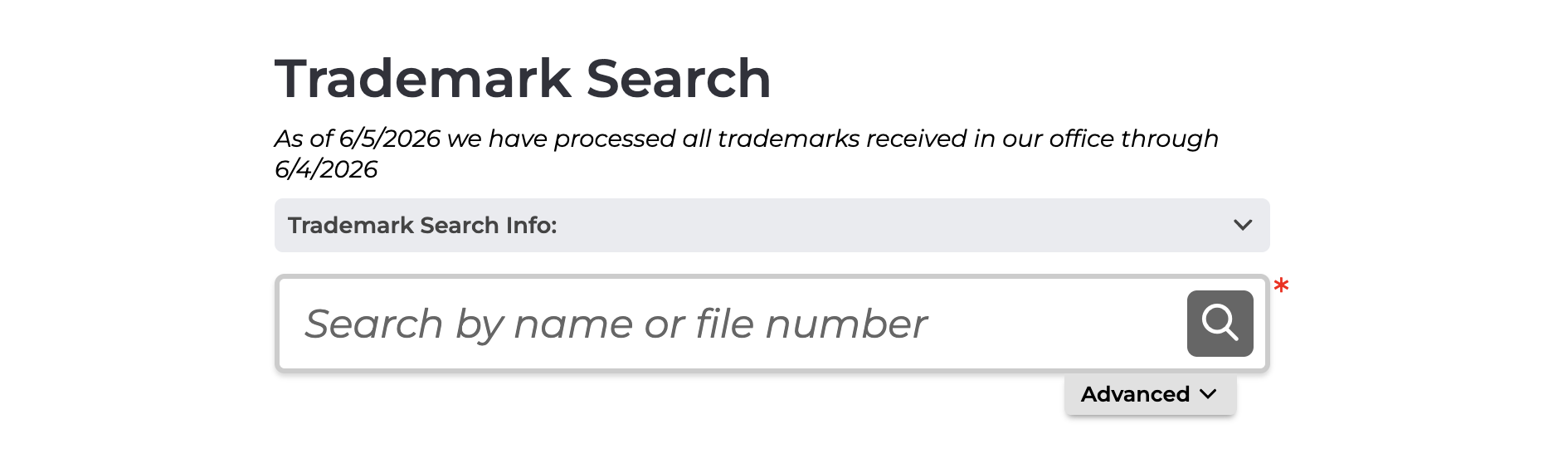
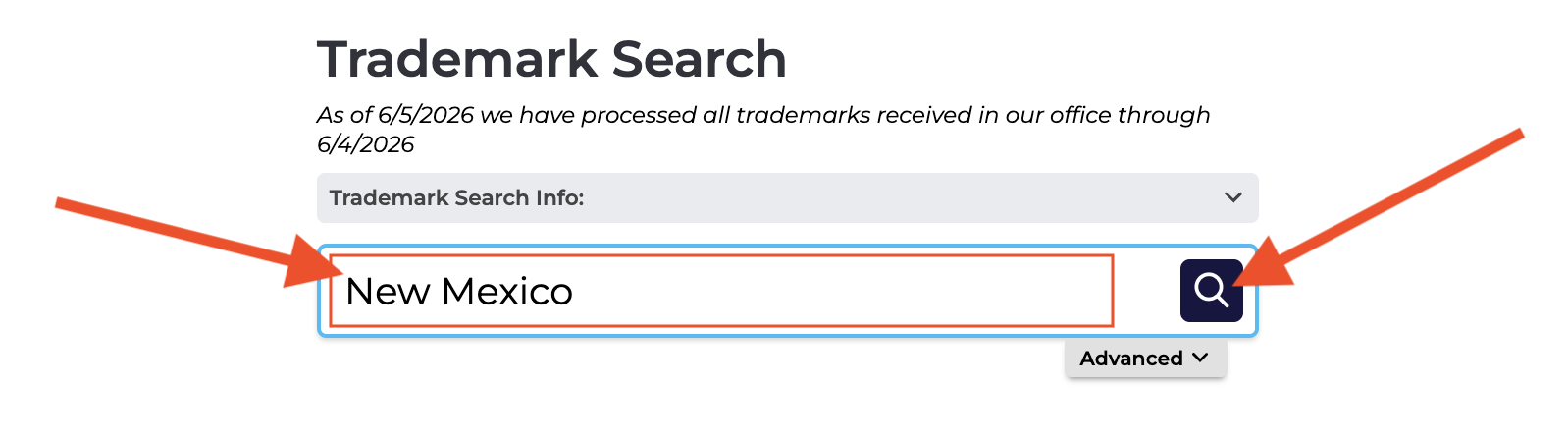
Enter the desired trademark name, word, or phrase in the Trademark Search bar and click the magnifying glass button.
Advanced Filters – Filters can be applied to the search by clicking the Advanced button below the search bar. This opens a table below the search bar (see image).
In the Search Filter, Contains is selected by default, showing all results that contain the search words. The user can also select Active Trademarks Only and Trademark as the Trademark Type to show only active trademarks in the results.
3. View Search Results
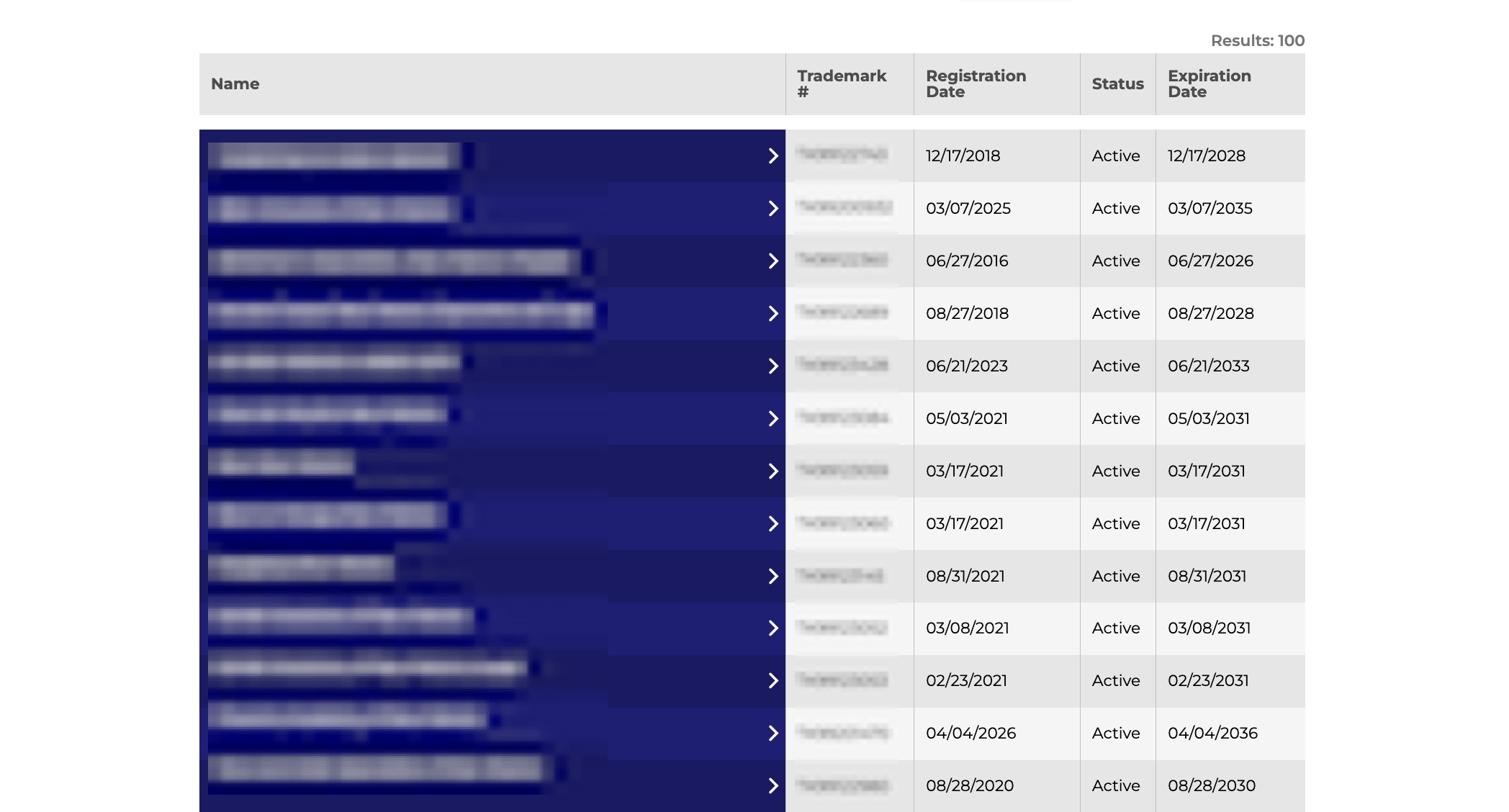
After clicking the magnifying glass button, a list of matching search results will appear below the Trademark Search bar, displaying the following information for each trademark:
- Name
- Registration Date
- Status
- Expiration Date
4. Detailed Trademark Info
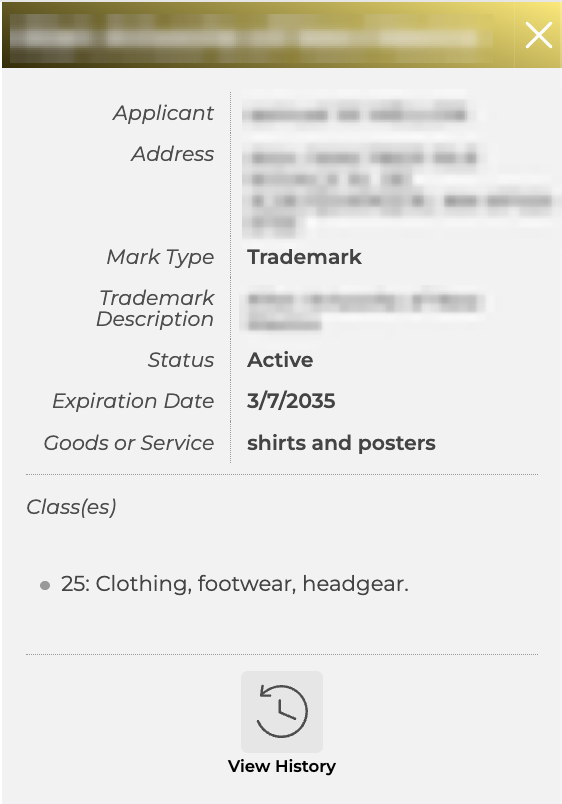
After clicking on a trademark Name, a detailed breakdown will appear in a sidebar on the page.The profile includes the following information regarding the selected trademark:
- Trademark Name
- Applicant Name
- Address
- Mark Type
- Trademark Description
- Status
- Expiration Date
- Goods or Service
- Class