The Minnesota trademark search can be used to review registration details and filing history for trademarks, service marks, collective marks, certification marks, and assumed names (often called “DBAs”). Records can be searched by name or file number.
To qualify for registration, a mark must be unique, not deceptive, and otherwise eligible under state law.[1] Approved marks remain registered for 10 years.[2] If the mark is still in use, the registration may be renewed during the last 6 months of the term.
Trademark Search
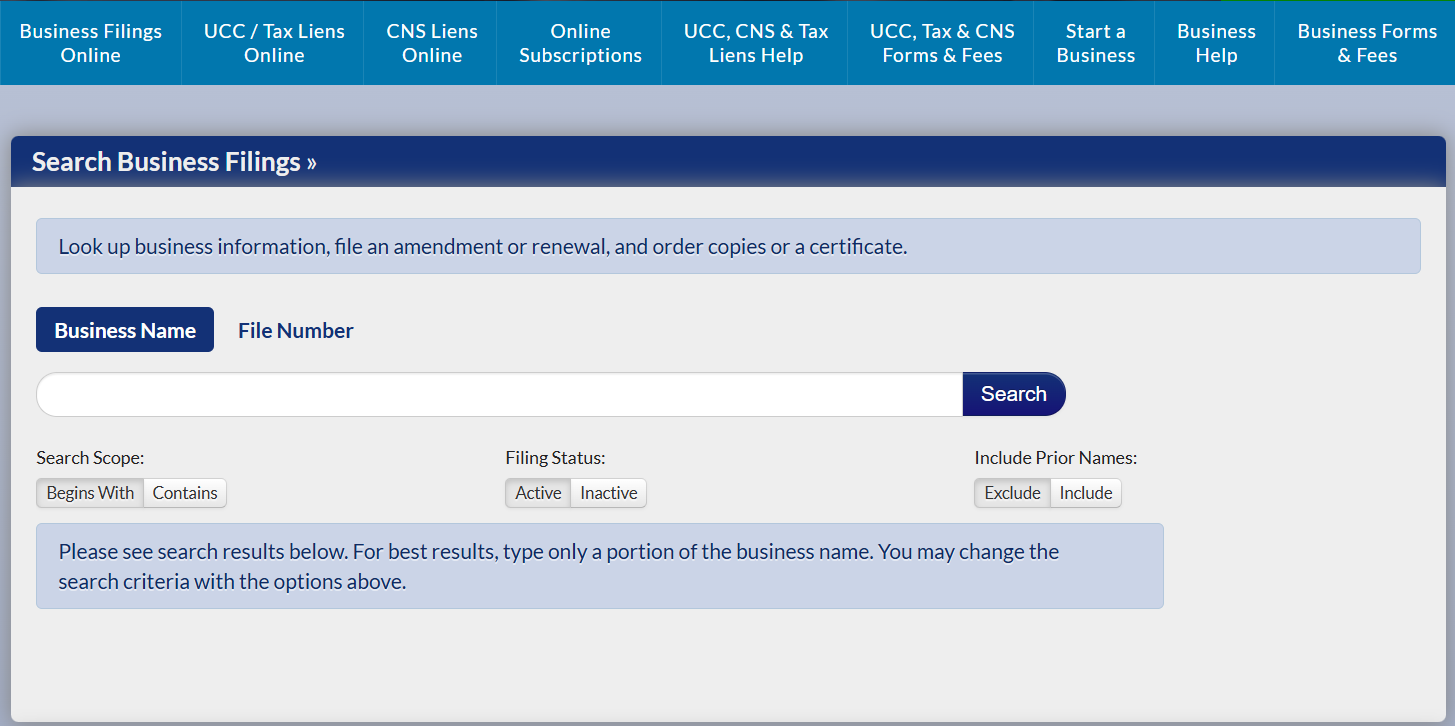
1. Go to the “Search Business Filings” Page
2. Choose the Search Method
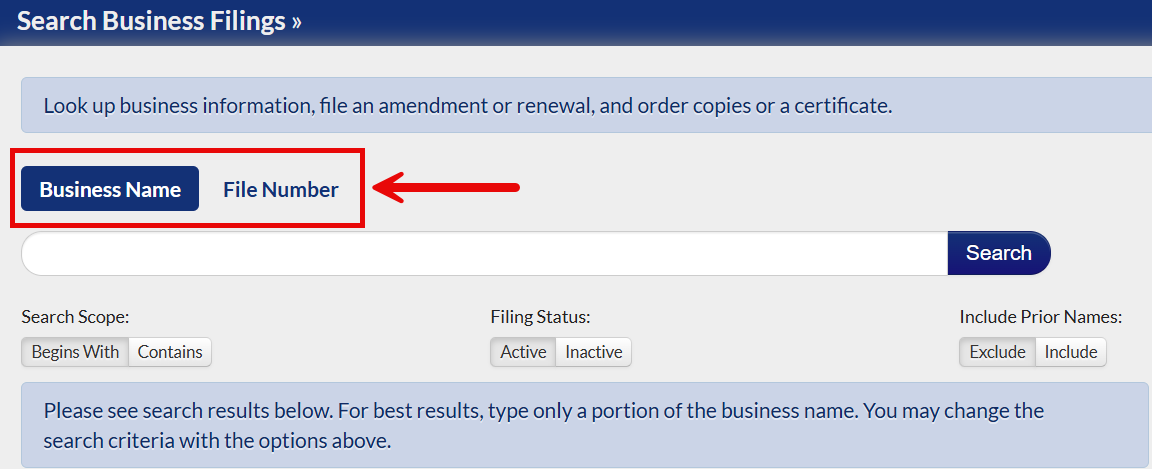
Choose the search method by selecting either Business Name or File Number.
- Use Business Name when searching for marks or DBAs by name.
- Use File Number to find a specific mark or DBA by its file number.
3. Enter a Name or File Number
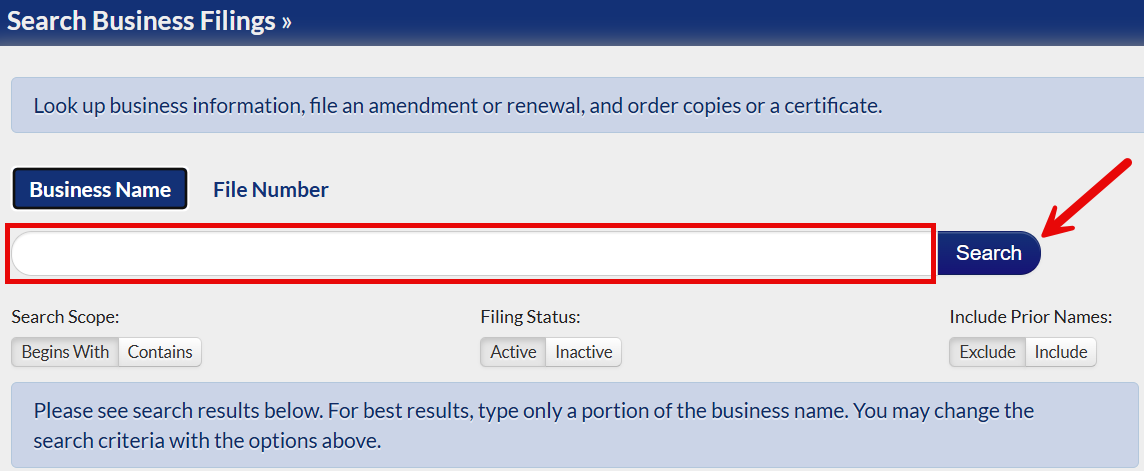
Enter the appropriate search information, either the mark/DBA name or file number, then click the Search button to continue.
4. Check the Search Results
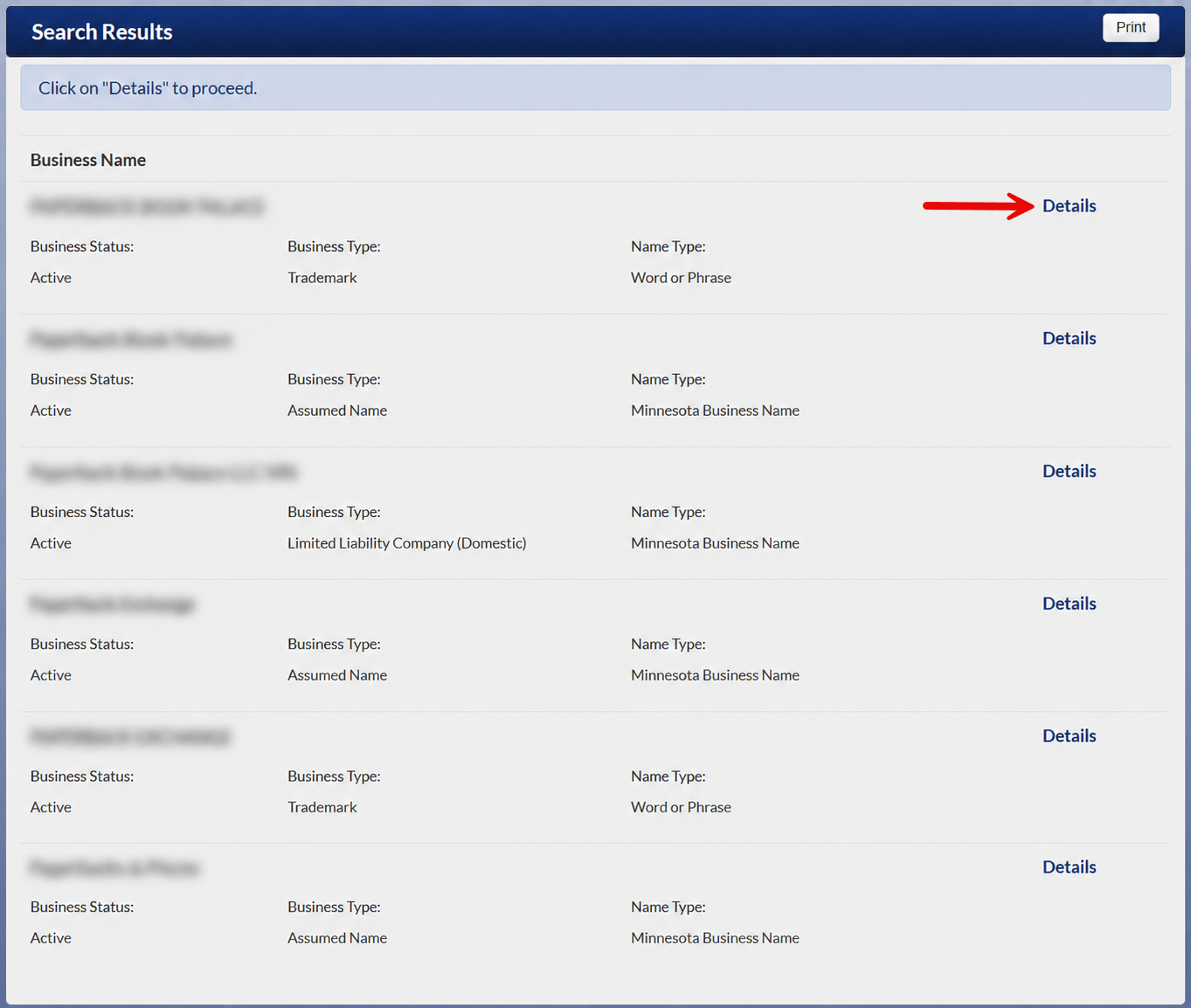
The search will then return a list of records from the Secretary of State’s database. Select the Details button to view additional information for a specific mark or DBA.
5. Review the Selected Record
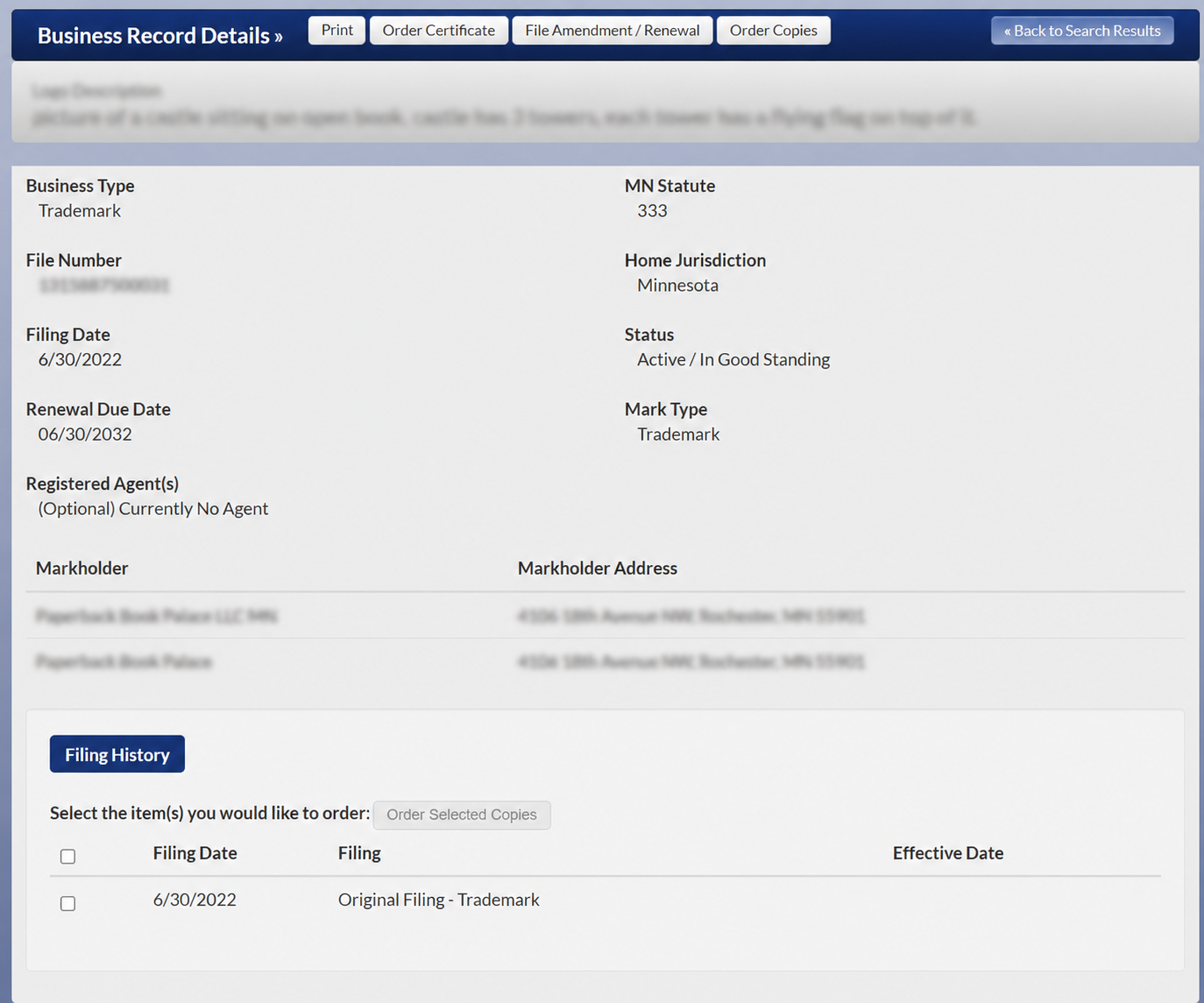
The record details page displays the mark or DBA description at the top, followed by the information listed below:
- Business type
- Minnesota statute
- File number
- Home jurisdiction
- Filing date
- Renewal date
- Registered agent, if applicable
- Mark type
- Markholder name
- Markholder address
- Filing history