The Maryland trademarks search provides access to basic trademark and service mark registration details through the Secretary of State’s website. The database can be searched using several types of information, including mark name, owner, description, and classification.
Marks can be registered with the Secretary of State for a 10-year period.[1] A mark is eligible only if it meets certain conditions, including not being deceptive and not resembling other registered or non-abandoned marks in the state.[2] It must also be in commercial use before registration.[3]
Trademark Search
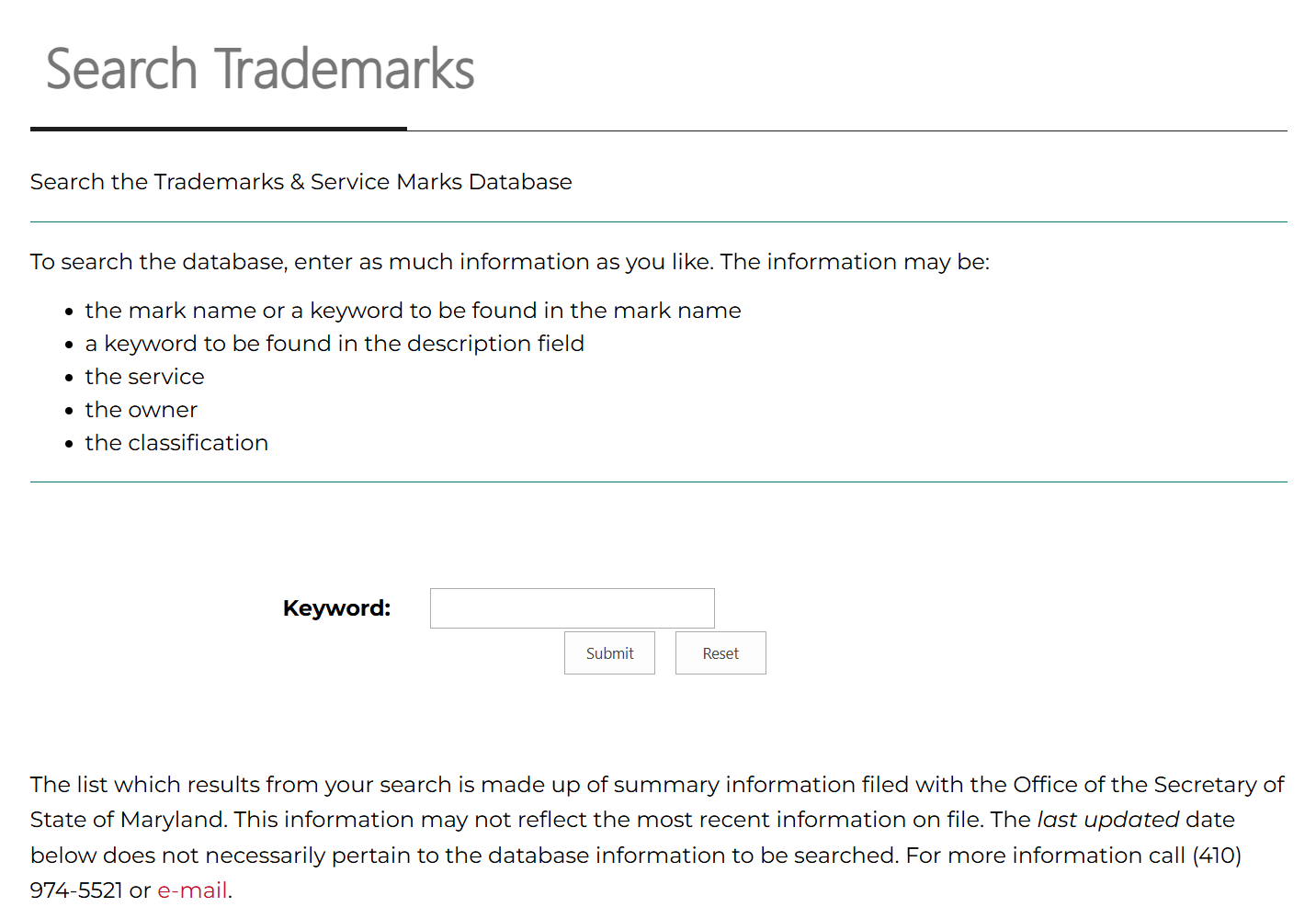
1. Go to “Search Trademarks” Page
2. Choose Search Information
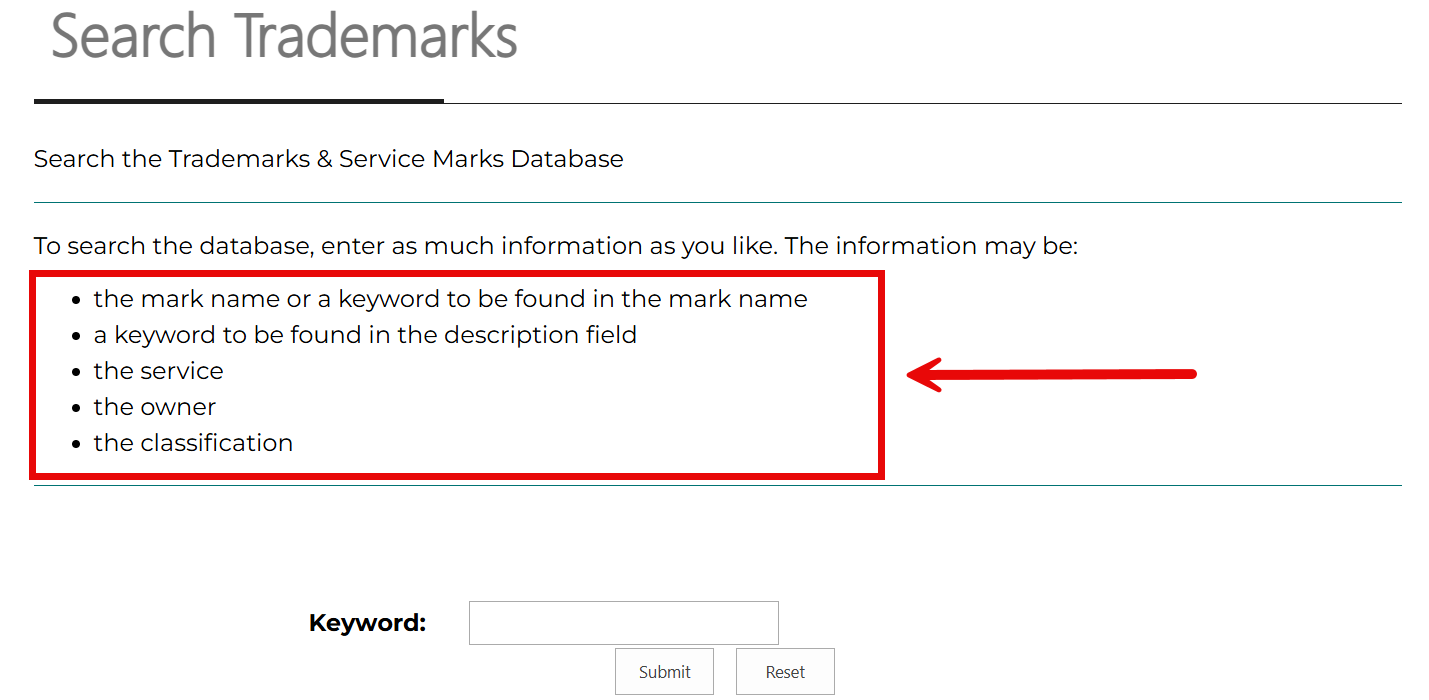
The search tool locates marks in the Secretary of State’s database based on the specific information entered. Before starting the search, decide which information to provide. This may include any of the following:
- The mark name or keyword from the mark name
- A keyword from the mark description
- A description of the service tied to the mark
- The name of the mark owner
- The assigned mark number
- The mark classification
3. Search Database
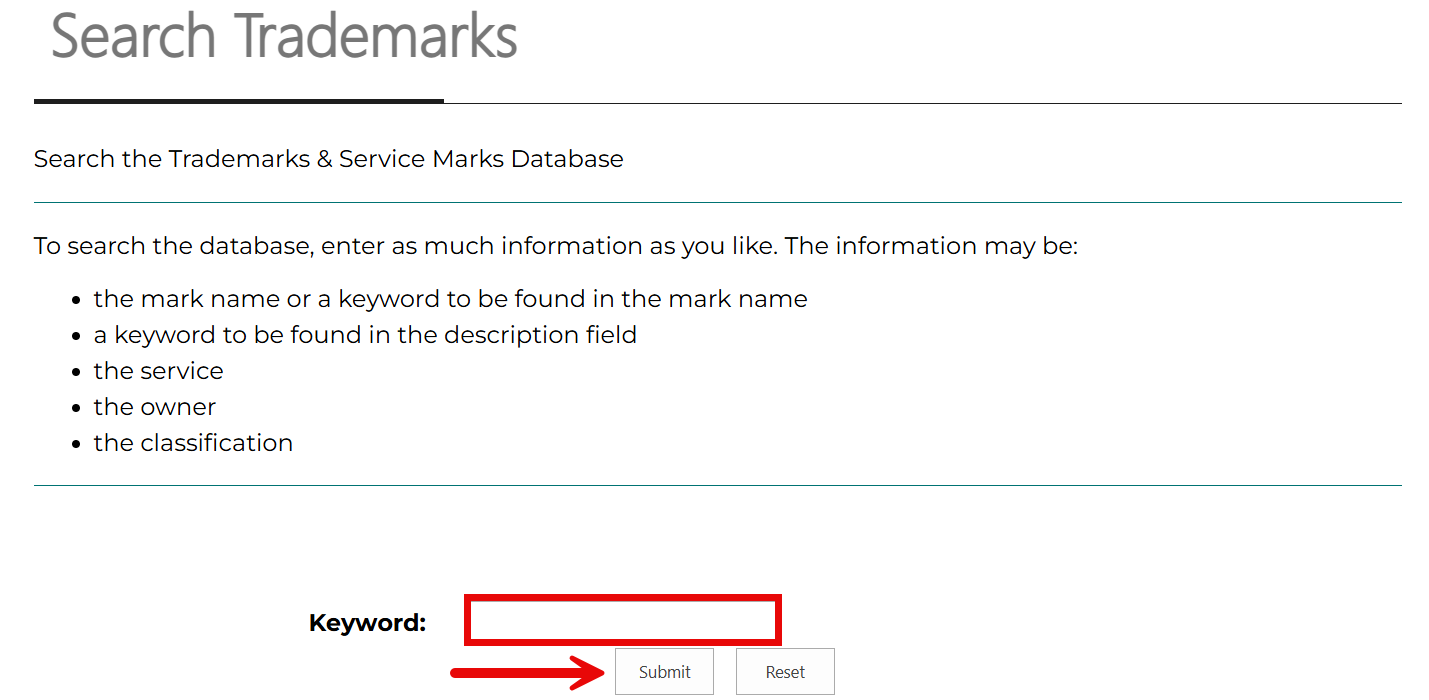
After choosing the search information, enter it into the field located to the right of Keyword. Run the search by clicking Submit.
4. Look at Results
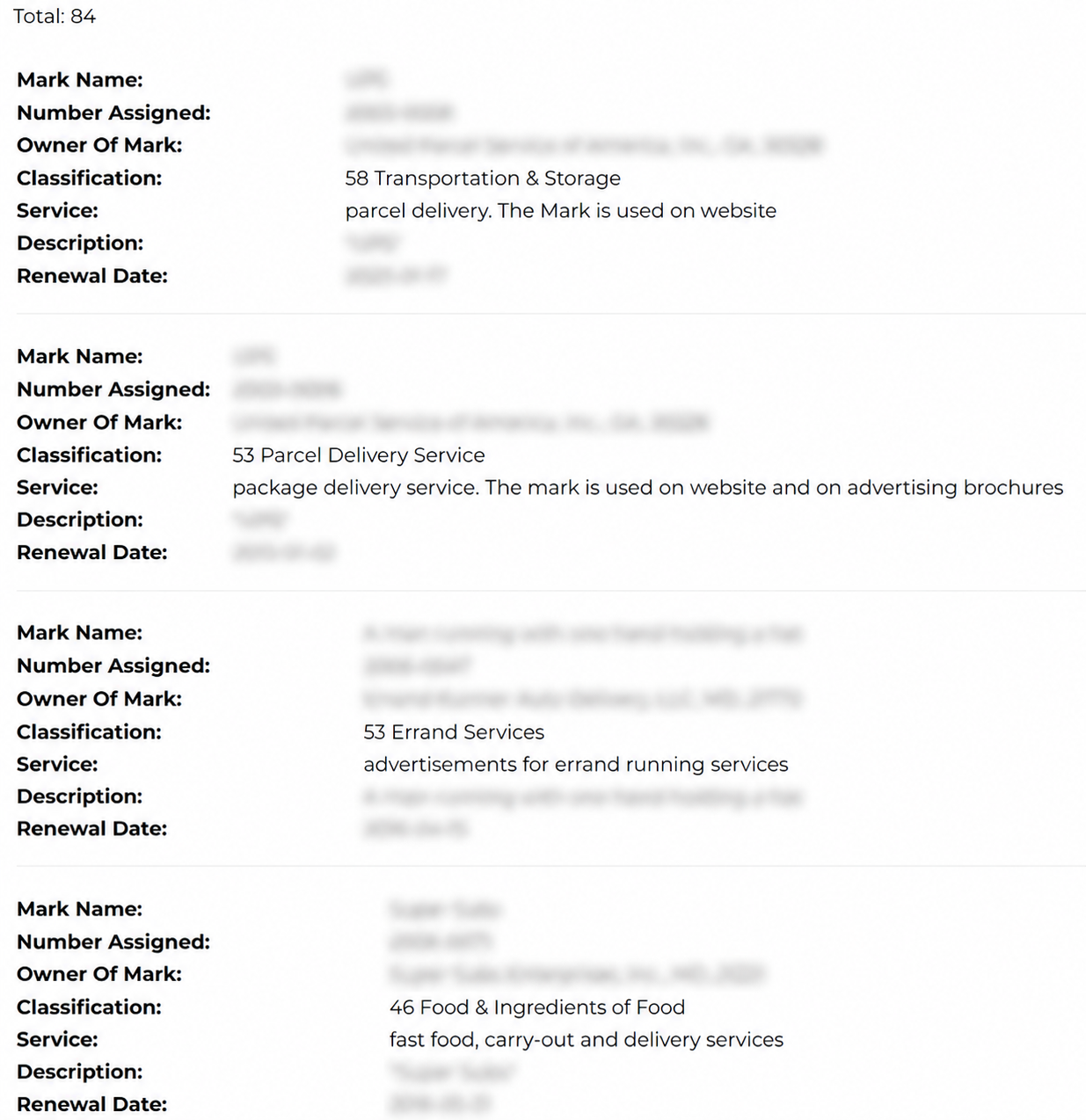
The results page shows all marks in the Secretary of State’s database that contain the information used in the search. The total number of matching marks is displayed at the top of the list, followed by these details for each record:
- Mark name
- Number assigned
- Mark owner
- Classification
- Service
- Description
- Renewal date