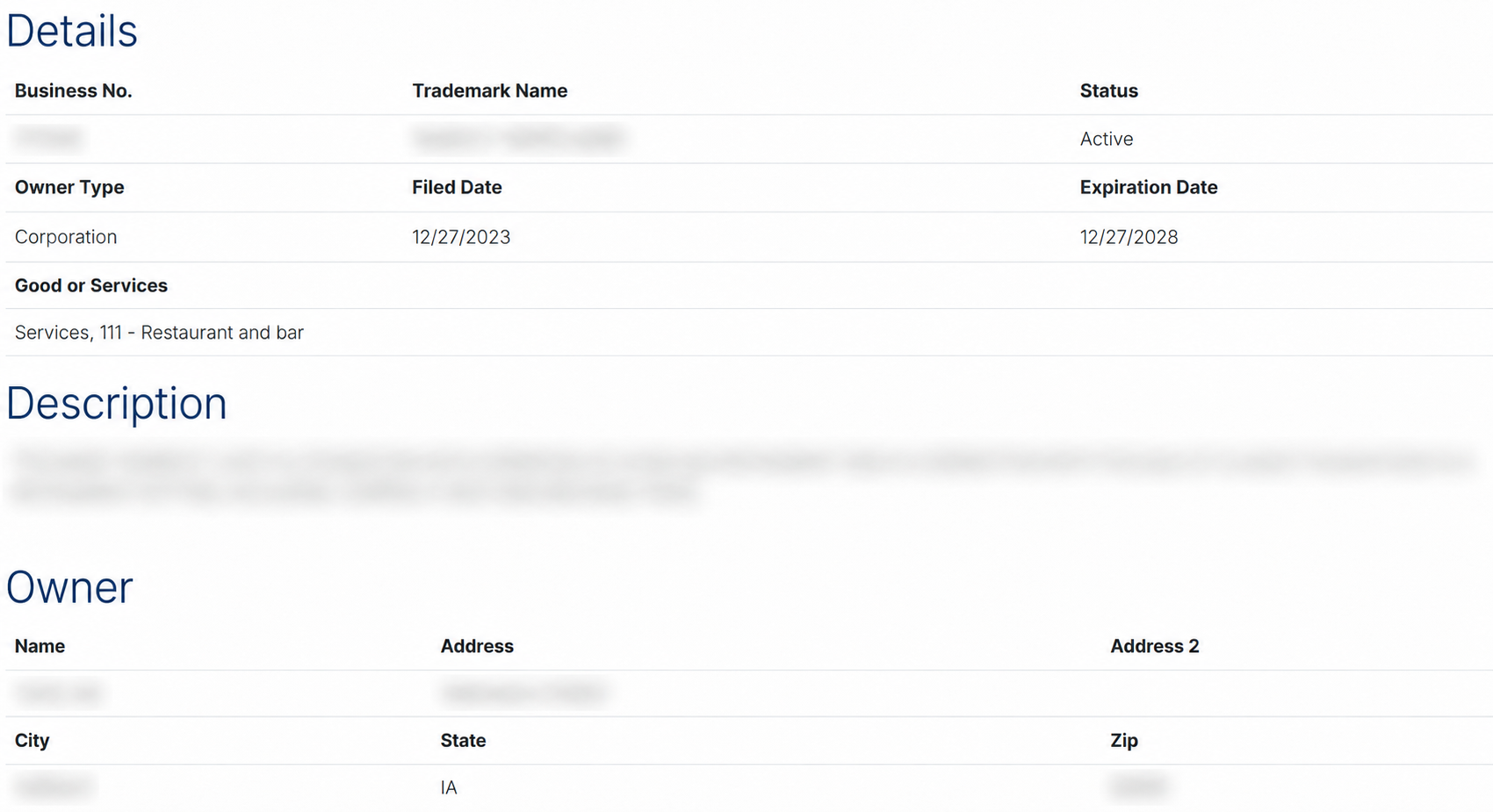
The Iowa trademark search can be used to find marks by name/description, owner name, or business number. It provides results for both trademarks and service marks, including active and inactive registrations.[1] In Iowa, a mark registration remains valid for five years and can be renewed by filing an application within six months before the expiration date.[2]
Trademark Search
1. Go to the “Trademark Search” Page
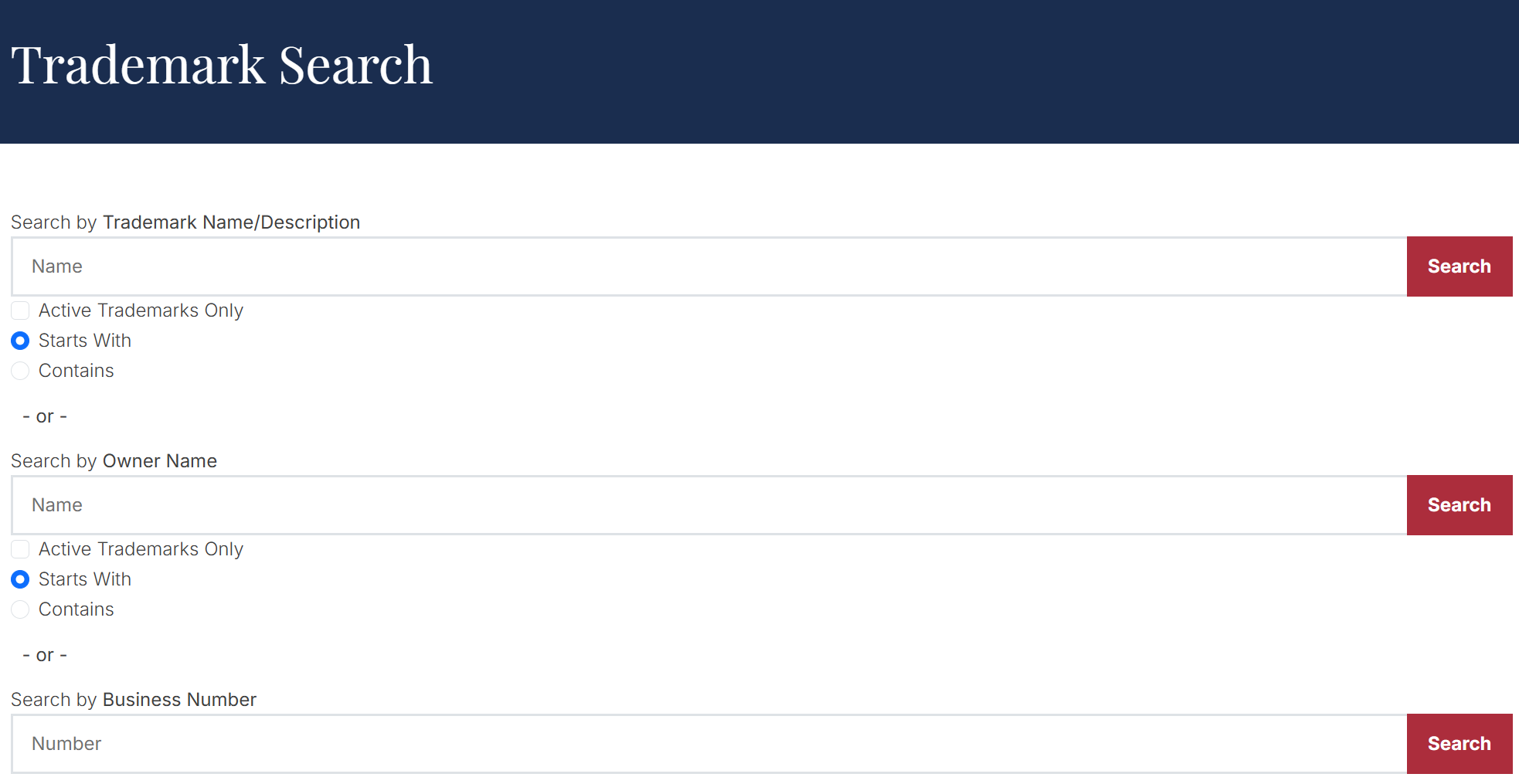
2. Choose a Search Option
Decide which search option to use. The Iowa trademark search allows marks to be found using one of the following options:
- Trademark name or description
- Owner name
- Business number
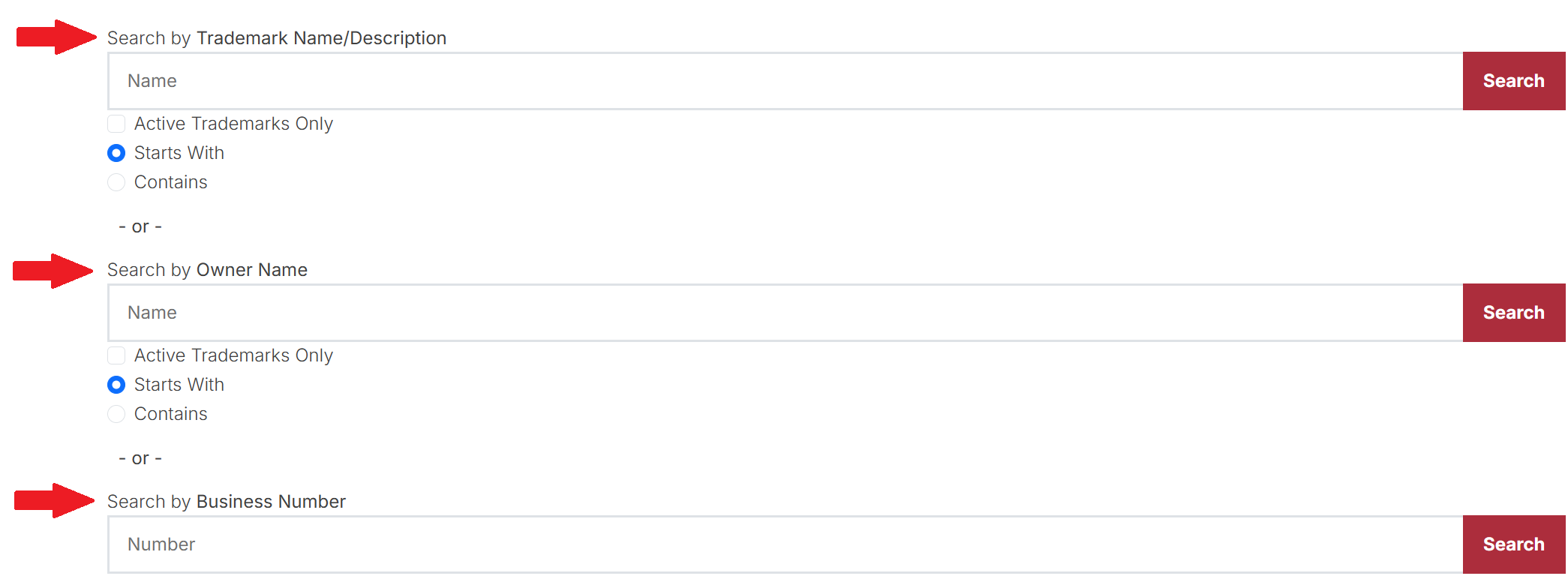
3. Perform a Search
Enter the trademark details into the appropriate search bar and click Search. It’s best to use the Trademark Name/Description option with the Contains filter to get the widest range of results.

4. Review Search Results
Trademarks matching the search criteria will appear on the next page, along with the corresponding business number, owner name, trademark status, and filing date.
Select the Business # in the left column to view more information about a particular trademark.

5. Inspect Trademark Record
Once the trademark record is displayed, the following details will be accessible:
- Business number
- Trademark number
- Trademark status
- Owner type
- Filing date
- Expiration date
- Trademark description
- Owner name and address