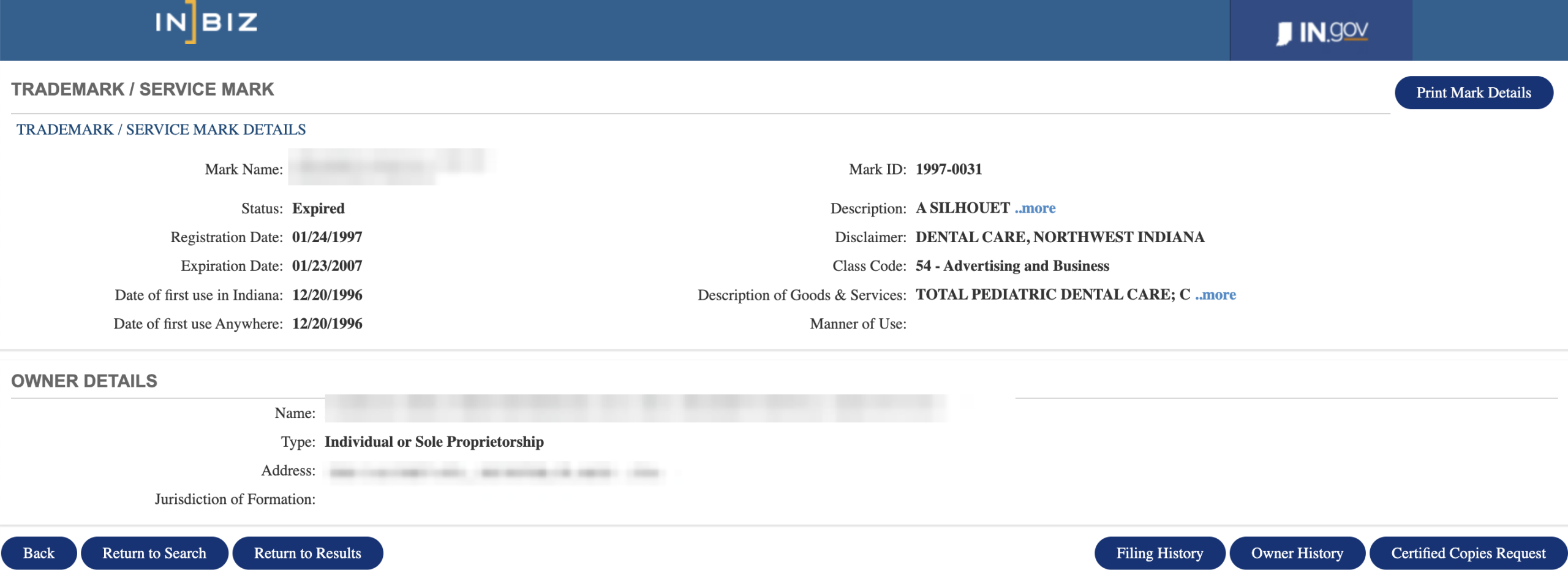
The Indiana trademark search allows users to search for trademarks registered in the state by name, number, owner, or description. A trademark can be any words, name, symbol, device, or combination thereof that identifies and distinguishes goods and products.[1]
Trademarks are registered electronically by application and that must be made in accordance with state requirements.[2] They are valid for 5 years from their registration date and must be renewed within 6 months of their expiration.[3]
Trademark Search
1. Go to the “Trademark Search” Webpage
2. Enter Search and Choose Search Option
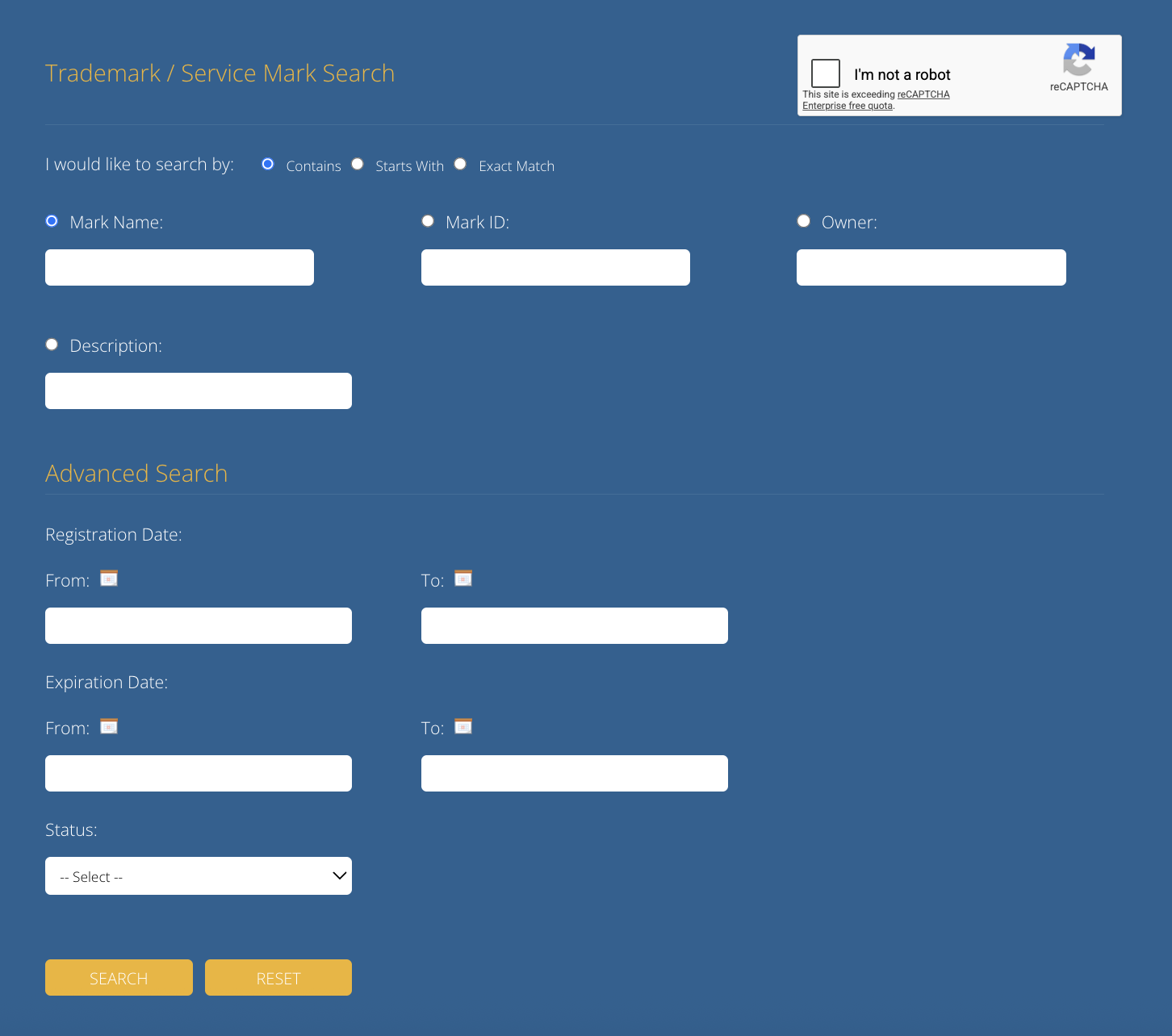
Enter the trademark name in the Mark Name field and click the reCAPTCHA (see image). The search option is Contains by default, Starts With or Exact Match may be selected instead.
Alternatively, search by Mark ID, Owner, or Description.
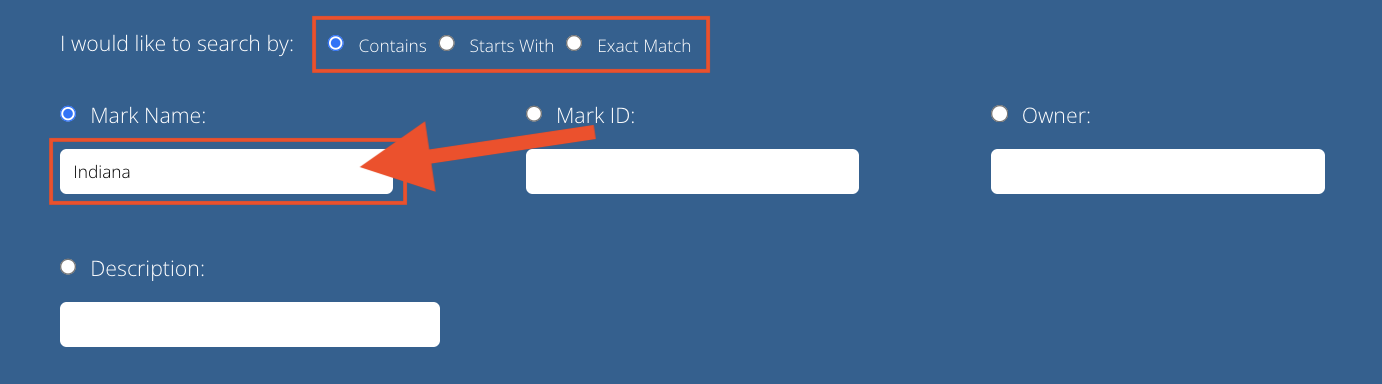
3. Click Search
Click the Search button to view the search results for inputted information.

4. View Search Results
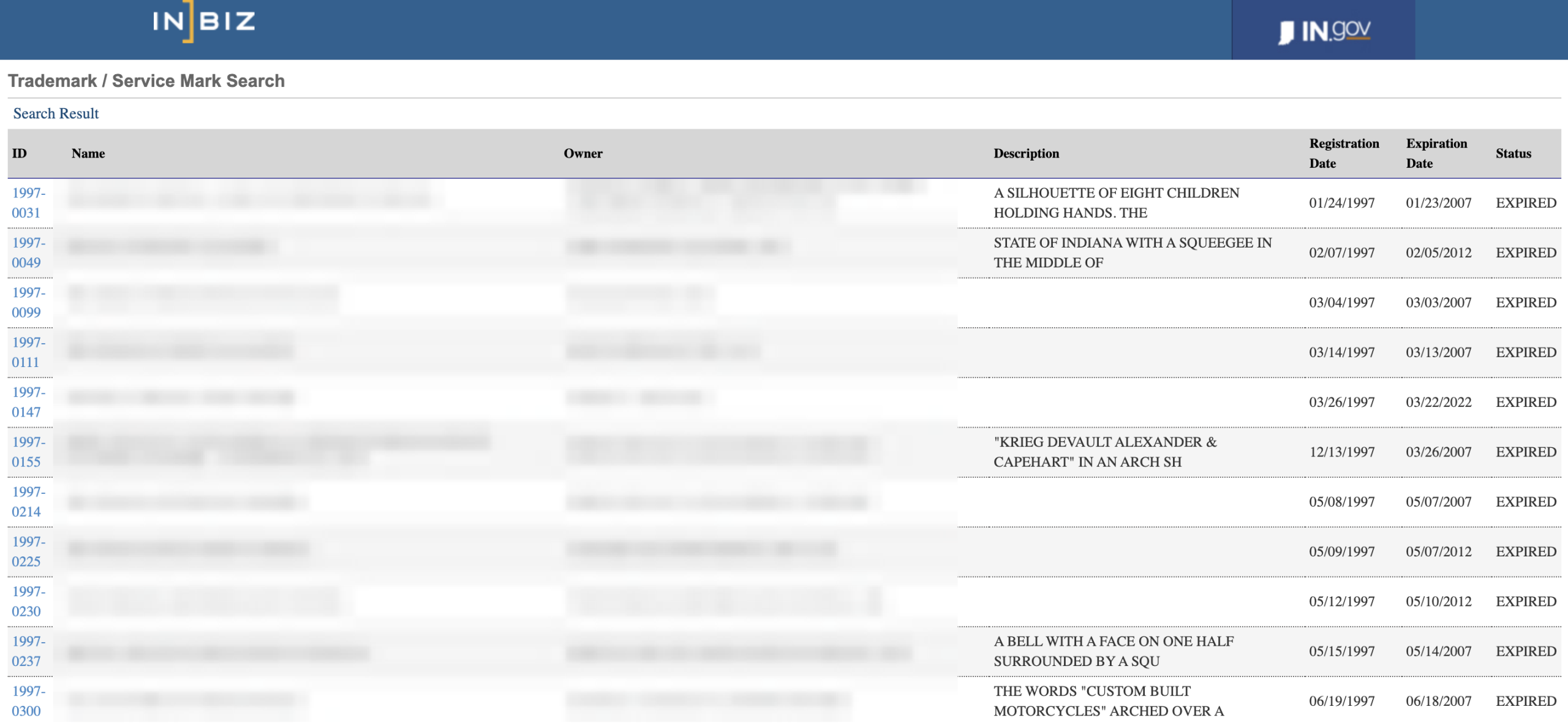
After clicking Search, a list of all matching results will load in a new webpage. The following information will be displayed for each trademark:
- Registration Number
- Name
- Owner
- Description
- Registration Date
- Expiration Date
- Status
5. View Detailed Information
Clicking on the registration number of a trademark will open up its profile which provides the following details:
- Mark Name
- Mark ID
- Status
- Registration Date
- Expiration Date
- Date of first use in Indiana
- Date of first use Anywhere
- Description
- Disclaimer
- Class Code
- Description of Goods & Service
- Manner of Use
- Owner Name, Type, Address, & Jurisdiction