The Hawaii DBA and trademark search enables users to search and purchase documents for service marks, trademarks, trade names and entities registered in Hawaii. The results can be filtered by entity type, allowing users to narrow results to the mark/name type their researching. The Business Registration Division warns to not treat the results as definitive proof of name availability.[1]
A “trademark” is a symbol, logo, name, device, or combination thereof that identifies a person’s goods, while a “service mark” distinguishes a person’s services. A “trade name” is any name used by a person to identify their business.[2]
Trademark Search
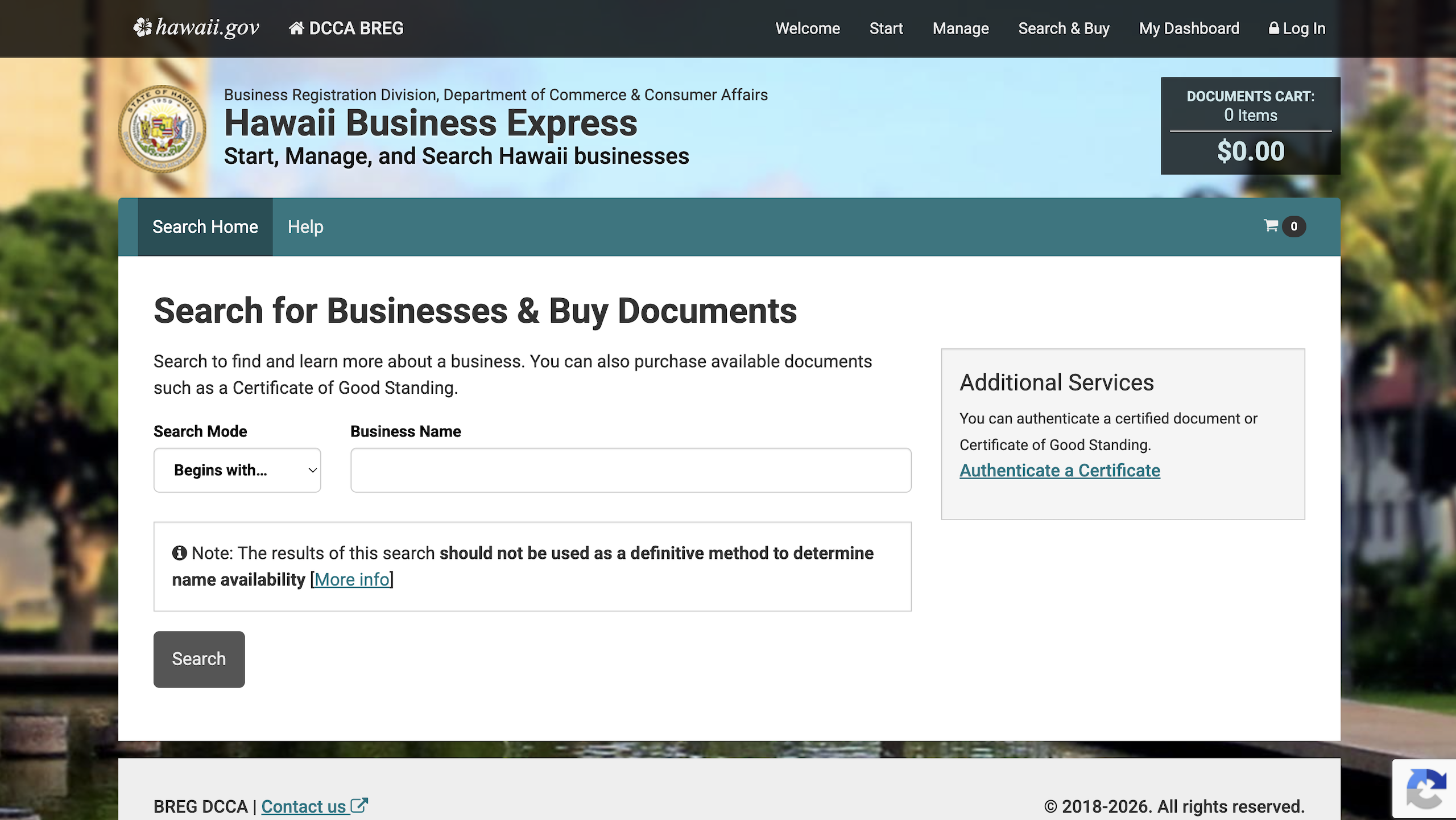
1. Go to Search Home Page
2. Enter Mark or Trade Name
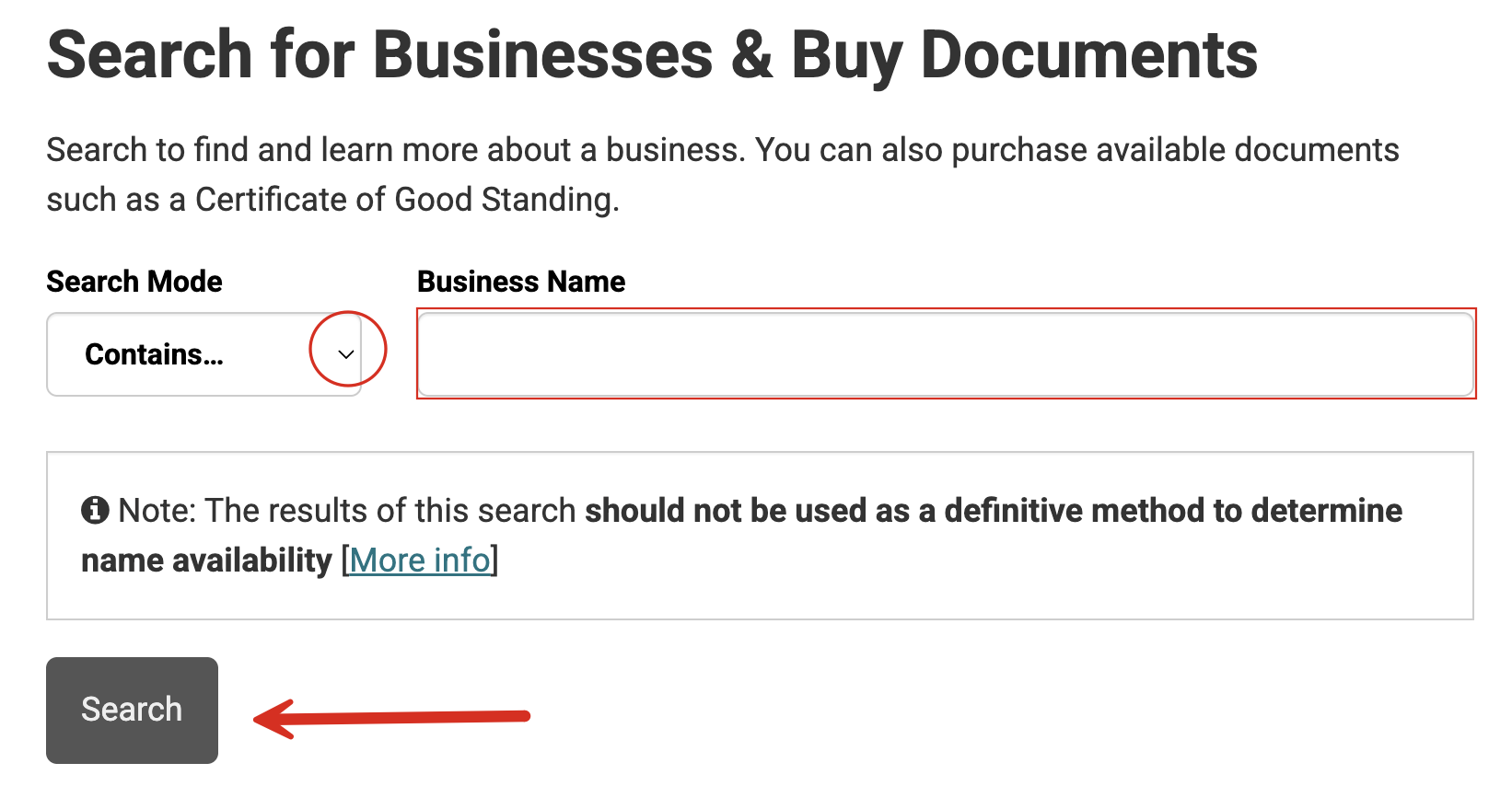
On the homepage, select the arrow in the dropdown menu to choose the search mode: Contains… or Begins with…
Enter the trade name or mark name in the provided field and click Search.
3. Filter Results
The subsequent page will present a list of entities, trademarks, service marks and trade names that contain or start with the entered name. Use the dropdown menus at the top to filter out unwanted results.
- The Record Type menu will present all record types (see image)
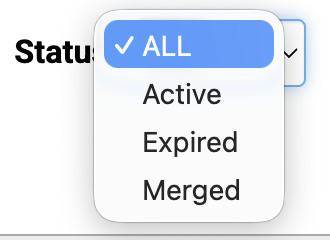
- Status enables users to select Active, Expired, or Merged (see image)
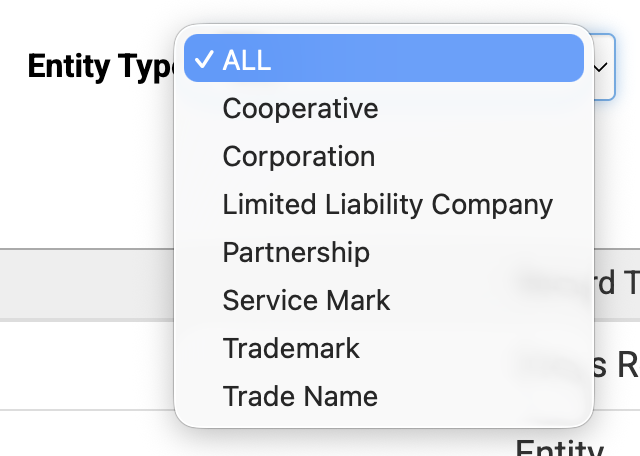
- Entity Type filters for entities, trade names, trademarks, or service marks (see image)
Click Apply filter(s) to view refined results.

4. See Results
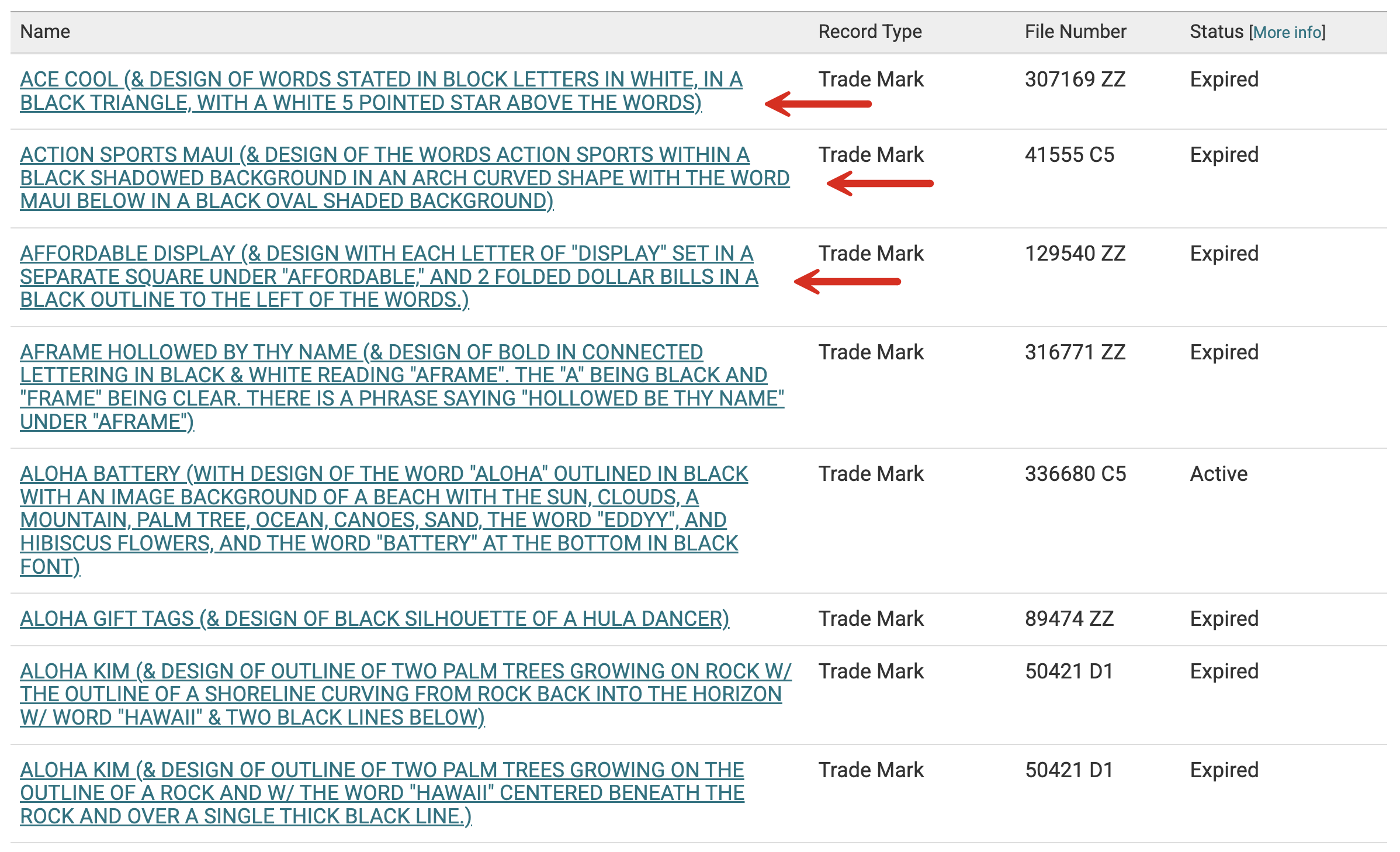
With the filters selected, all the trademarks, service marks, or trade names that match the original name input on the homepage will be presented. The Record Type, File Number, and Status are also available. Click the name to view more info.
5. Review Mark/Name Info
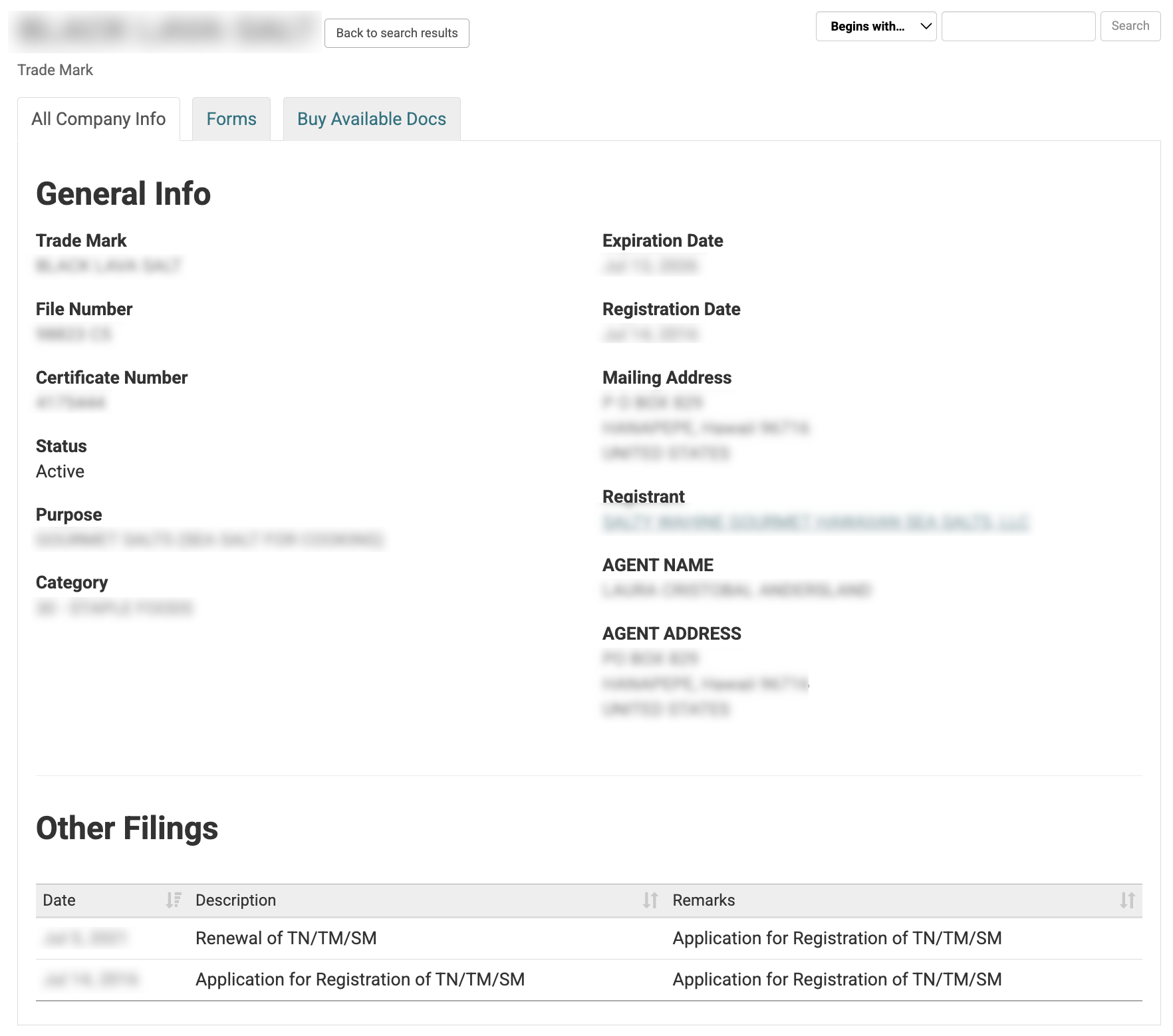
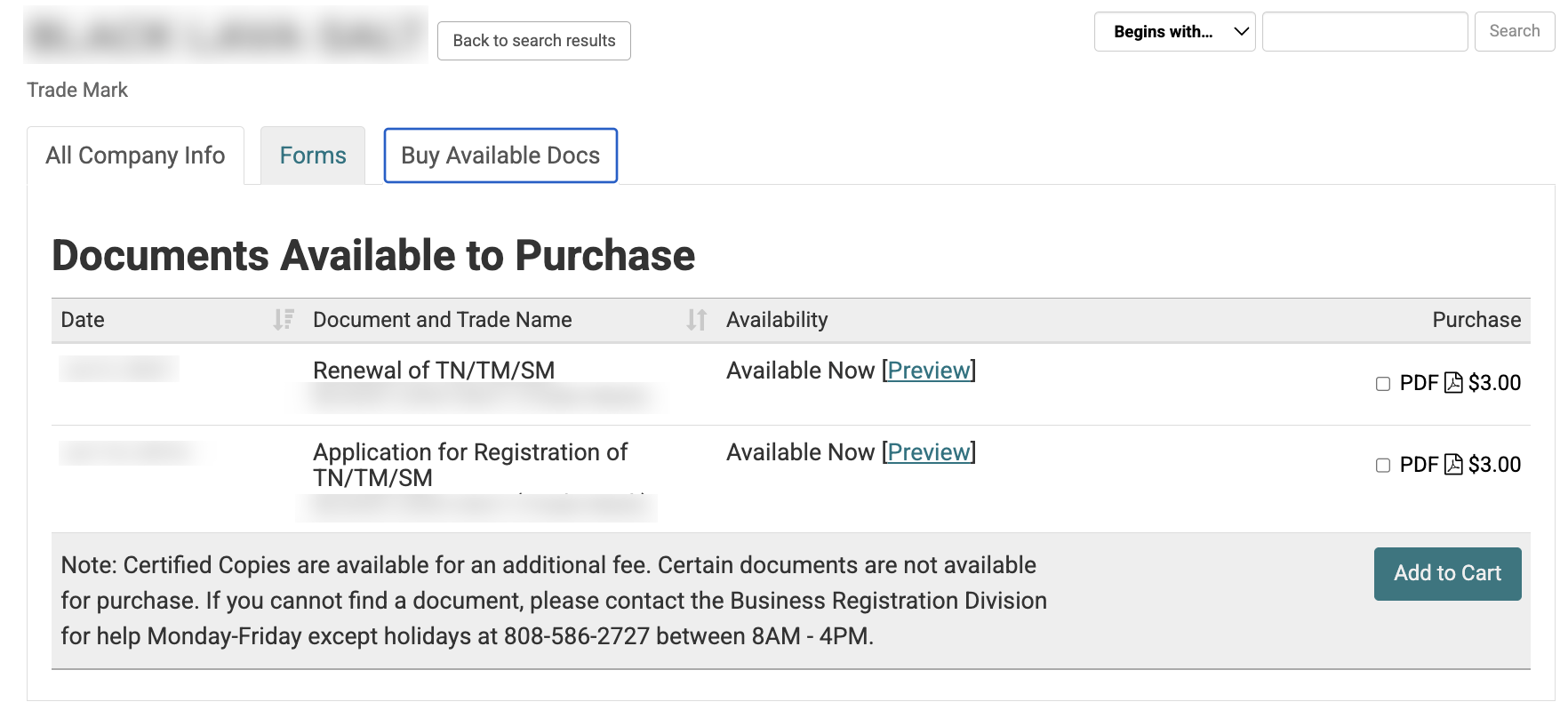
On the next page, the detailed info in the All Company Info tab will include the following data:
- Mark/trade name
- File #
- Certificate #
- Status
- Purpose
- Category
- Expiration date
- Registration date
- Mailing address
- Registrant
- Agent name and address
- Filings