The California trademark search is a free tool provided by the Secretary of State that enables users to access available information on state-registered trademarks and service marks. The service was introduced in 2019 as an expansion of bizfile California and can be used to both research mark availability and investigate records.[1]
Trademark registration is valid for five years and renewal must occur within six months of expiration.[2] There is no limit on the number of renewals.[3]
Trademark Search
1. Navigate to California Trademark Search
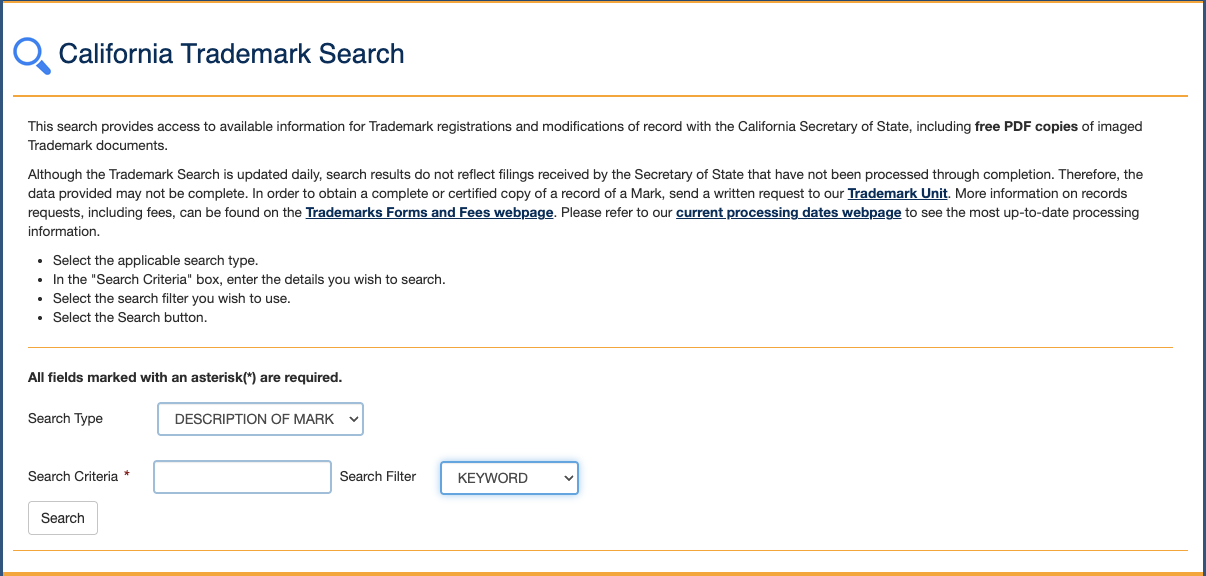
2. Enter Search Details and Filter
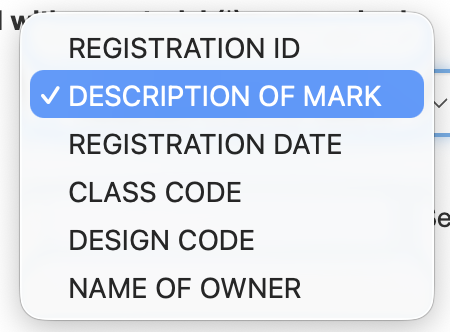
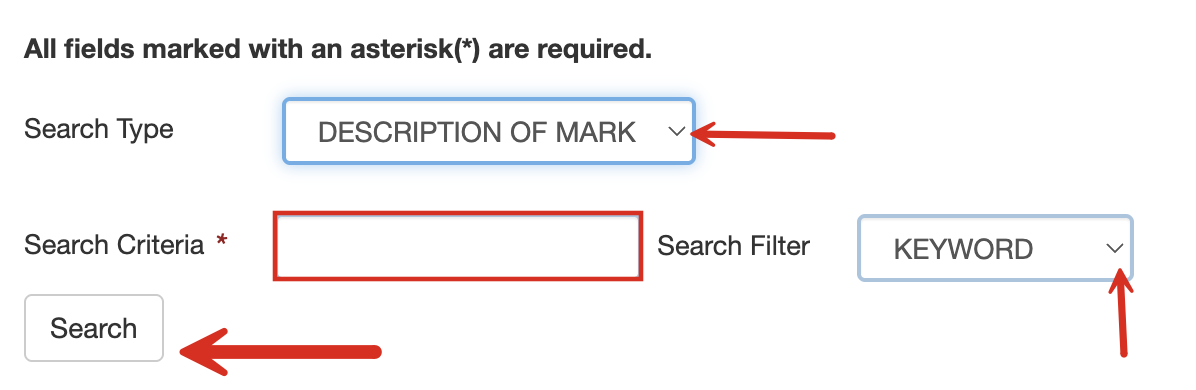
- Use the dropdown menu to define the Search Type (see image).
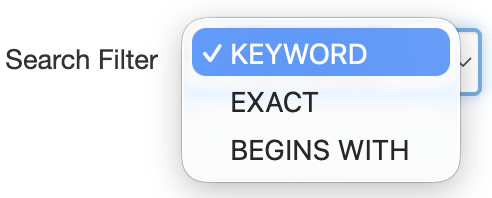
- Choose the Search Filter, when possible (see image).
- Enter in Search Criteria.
- Click Search.
3. Review List of Results
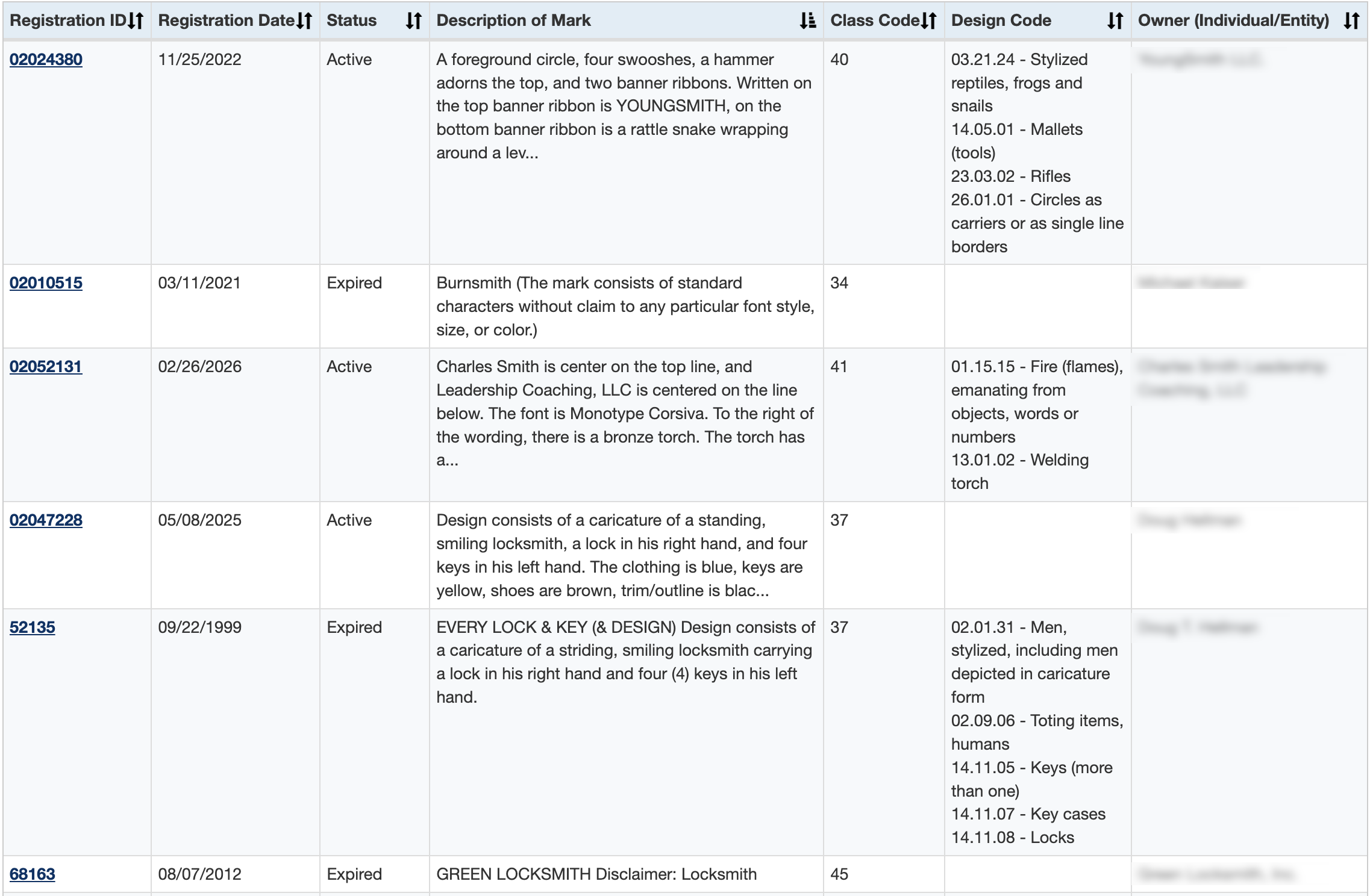
The following page will give access to all marks registered in California that match the previously-entered search criteria, listing the following identifiers:
- Registration ID
- Registration Date
- Status
- Mark Description
- Class Code
- Design Code
- Owner
4. Review Trademark Details
Select the Registration ID to be presented with the complete mark description. The detailed page will also provide the expiration date which isn’t included on the search results page.
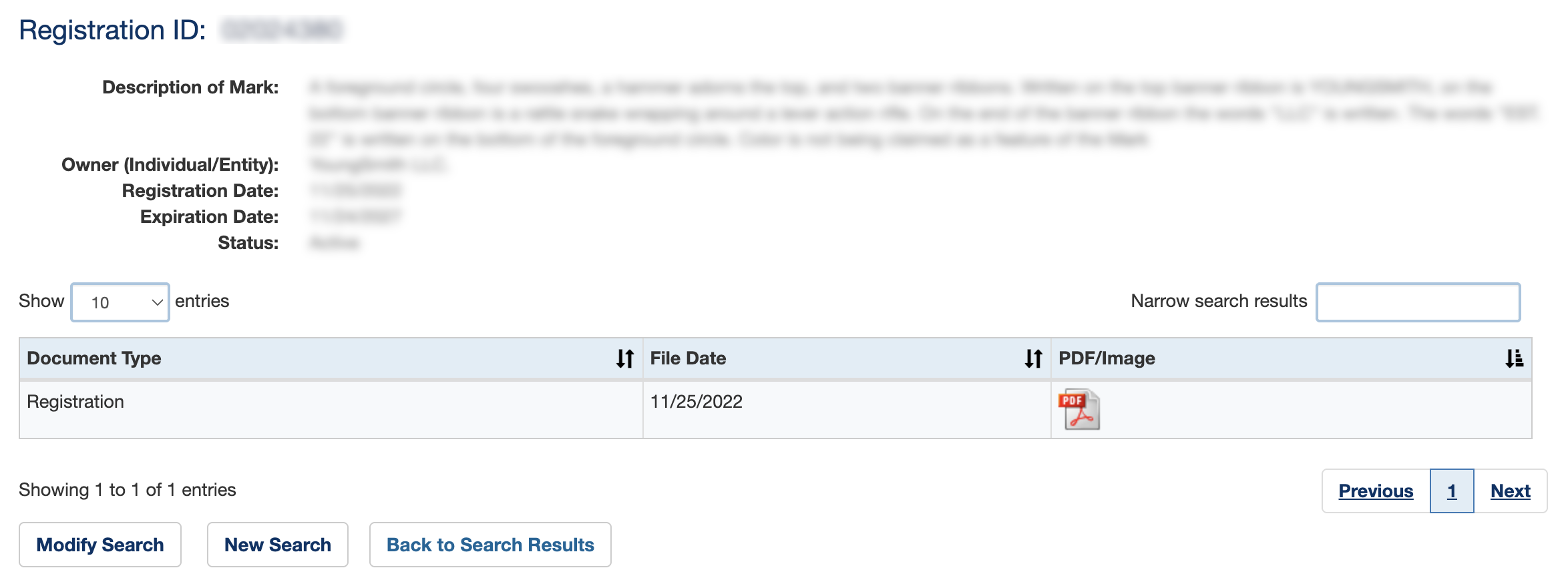
5. Access PDF
To access an image of the trademark (when available), the application for registration, and any other imaged trademark document, click on the PDF/Image icon.