The Alaska trademark search allows mark registrations to be searched by name, number, or classification. State law sets the conditions each mark must meet to qualify for registration.[1] Once registered, the mark is valid in Alaska for five years from the registration date and may be renewed in perpetuity for a fee.[2]
Trademark Search
1. Go to the “Search Trademarks” Page
3. Enter the Trademark Details
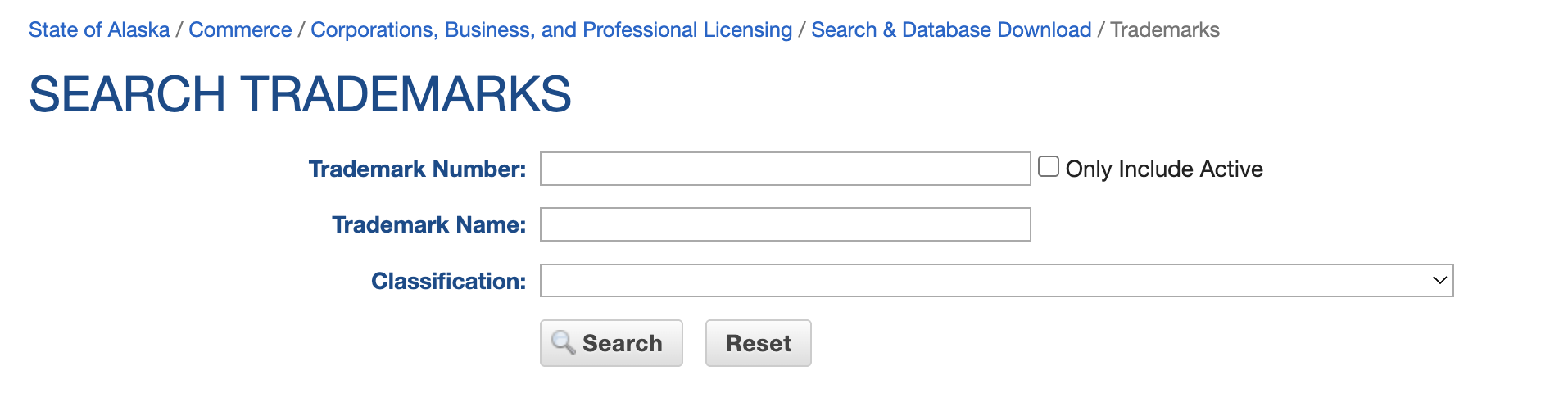
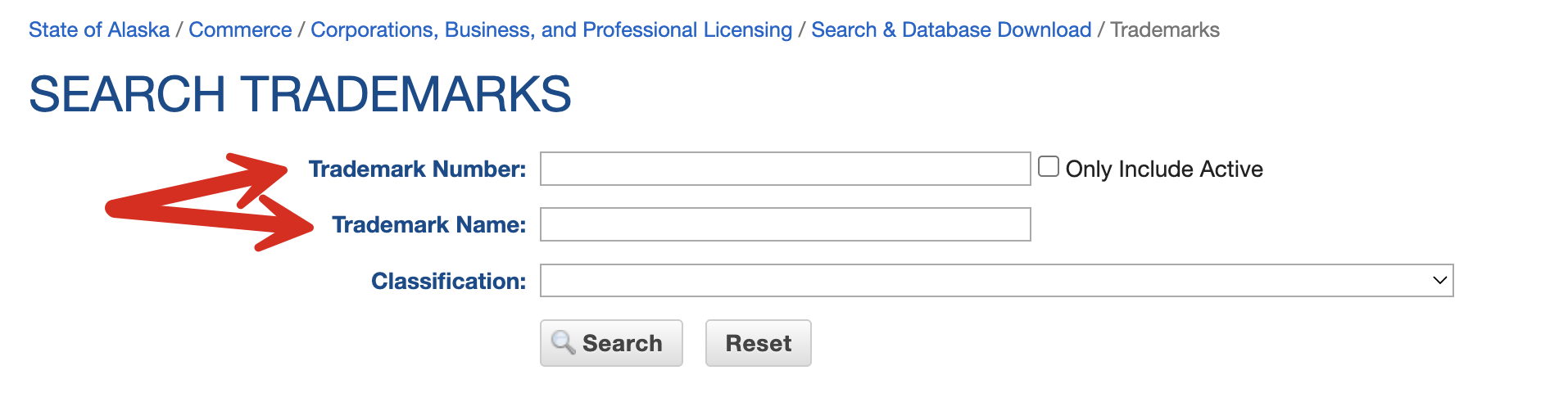
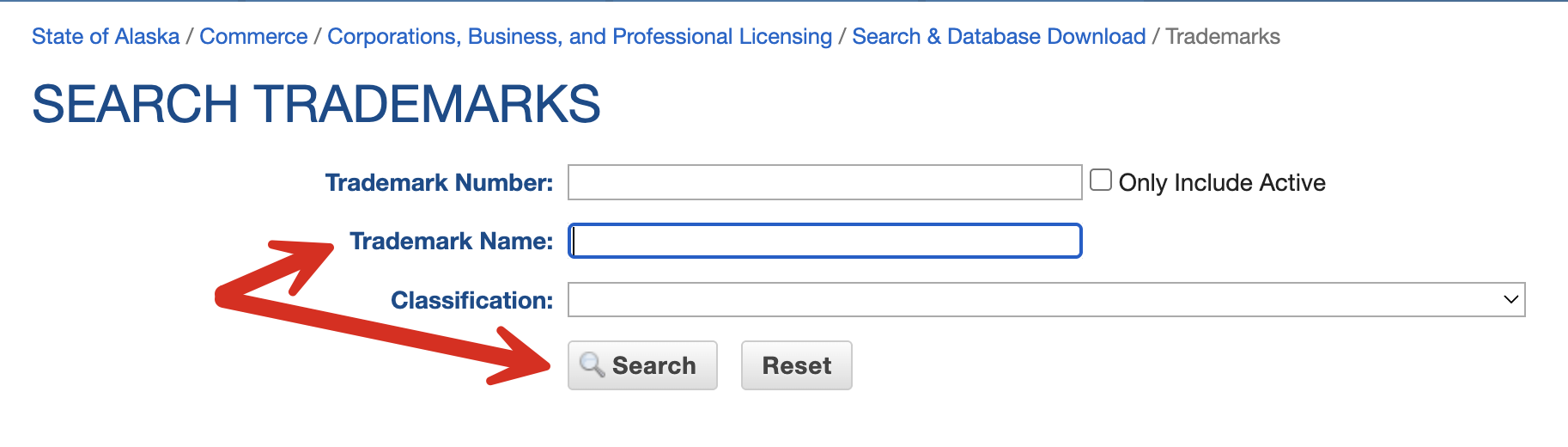
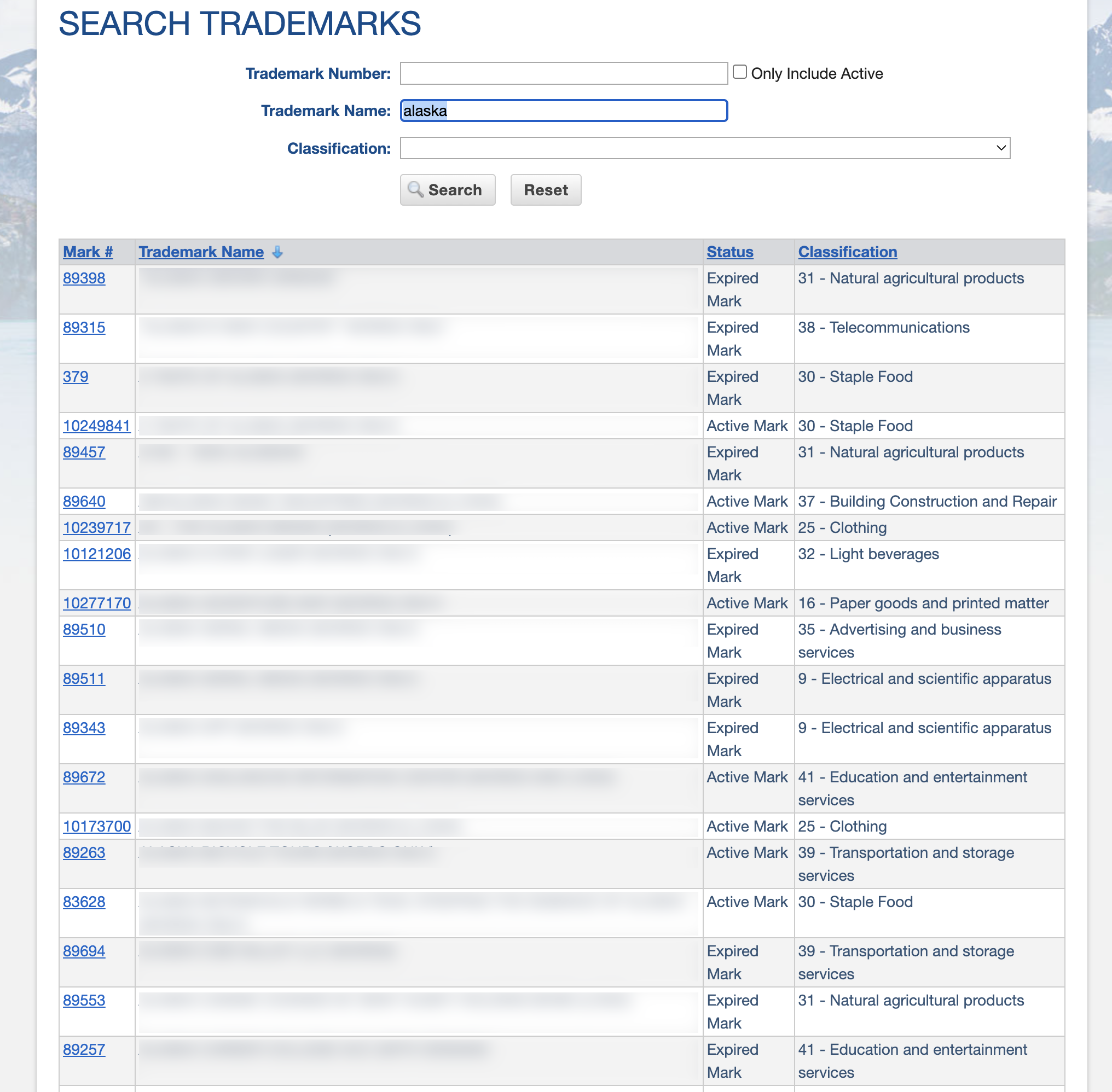
Type the trademark number or name in the applicable field. To perform a broad search with as many matching results as possible, use the Trademark Name field only.
4. View Results List
After a search is performed, the trademark database will retrieve all matching results that include the entered word.
Click on the Mark # to open the full trademark record and view ownership information.
5. View Trademark Record
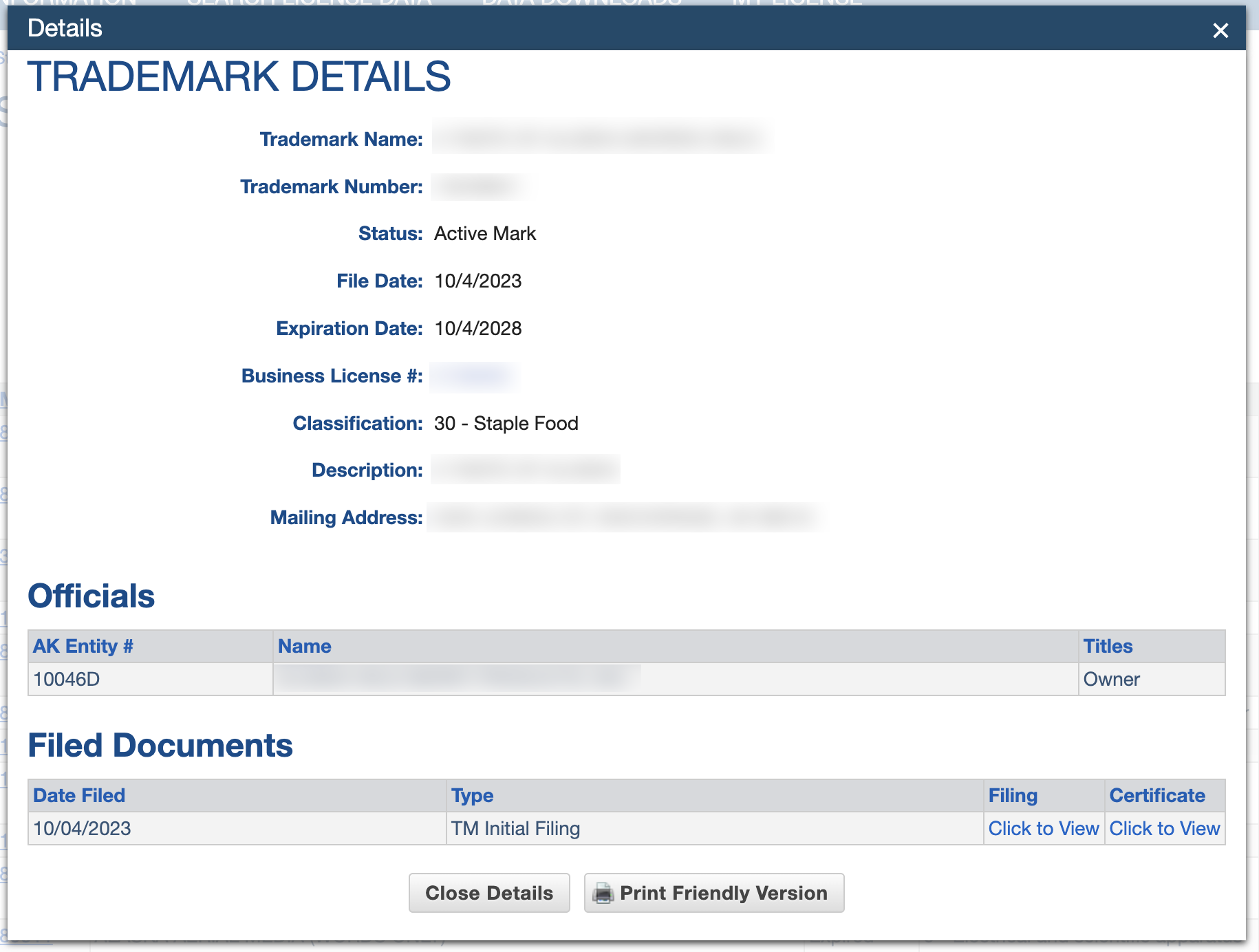
After the Mark # is selected, a pop-up window appears with the following trademark details:
- Trademark name
- Trademark number
- Status (e.g., active, expired)
- File date
- Expiration date
- Business license #
- Classification
- Description
- Mailing address (owner)
- Officials
- Filed documents