The Alabama trademark records can be searched by mark description, applicant name, or trademark number. Along with marks, the database includes “doing business as” (DBA) and fictitious names, which are officially known as “trade names” in Alabama.[1] A registered trademark is valid for 5 years and must be for goods, services, or a business that meets statutory requirements.[2][3]
Trademark Search
1. Go to the “Trademark Records” Page
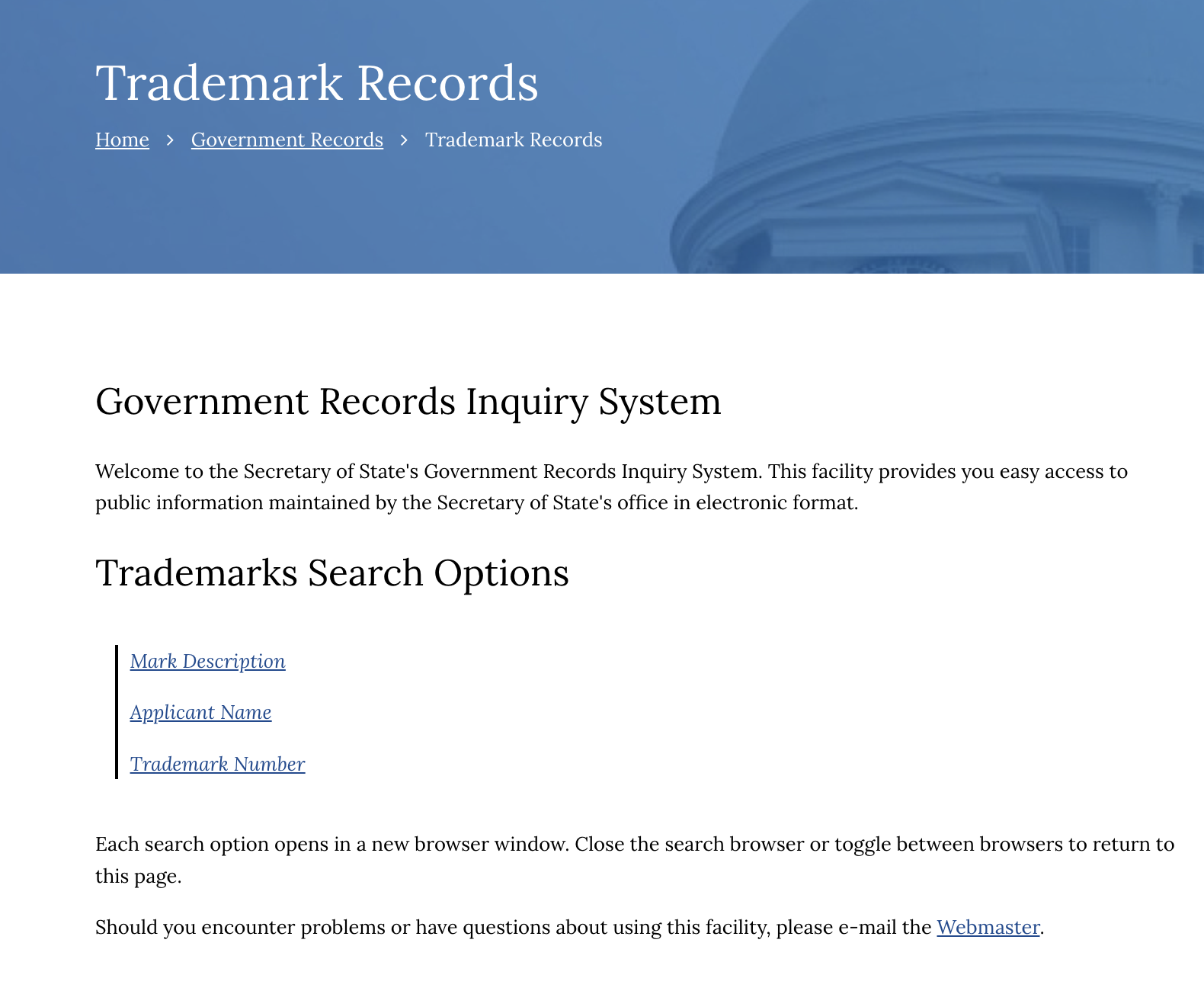
2. Choose Search Type
Choose one of the trademark search options:
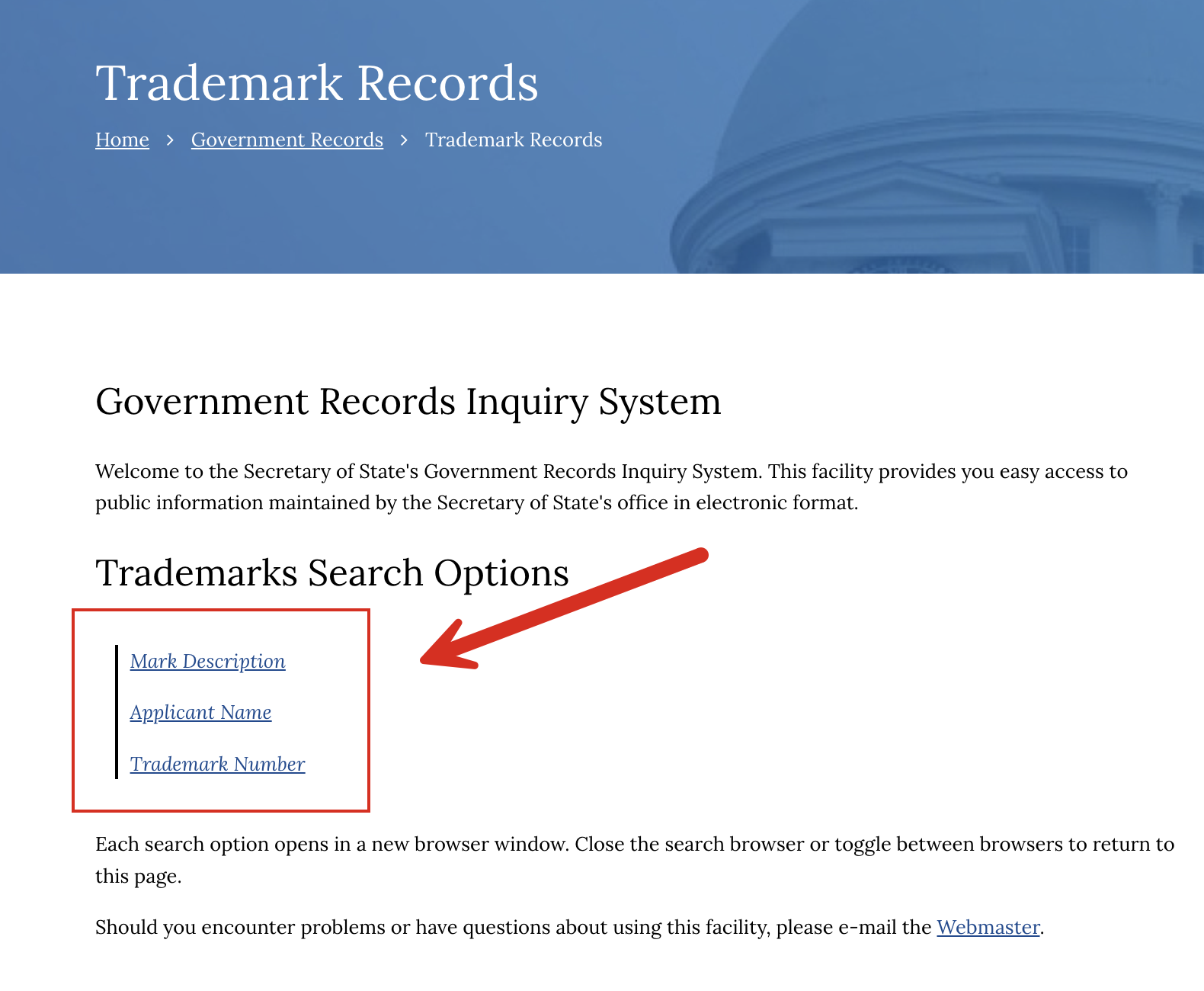
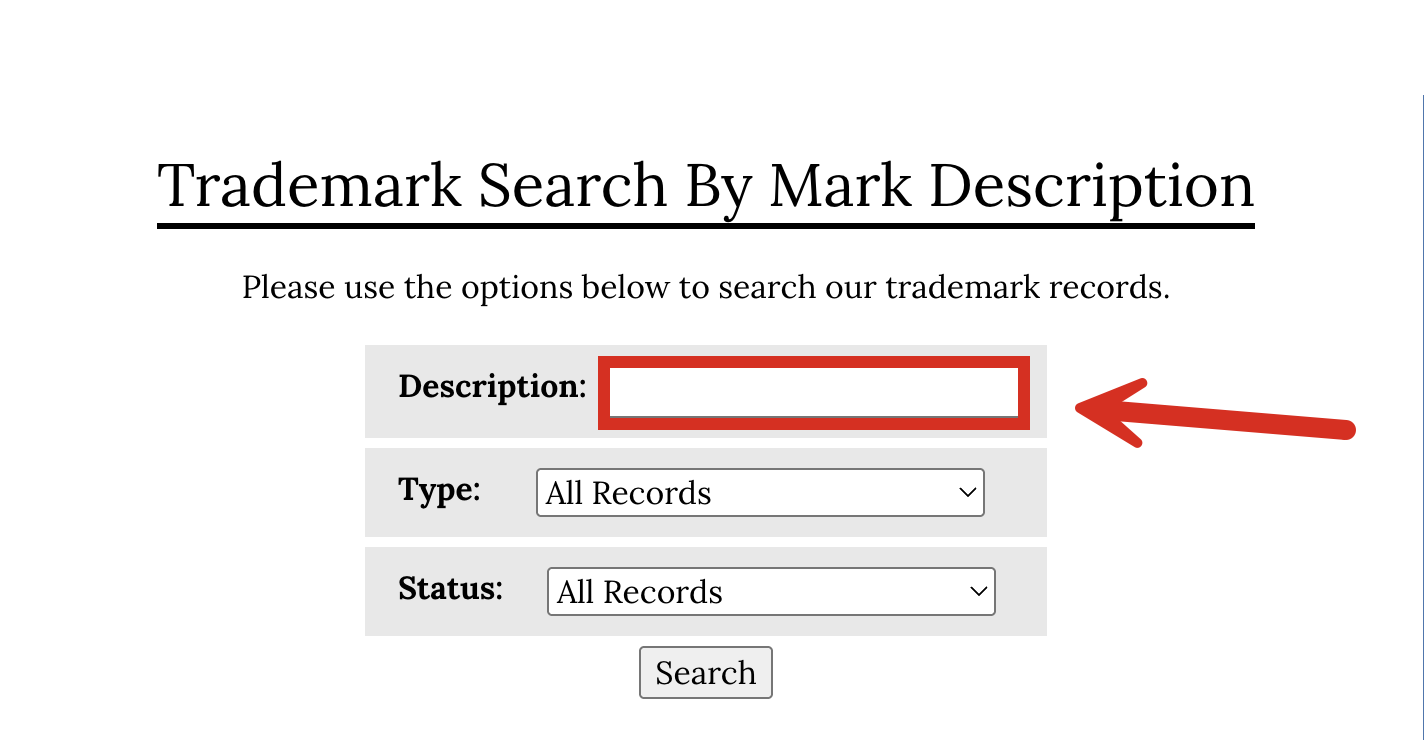
4. View List of Results
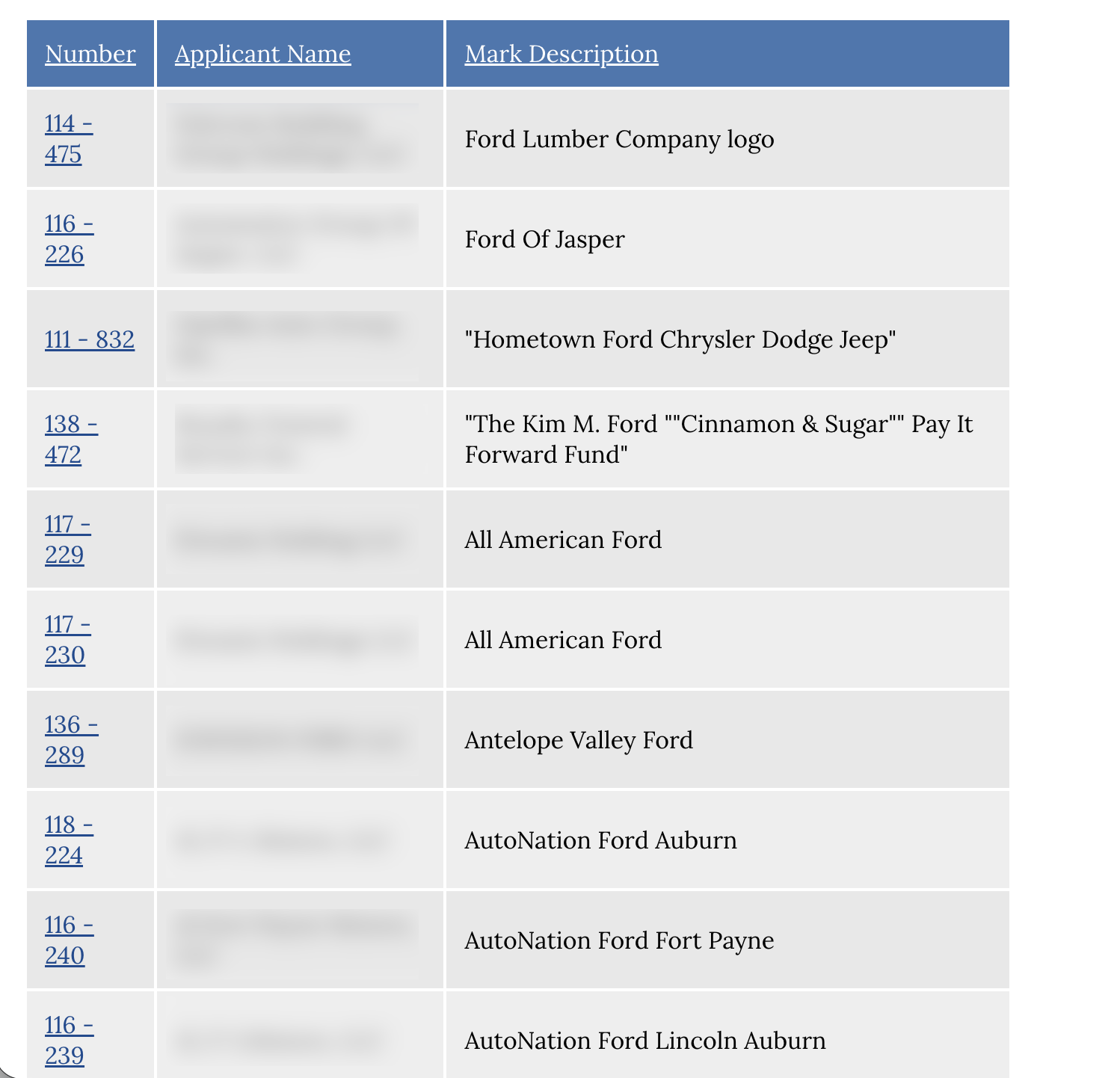
After entering a search, the trademark database will return any matching names. The results page will also show the trademark number, the applicant’s name, and the mark description.
Click the trademark number in the left column to obtain the full record details.
5. View Trademark Record
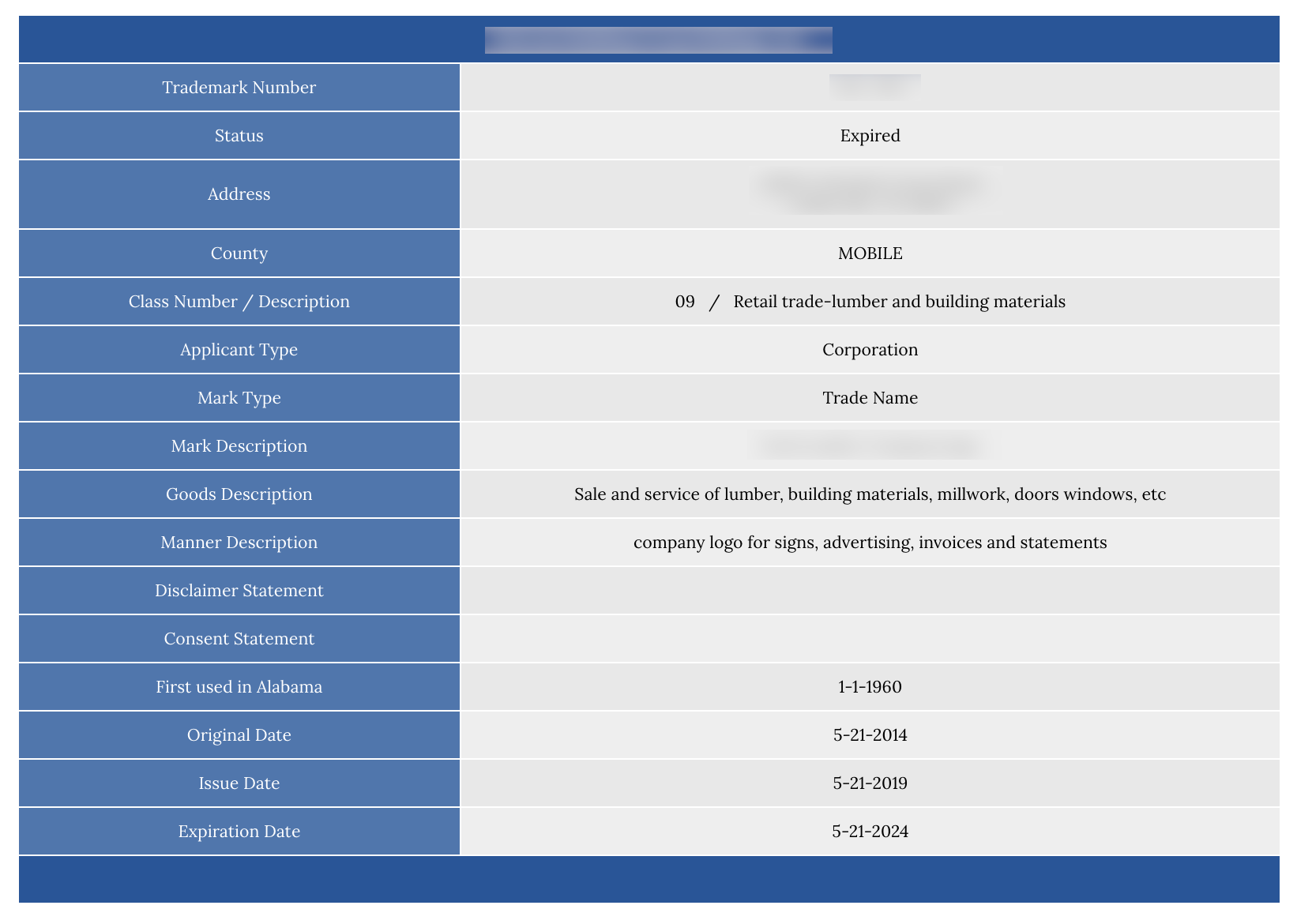
After clicking the trademark number, the trademark details page will show the following information:
- Trademark number
- Status
- Address (of applicant)
- County (of applicant)
- Class number/description
- Applicant type
- Mark type
- Mark description
- Goods description
- Manner description
- Disclaimer statement
- Consent statement
- First used in Alabama (date)
- Original date
- Expiration date