The Texas trademark search is an online portal used to check the registration of trademarks and service marks. For a fee, all registered trademark data and documents can be viewed, such as original applications, drawings, registration certificates, etc.
A mark is any device that identifies products (trademarks) or services (service marks).[1] Registration remains valid for five years, with the option of renewing for 5-year terms thereafter as long as a renewal form and fee is filed within 180 days prior to the expiration date.[2]
Trademark Search
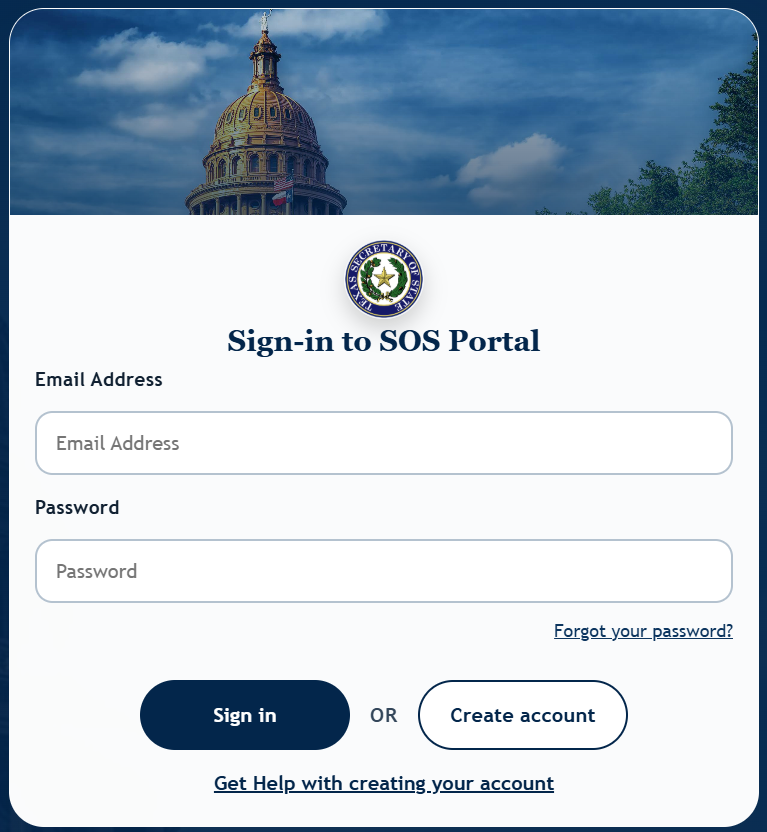
1. Sign in to the Trademark Portal
To perform a trademark search, follow the link below and click Access the Portal to create a Texas SOS Portal account.
2. Start New Search
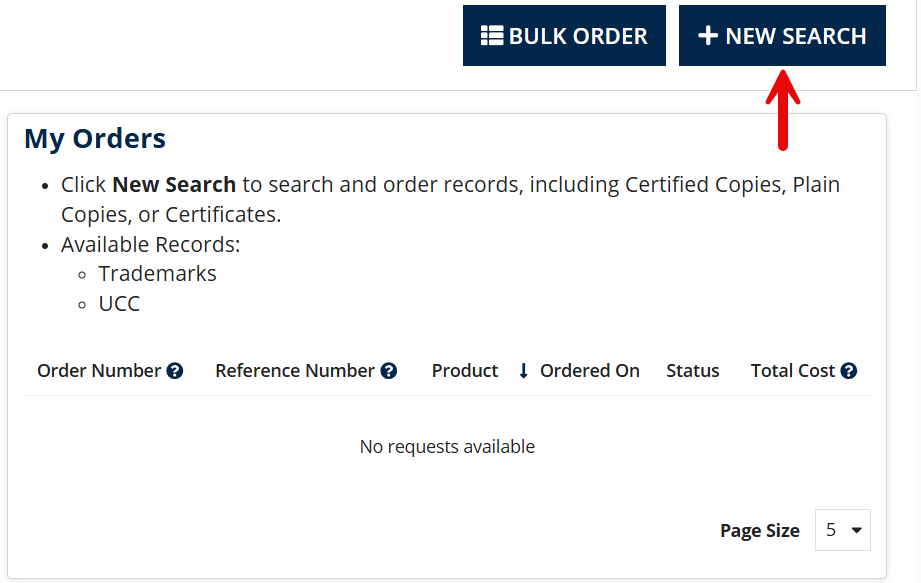
Once logged into an account, click Search & Order Records (see image), then select the +NEW SEARCH button.
3. Make Payment
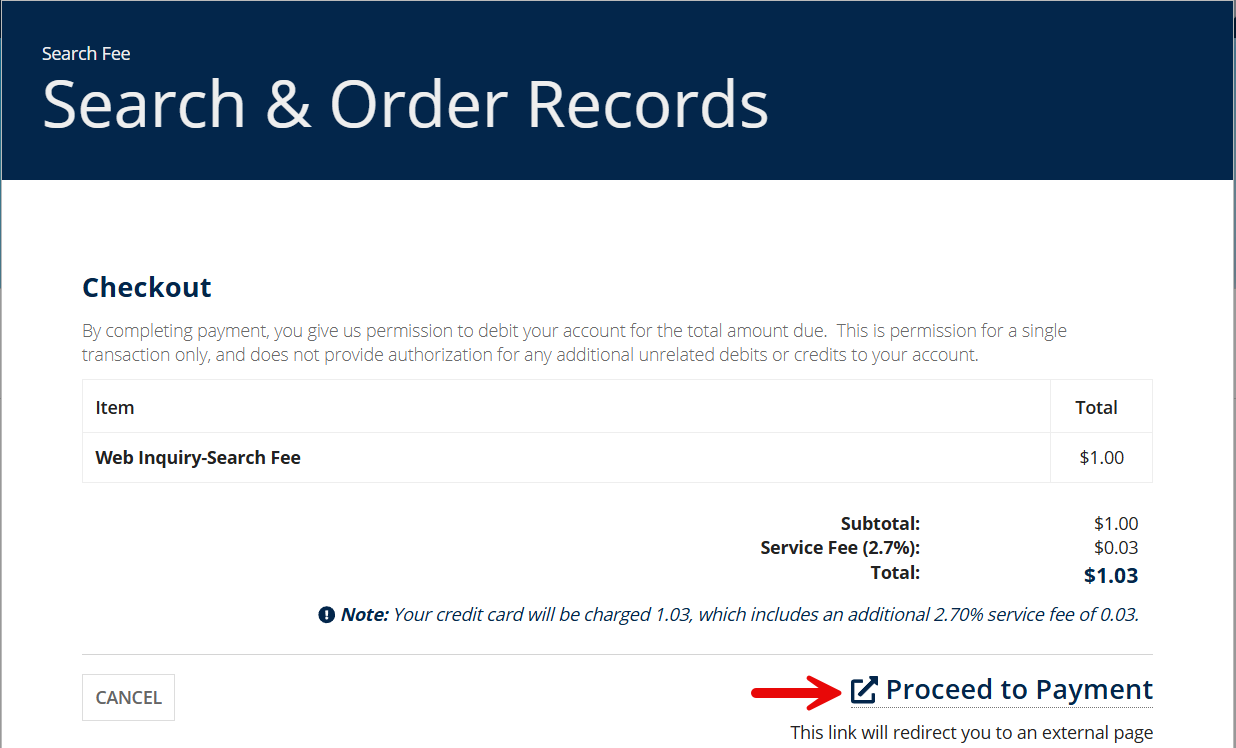
The SOS Portal charges a $1.00 + tax fee for each search. At the checkout page, click Proceed to Payment and provide one of the following payment methods:
- American Express
- Discover
- Master Card
- VISA
- JCB
- Diner’s Club
4. Select a Product
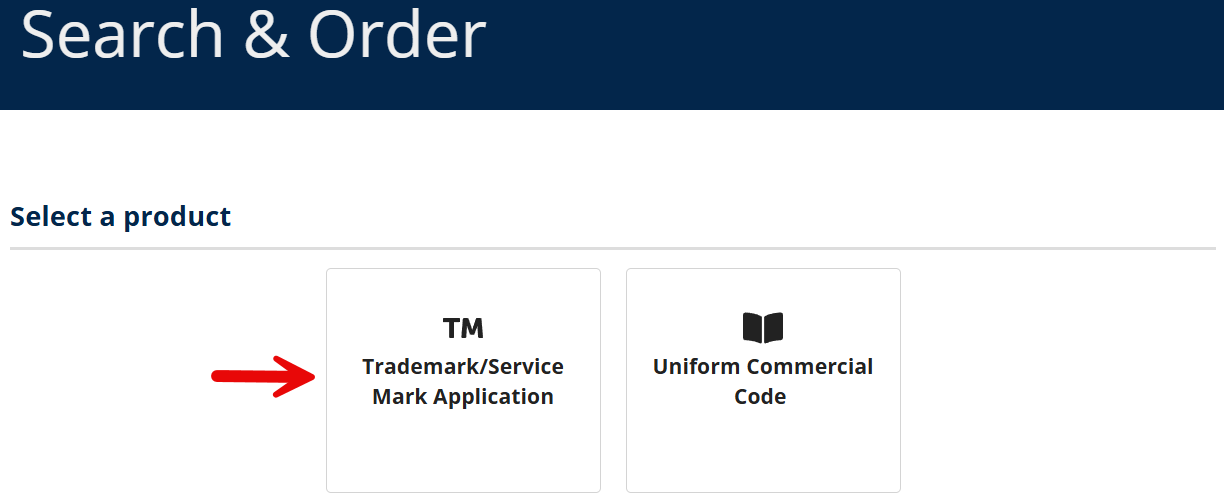
The Portal can be used to search for trademarks/service marks as well as commercial loans (UCC). Click on Trademark/Service Mark Application to search for marks.
5. Search by Number or Name
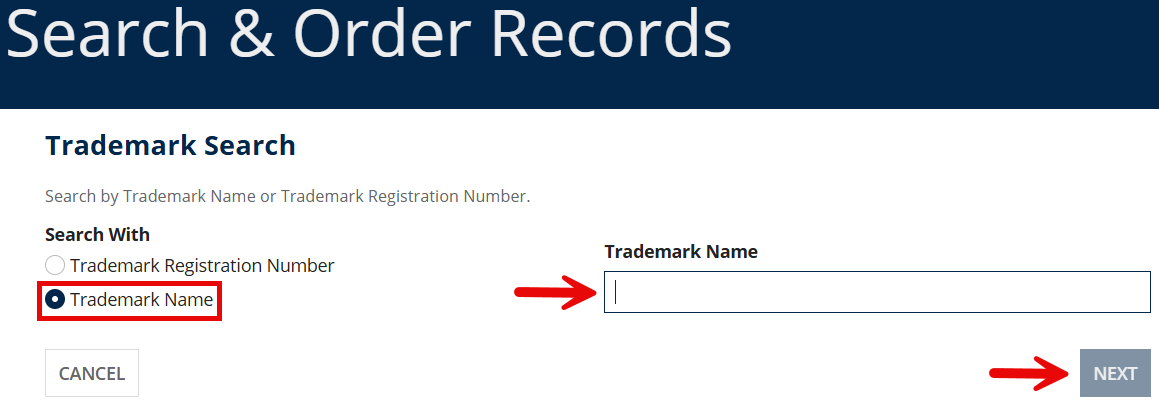
A mark search can be performed by selecting Trademark Registration Number or Trademark Name. Enter a registration number or a trademark name (or a keyword that the name may contain) into the provided field and click NEXT.
6. View Results
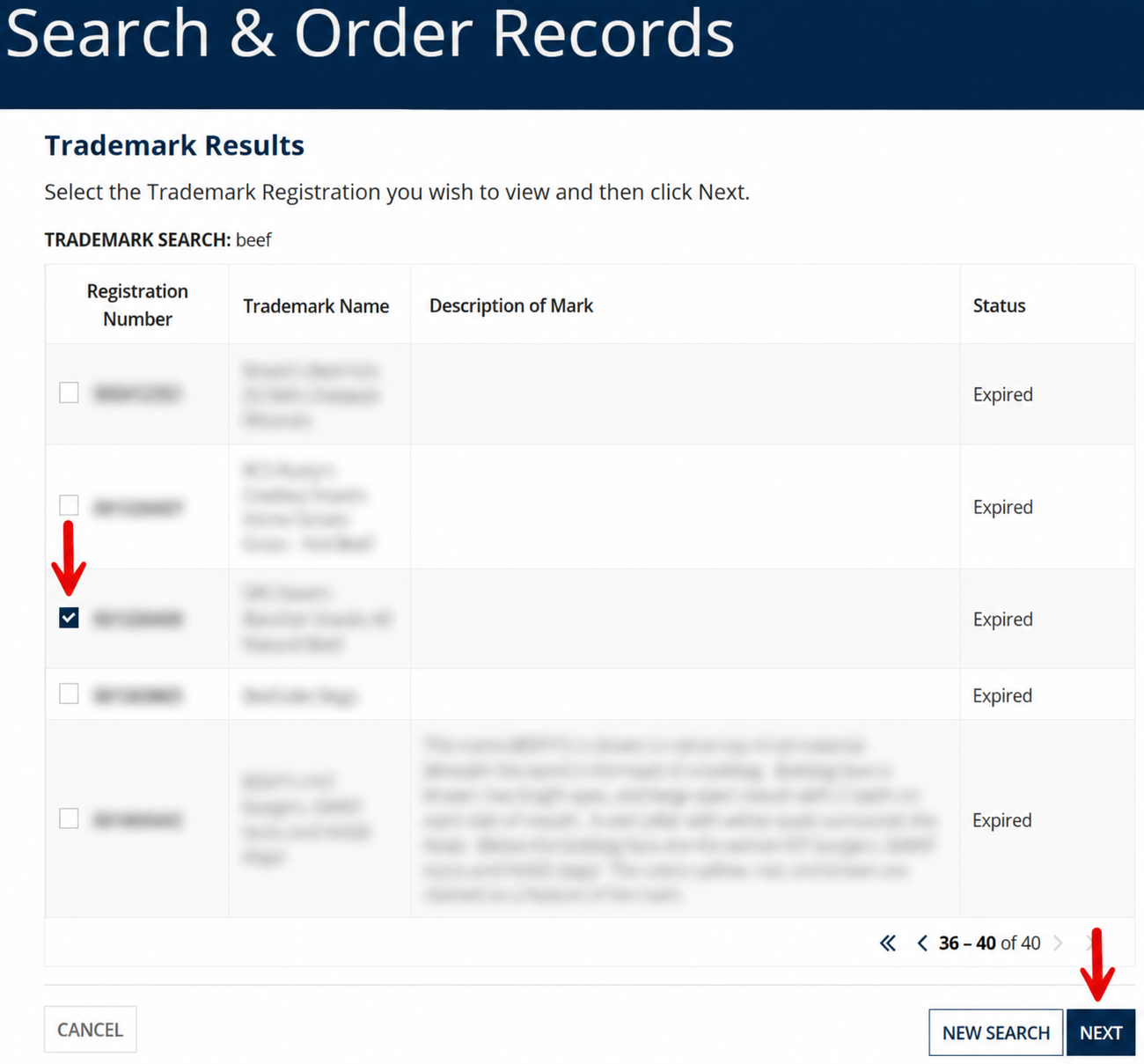
A list of registered and expired trademarks will appear. To view details about a specific mark and order documents, select the appropriate Registration Number checkbox, then click NEXT.
The subsequent Trademark Data page will show the associated business name and address, important dates, mark description, and other details about the entity (see image).