The Wisconsin trademark search is provided by the Department of Financial Institutions (DFI) for business owners and individuals to explore trademarks registered in the state. Each mark (any indicator representing a business’s products or services) must be unique, and the search portal enables applicants to check before filing for mark registration.[1]
A registered mark remains valid for 10 years and can be renewed for subsequent 10-year periods by filing a renewal application within six months prior to the expiration date.[2]
Trademark Search
1. Go to the DFI Trademark Search Page
2. Explore Search Options
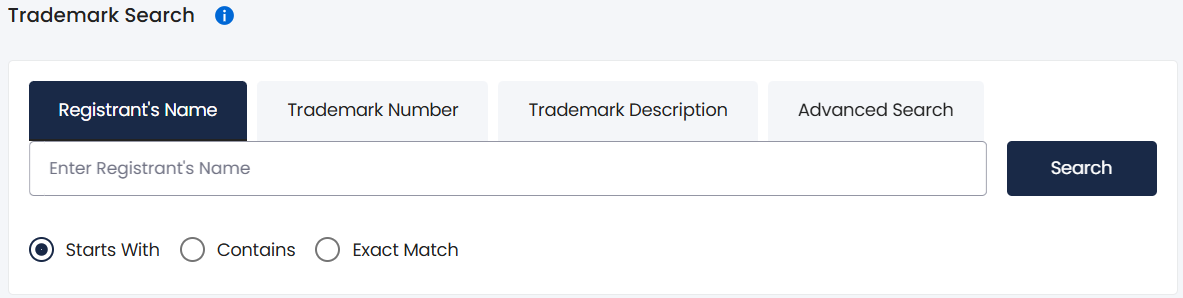
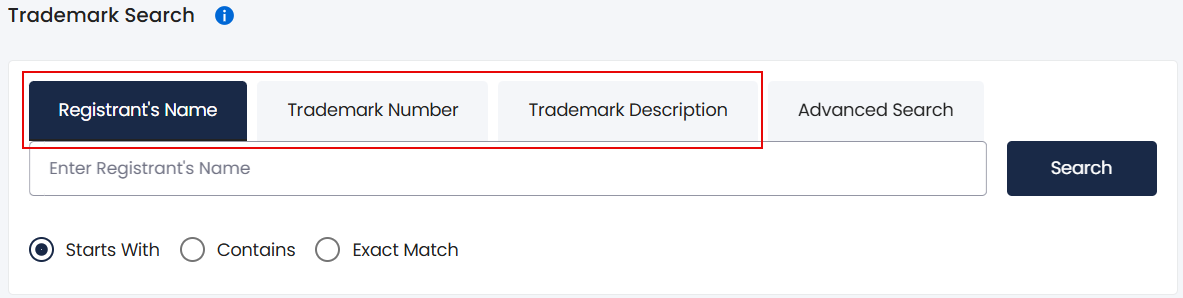
The main search tabs on the portal are Registrant’s Name, Trademark Number, and Trademark Description. For name and description searches, it’s also possible to narrow the results by keyword filter, including Starts With, Contains, and Exact Match.
Clicking the Advanced Search tab provides additional parameters including Status, Registration Date, Expiration Date, and Class Code (see image).
3. Search for Trademarks
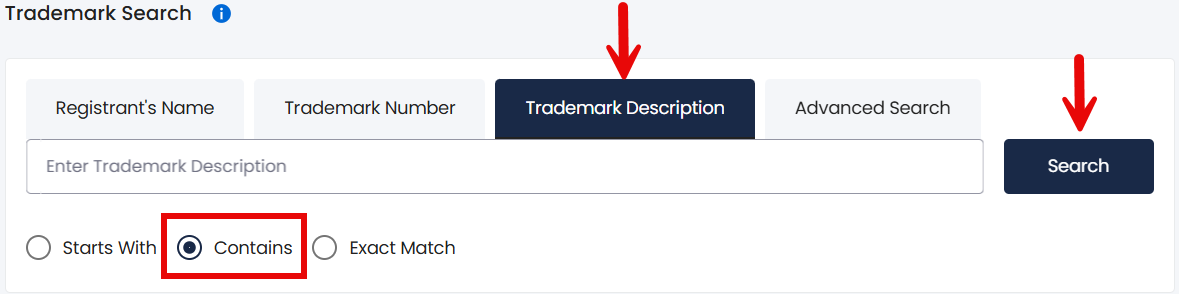
Select the desired search function (for example, Trademark Description), enter the information into the provided field, choose a filter (if applicable), and click Search.
4. Scroll Through Results
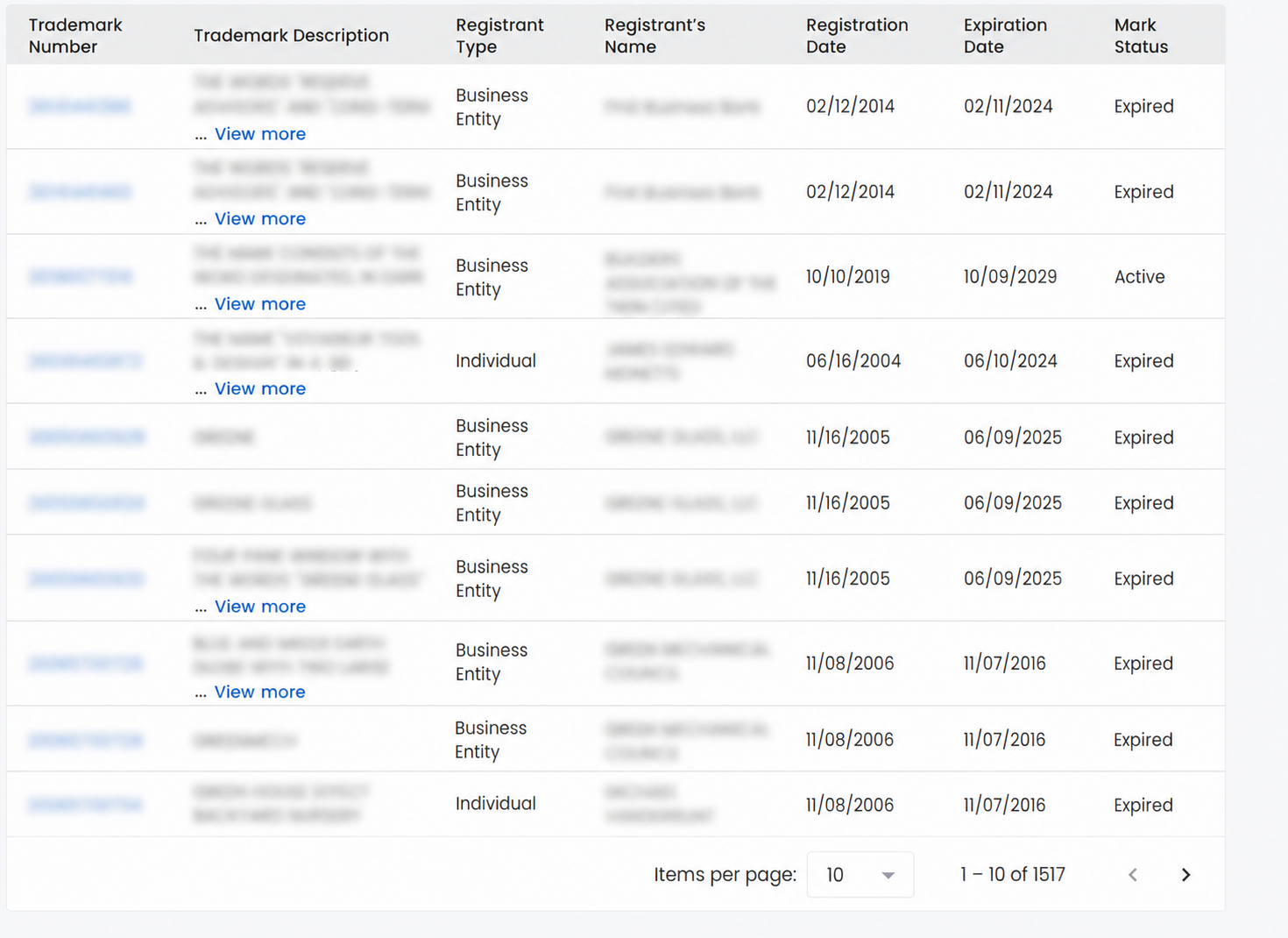
The results page will display a list of trademarks matching the search parameters. Each mark’s registration number, description, owner, registration date, expiration date, and status will be provided on this page.
5. View Trademark Information
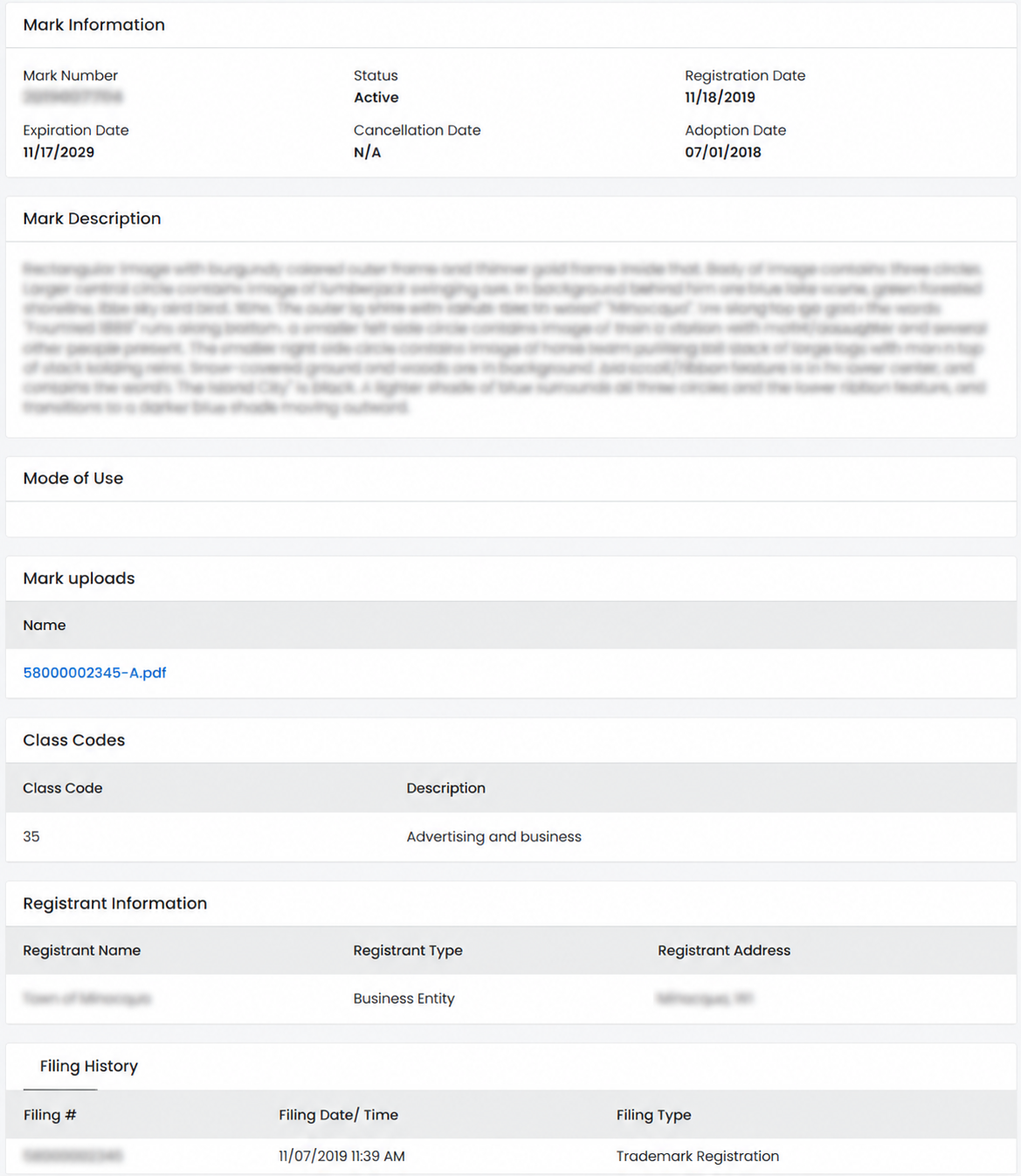
Clicking on a mark number in the far left column of the results page will bring up a trademark details page where the following details are disclosed:
- Mark number
- Status
- Registration date
- Expiration date
- Cancellation date
- Adoption date
- Mark description
- Mode of use
- Image uploads
- Class code and description
- Registrant name, type, and address
- Filing History