The Pennsylvania trademark search allows users to search all trademarks registered with the state. This is often used to search for a trademark’s availability or to view the information of a known registration.
A trademark can any be any name, phrase, product, or image that is used to identify a business’ goods, as long as it’s in concordance with state rules.[1] Trademarks are effective for 5 years, and can be renewed for another 5 years by application made within 6 months of the expiration date.[2]
Trademark Search
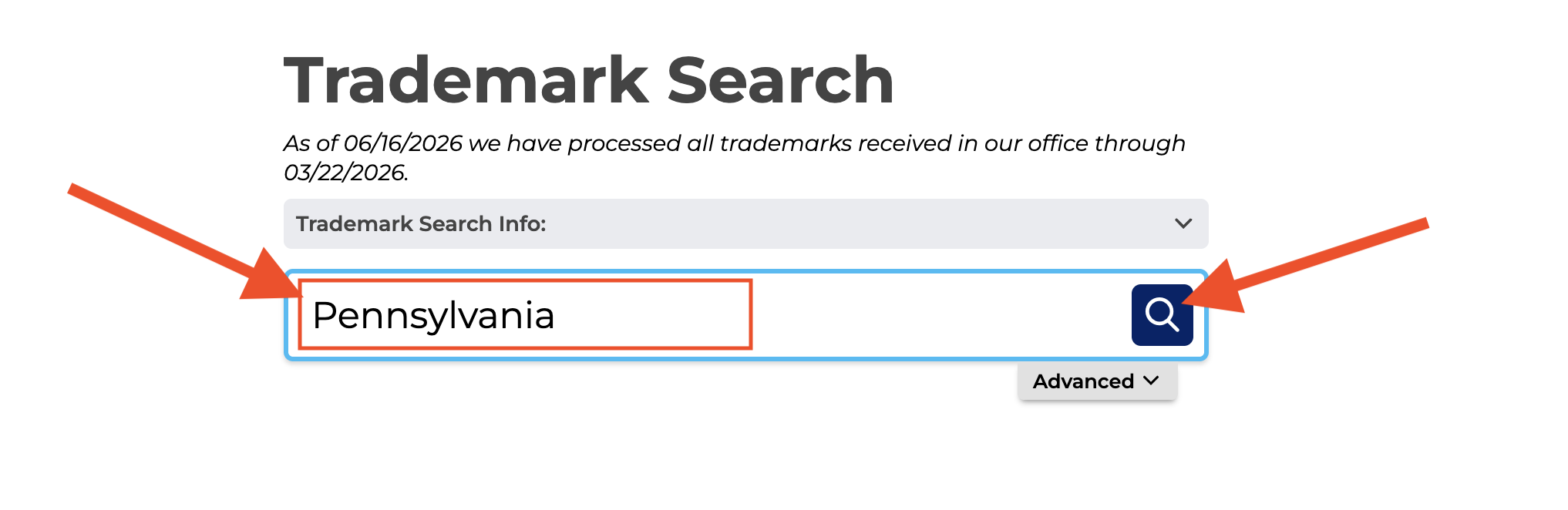
1. Go to the “Trademark Search” Webpage
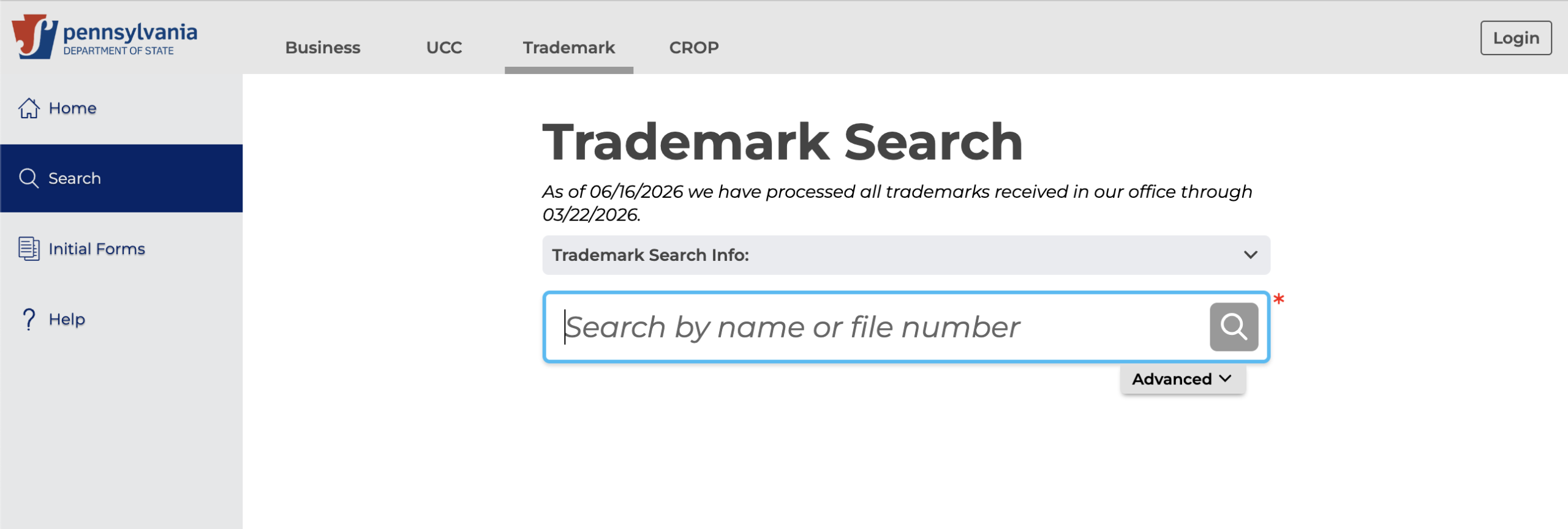
2. Enter the Name
Enter the name, description, keywords, or in the Trademark Search bar and click the magnifying glass Search button to view a list of matching results.
3. View Search Results
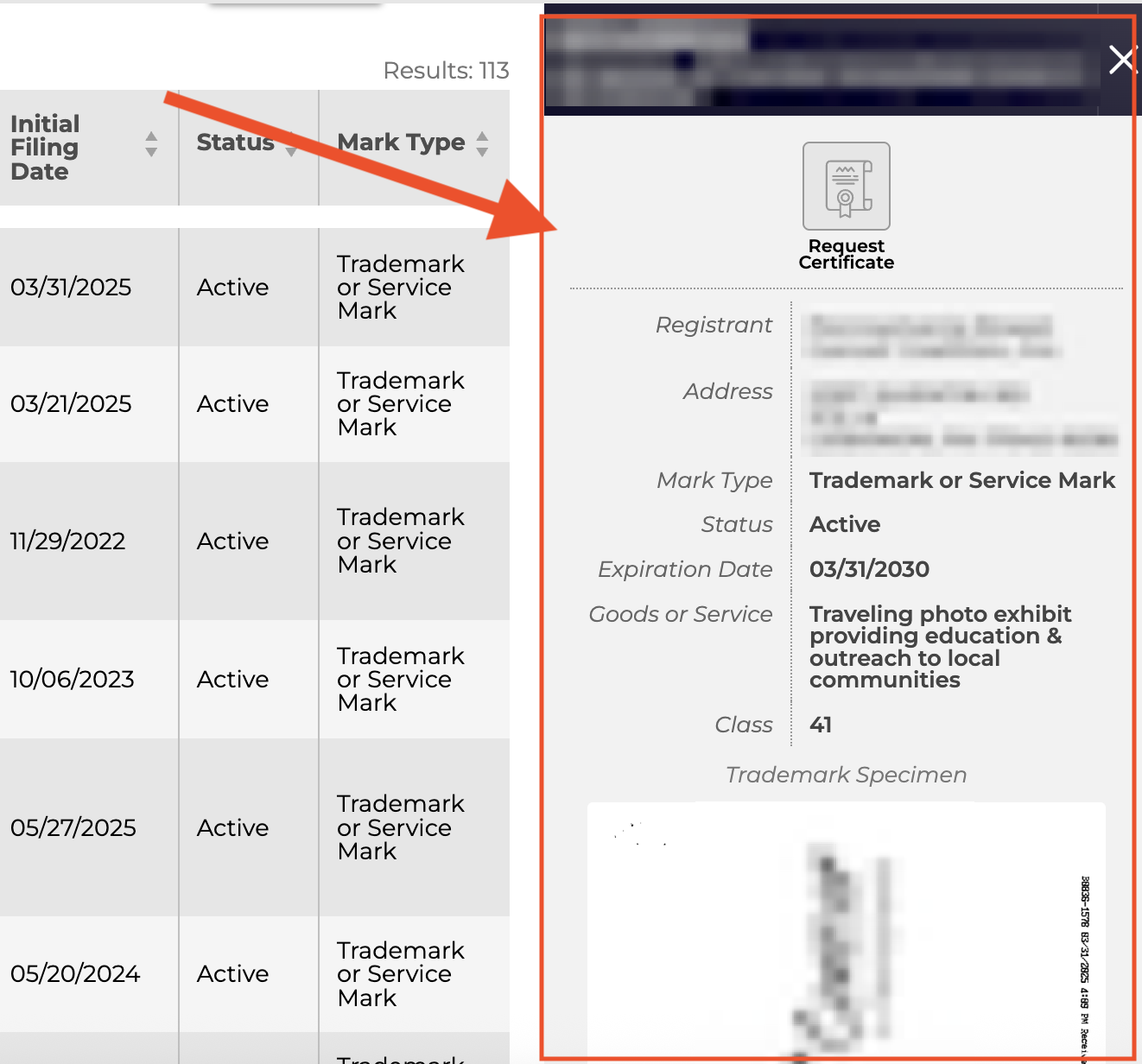
After clicking Search, a complete list of all matching results will appear immediately below the Trademark Search bar.
The list of results will include the following information for each trademark:
- Filing information
- Initial Filing Date
- Status
- Mark Type
Clicking over a trademark’s Filing Information will open a detailed profile of it in the same window, next to the search results.

4. Detailed Trademark Info
Each trademark profile will provide the following details:
- Trademark Registration Number
- Trademark Registration Name
- Registrant Name
- Registrant Address
- Mark Type
- Status
- Expiration Date
- Goods or Service Description
- Class
- Trademark Specimen