The Mississippi trademark search is used to look up trademarks and service marks recorded with the Secretary of State’s office. It allows searches by full or partial mark name, or by a mark owner’s name. Marks must satisfy state naming and use requirements before registration.[1] Once active, registrations stay valid for five years and are renewable in the six months leading up to expiration.[2]
Trademark Search
1. Go to the “Trademark Search” Page
2. Enter a Mark or Owner Name
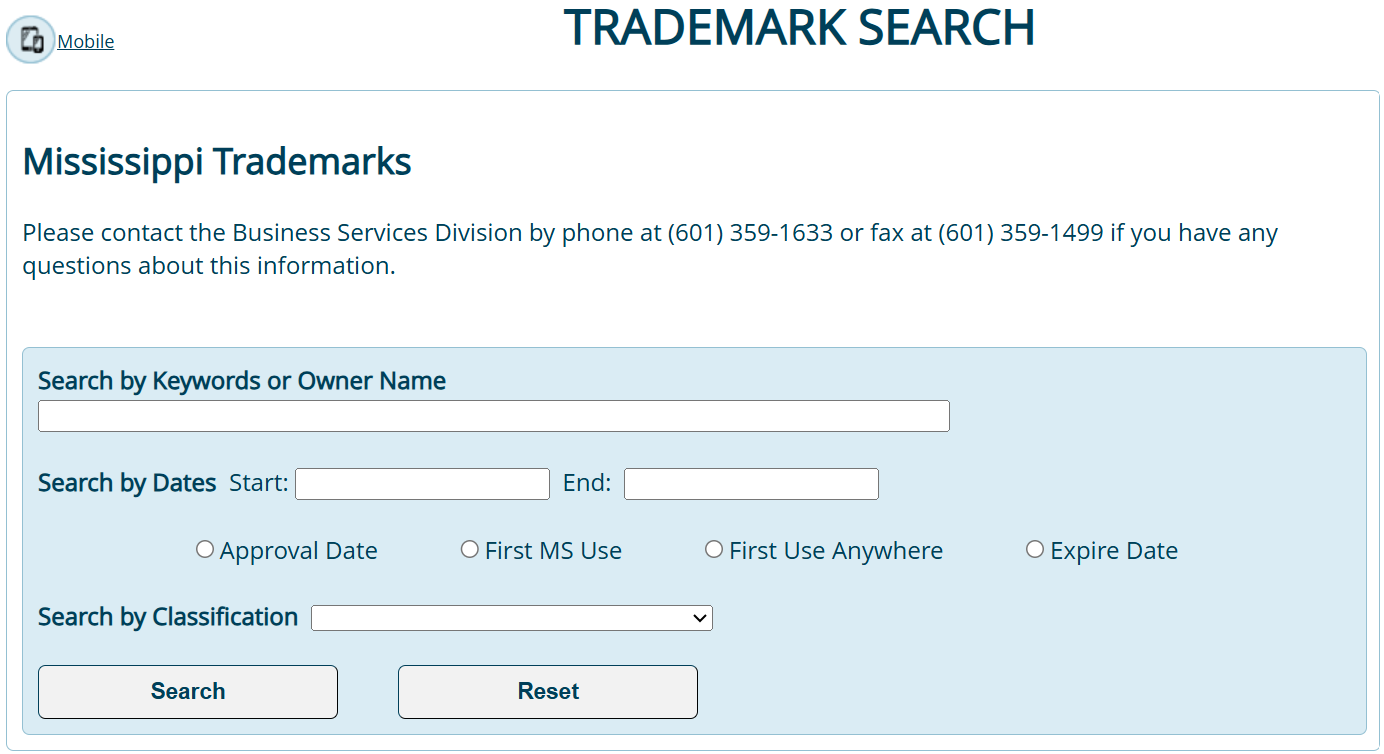
Enter either of the following into the first blank search field:
- One or more keywords from the mark name
- Name of the mark owner
3. Apply Filters and Search
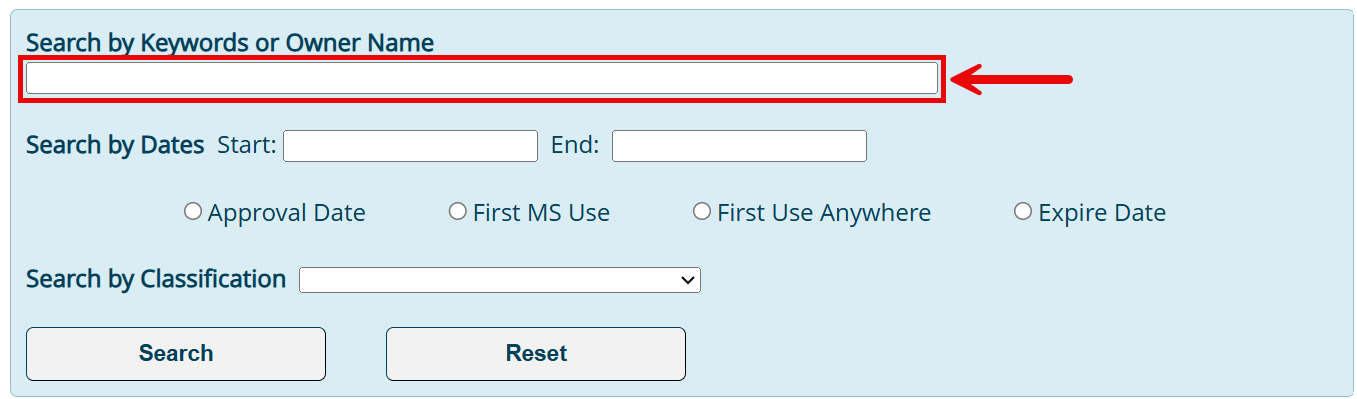
To filter results by date, enter a start and end date in the fields next to Search by Date. Then, choose the date type (see image):
-
- Approval Date
- First MS Use
- First Use Anywhere
- Expire Date
Results can also be filtered by class using the Search by Classification menu options (see image). After the filters have been applied, click Search to view the results.
4. Access the Details Page
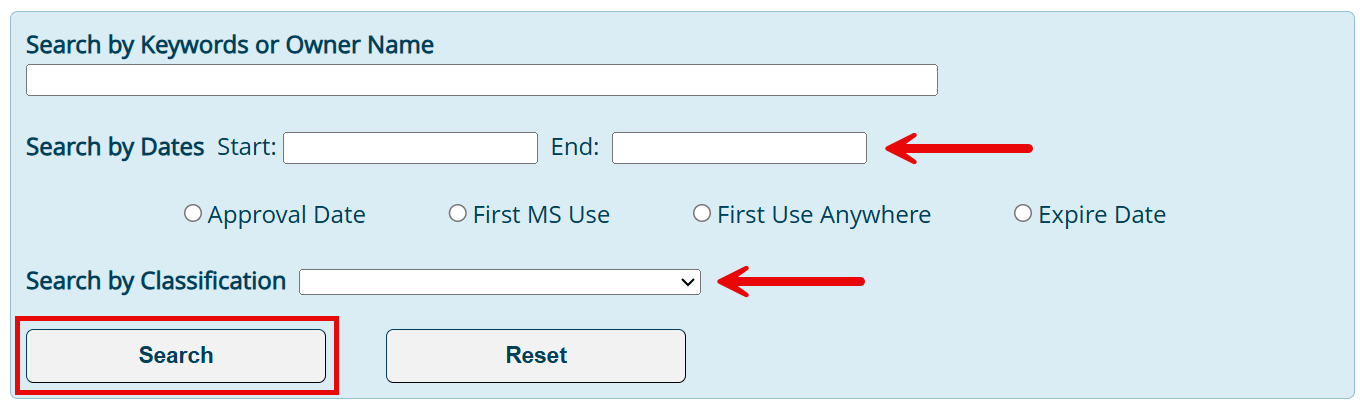
Results from the search will appear below the search tool. Select the Details button to the right of a mark to view its ownership and registration information.
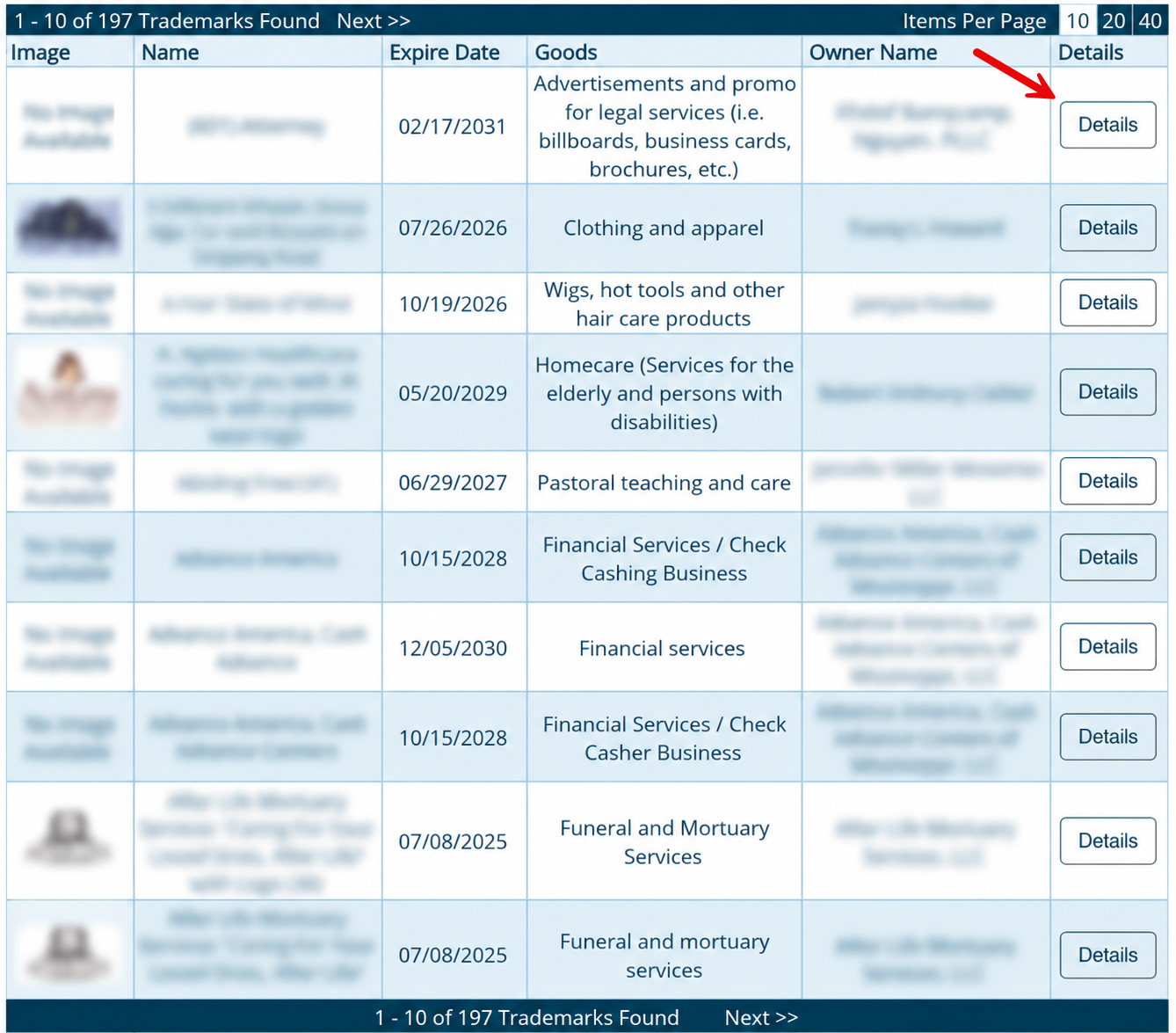
5. View Additional Information
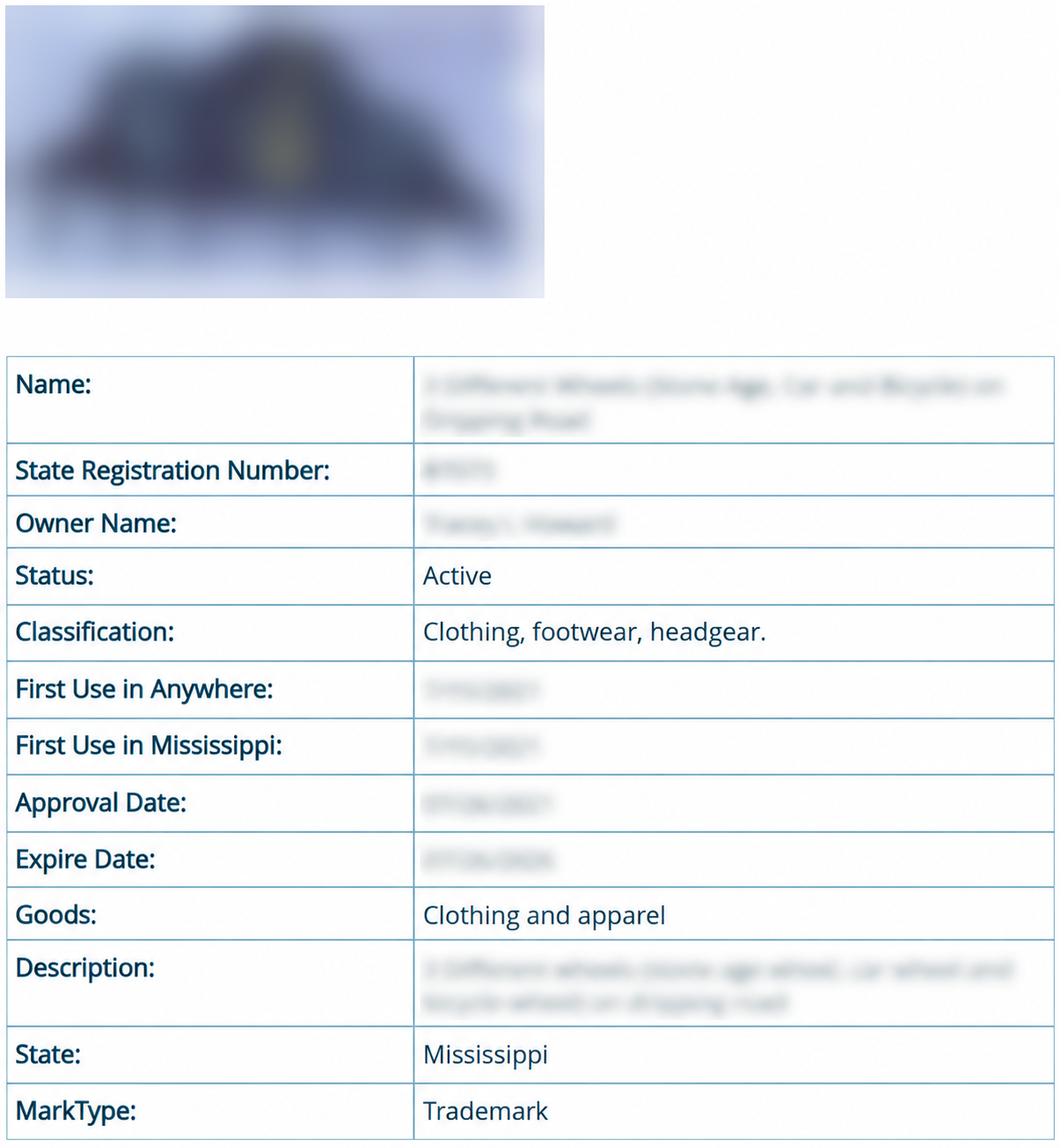
Selecting the details button opens a page showing the mark image (if available), along with the following:
- Mark name
- State registration number
- Name of mark owner
- Status
- Classification
- Date of first use anywhere
- Date of first use in Mississippi
- Approval date
- Expiration date
- Goods description
- State of registration
- Mark type