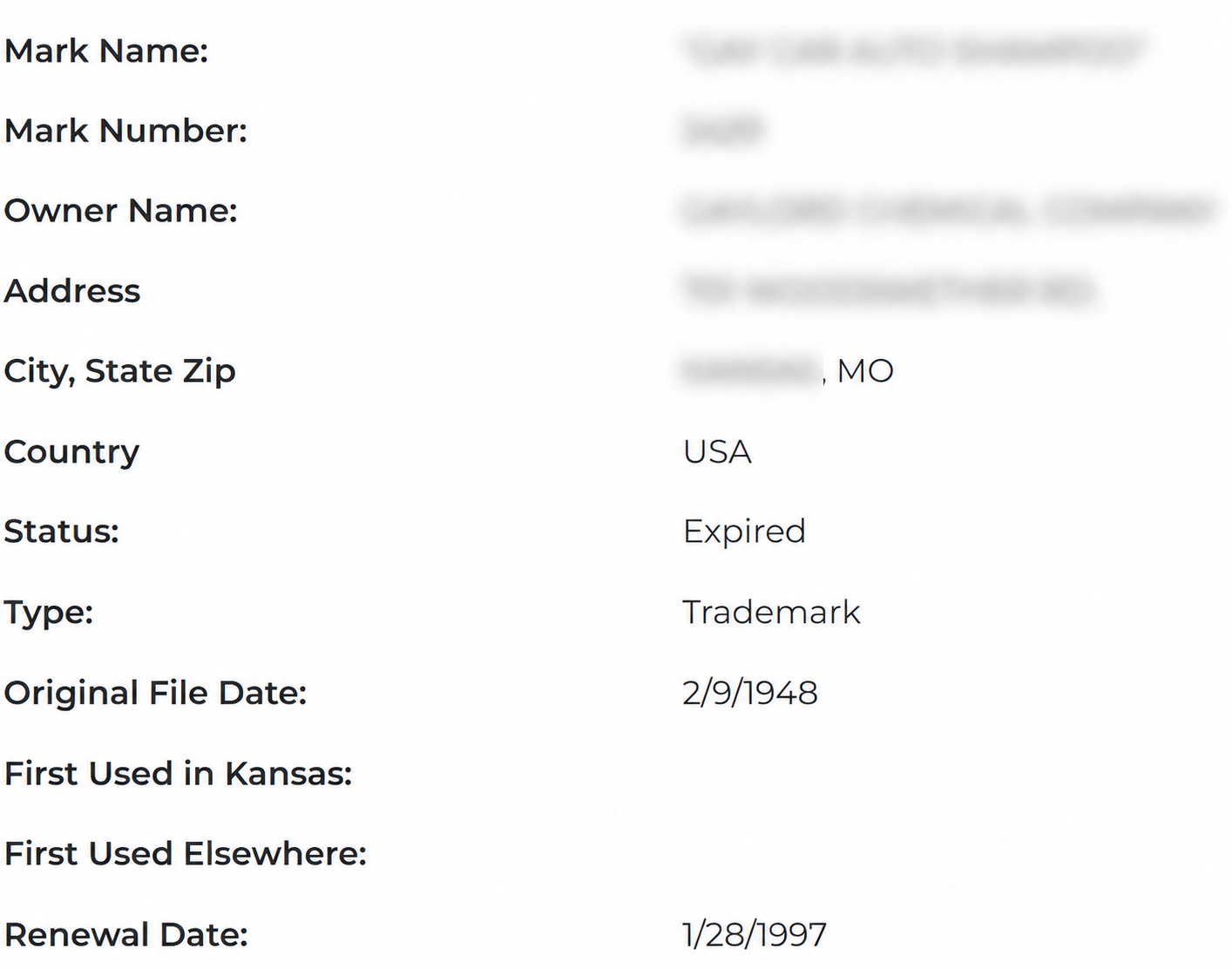
The Kansas trademark/service mark search allows users to search state records for “marks,” a term that includes trademarks for goods and service marks for services.[1] The Secretary of State’s database can be searched by mark name, owner name, or mark number.
Marks may be registered with the Secretary of State if they meet state requirements and are distinctive from marks used by others.[2] Each registration lasts five years and can be renewed indefinitely for additional five-year terms.[3]
Trademark Search
1. Go to the “Trademark/Service Mark Search” Page
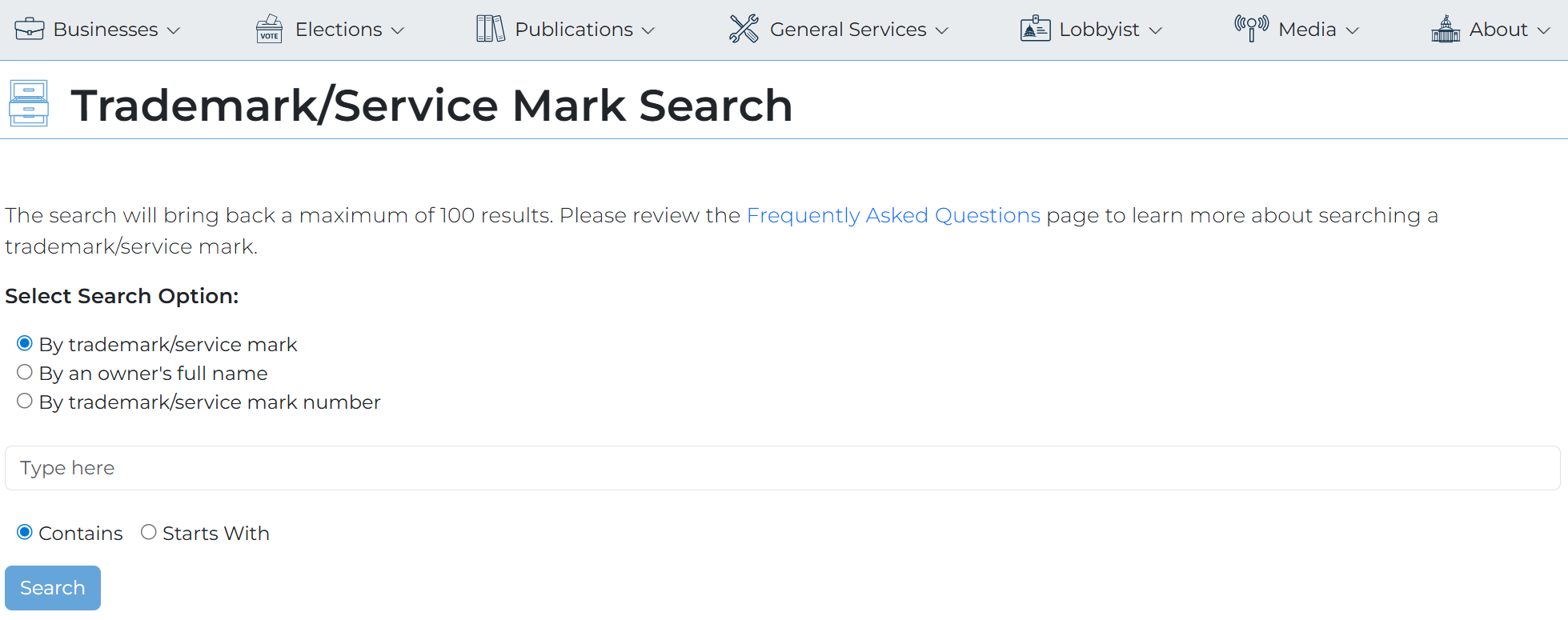
2. Choose a Search Type
Choose a search type from the options listed on the trademark/service mark webpage. Searches can be performed using one of the following:
- A trademark or service mark name
- An owner’s name
- A trademark or service mark number
For this tutorial, we’ll search by trademark/service mark name to get the broadest set of results.
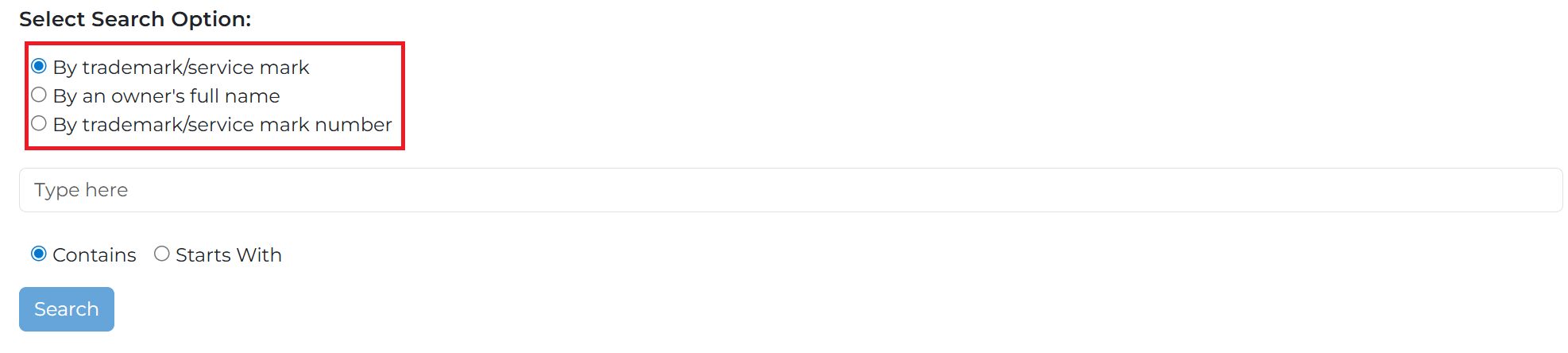
3. Search for the Trademark/Service Mark
Type the name of the trademark or service mark in the entry field, then click Search to submit the request.
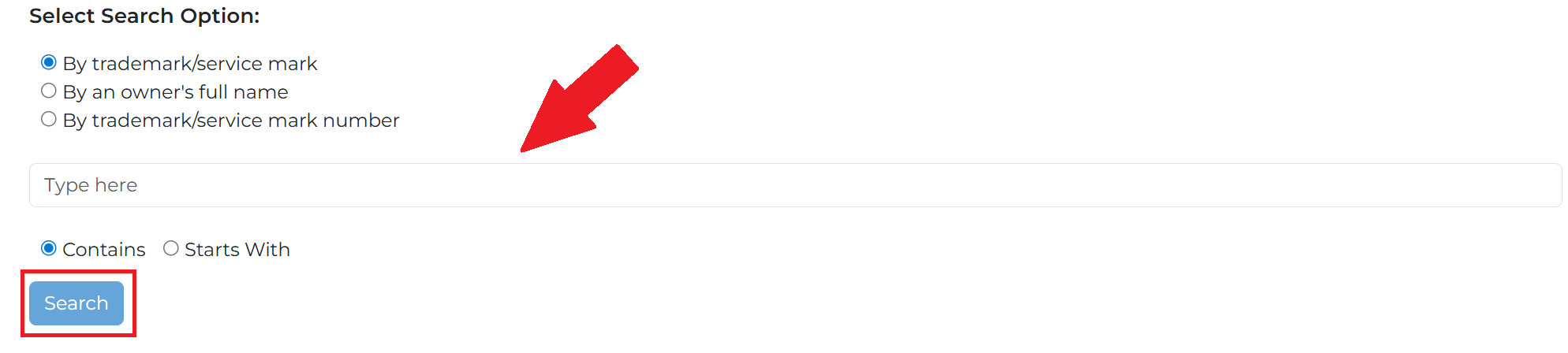
4. Check the Results
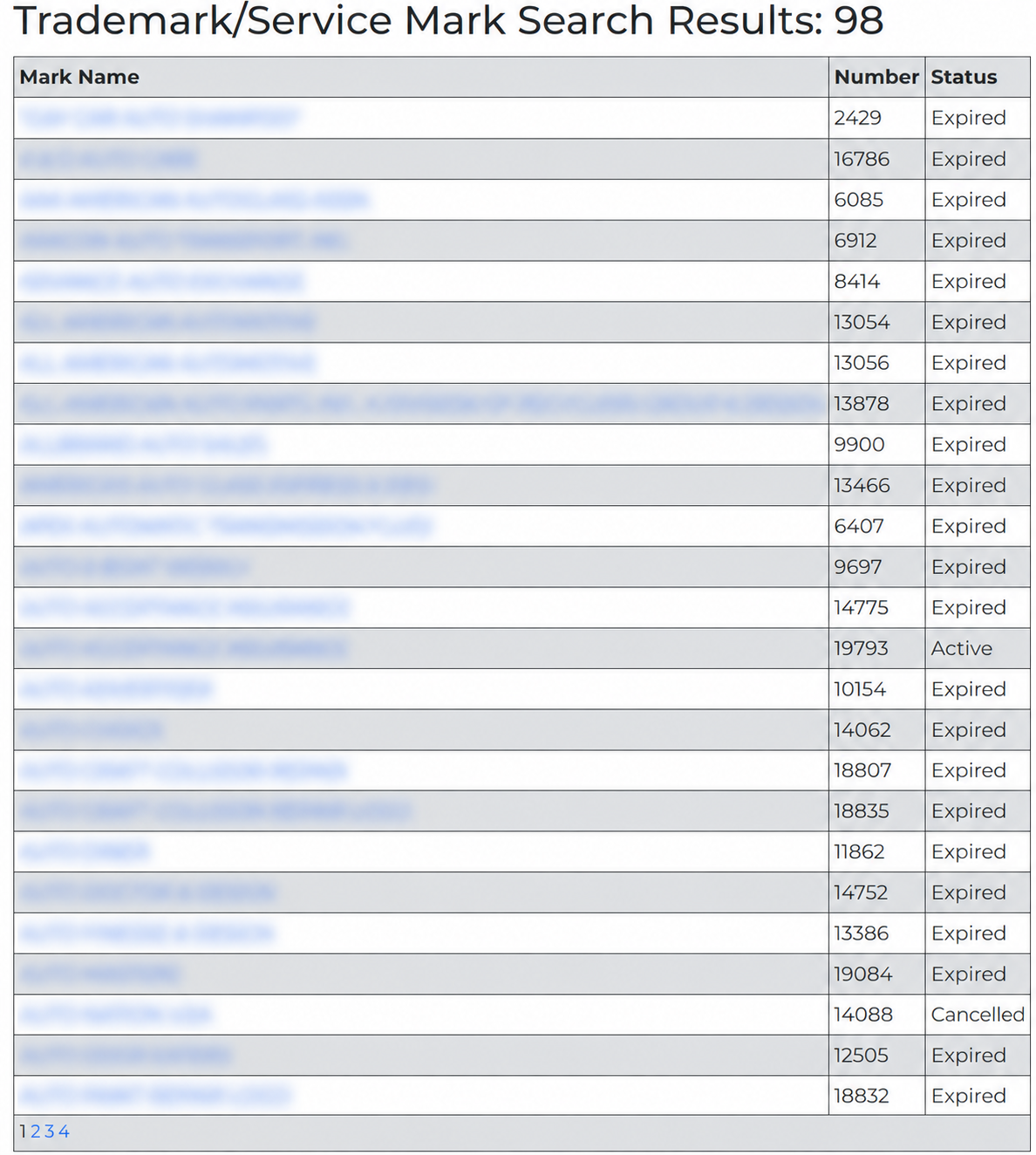
A list of matching marks will be displayed after the search is performed. Each result includes the mark number and current status. To learn more about a particular mark, click its name.
If the desired mark does not appear on the first page, select the page numbers at the bottom of the list to view additional results (see image).
5. View Mark Details
After selecting a mark name, a details page will appear with the following information:
- Mark name
- Mark number
- Owner name
- Owner address
- Mark type
- Original filing date
- Date of first use in Kansas
- Date of first use elsewhere
- Renewal date