
The Washington professional license search is a service the public can use to confirm whether a person or business holds the credentials needed to work in a regulated profession. The service can retrieve licensing information specific to any license number issued by the Department of Licensing (DOL). It can also find all licenses tied to a specific profession, location, or license holder name in the DOL’s records.
Professional License Lookup
1. Go to the License Lookup Page
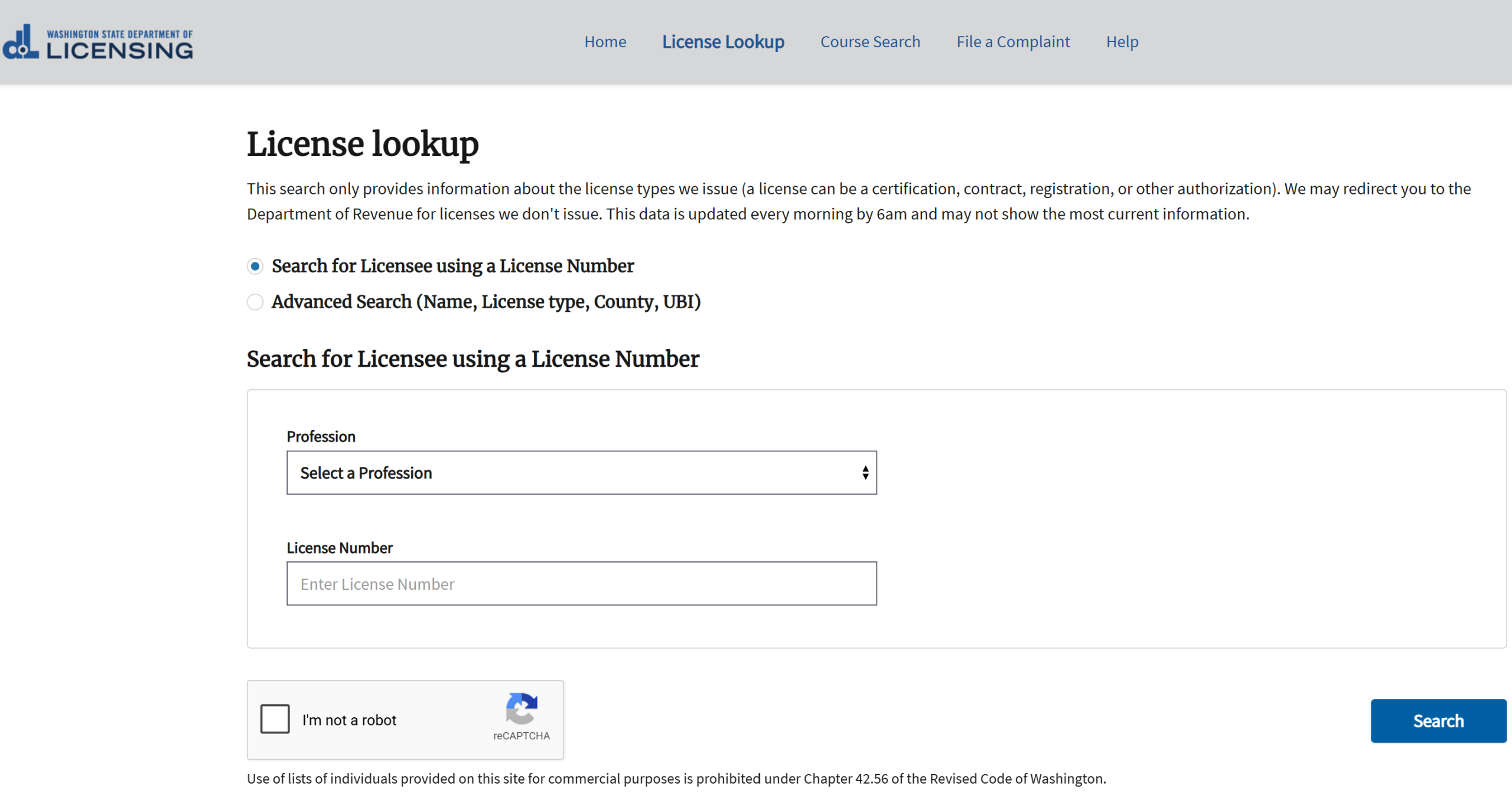
2. Choose a Search Method
Professional licenses can be searched using one of two methods. The first is a basic license number search, and the second is an advanced search that accepts other license details to narrow the results. Choose the desired search method by selecting the corresponding button.
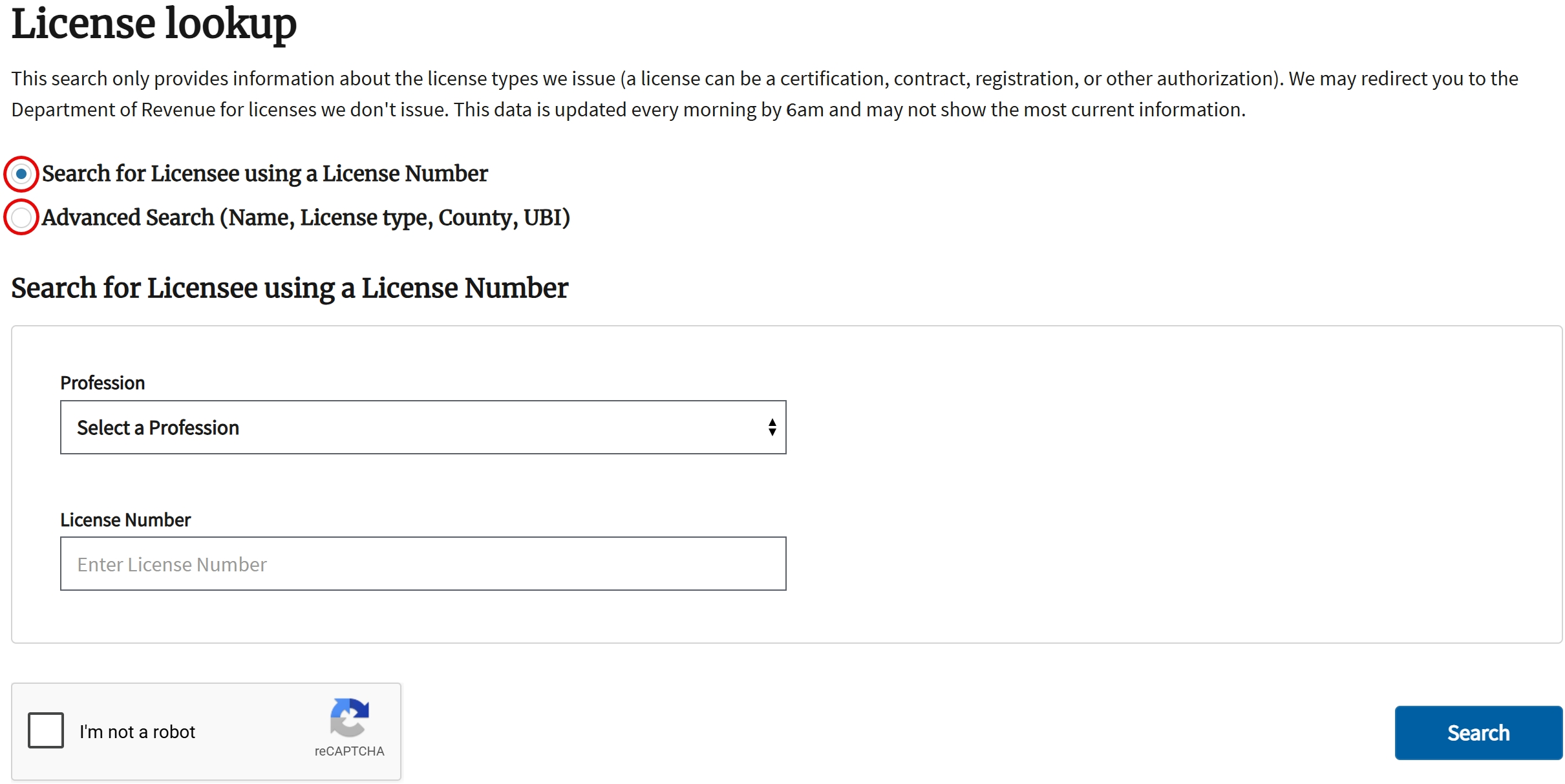
3a. Run a License Number Search
Enter a license number in the search field to find all licenses with that number. If the license holder’s profession is known, select it from the Profession menu to limit the results to licenses within that profession.
Check the reCAPTCHA security box beside I’m not a robot, then press Search to continue.
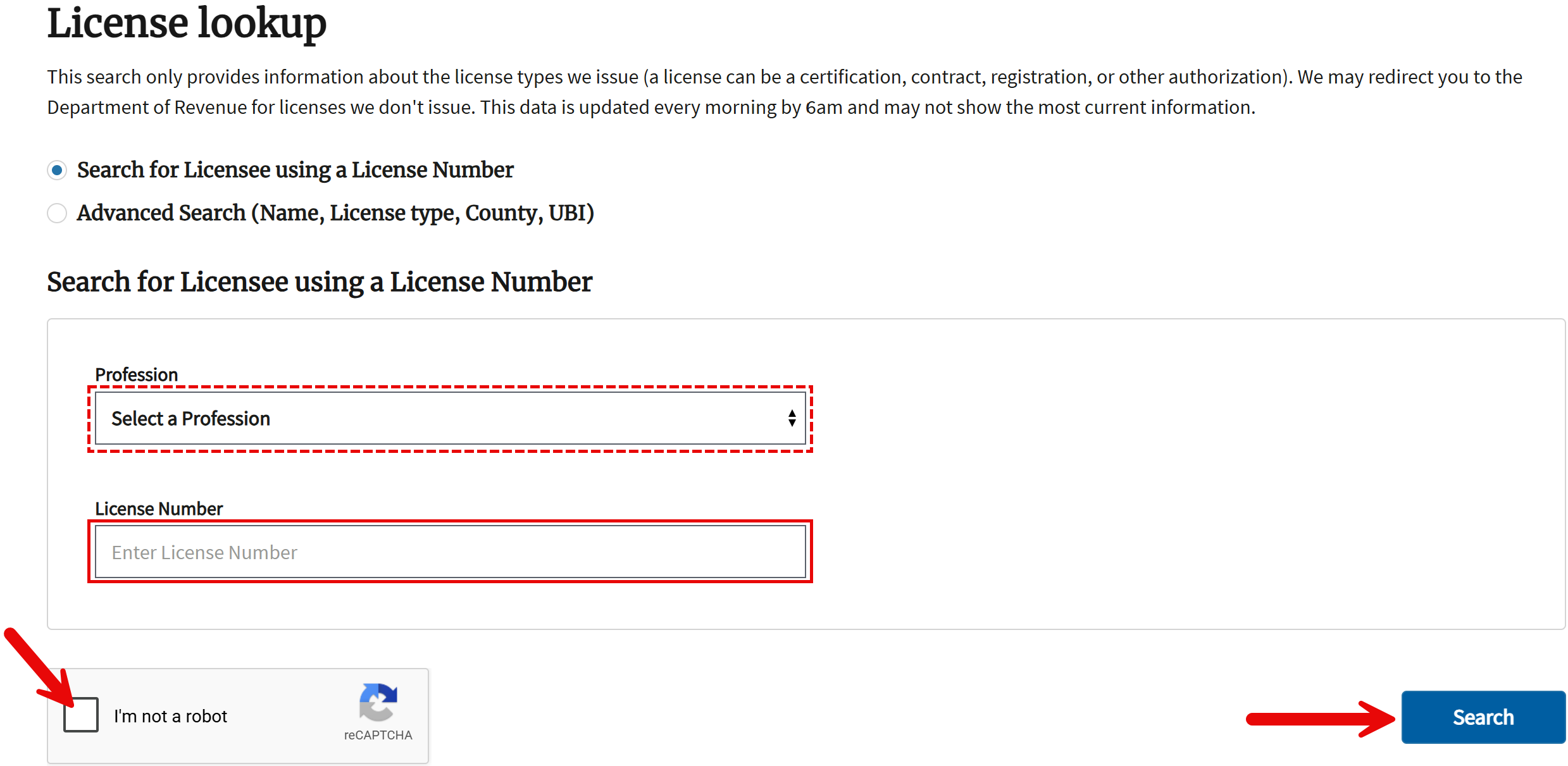
3b. Run an Advanced Search
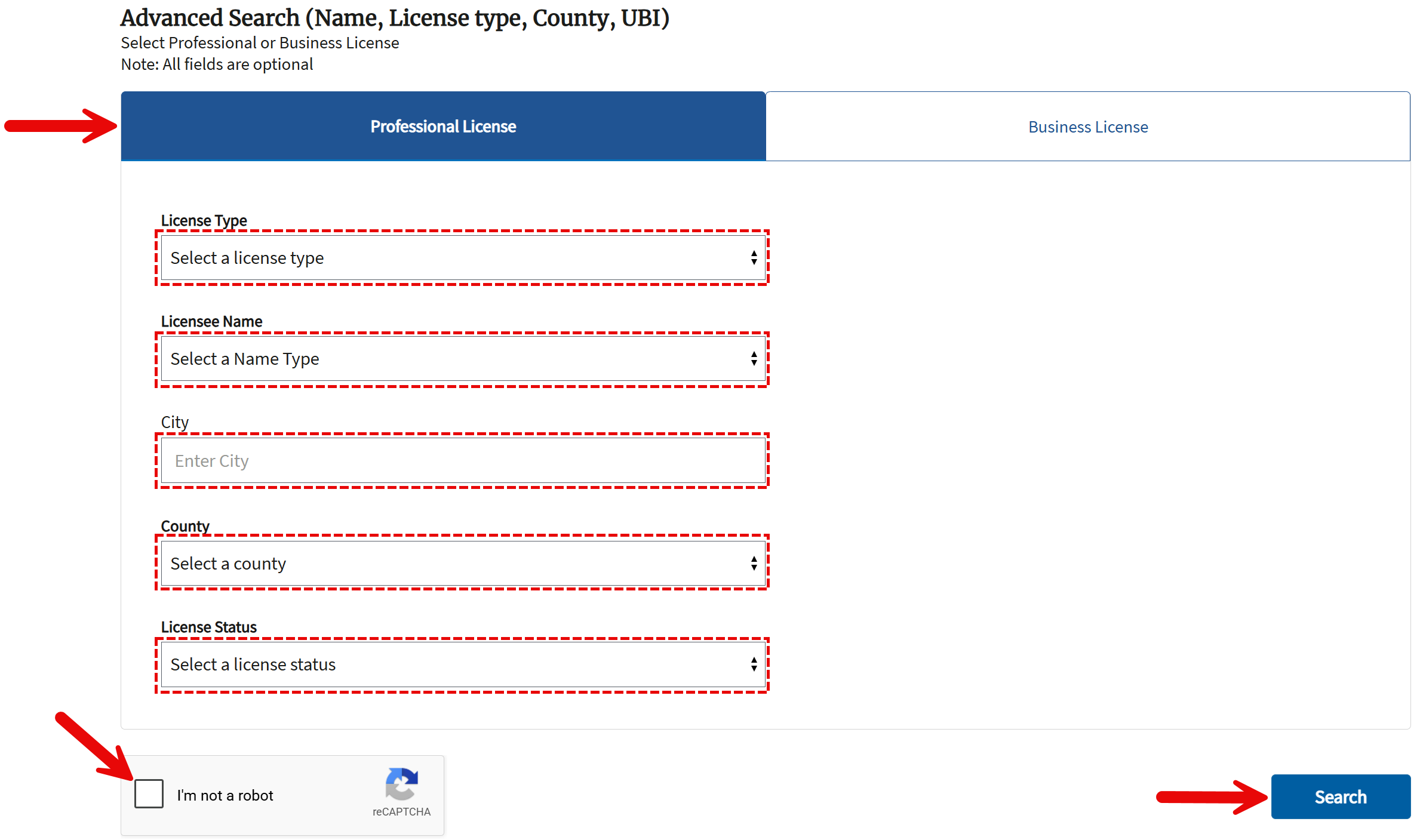
The advanced search has separate lookup options for individual and business licenses. Select the Professional License tab to search for an individual’s license or the Business License tab to search for a business’s license. Depending on the selected option, one or more of the following details may be entered:
- Professional License:
- License type
- Licensee name type (Current Name or Prior Name)
- Licensee name; only available if a name type is selected (see image)
- Licensee city
- Licensee county
- License status
- Business License: (see image)
- License type
- Business name or DBA/trade name
- Other names used by the business
- UBI/tax registration number
- Licensee city
- Licensee county
- License status
To proceed, check the security box in the lower left and select Search.
4. Select a License
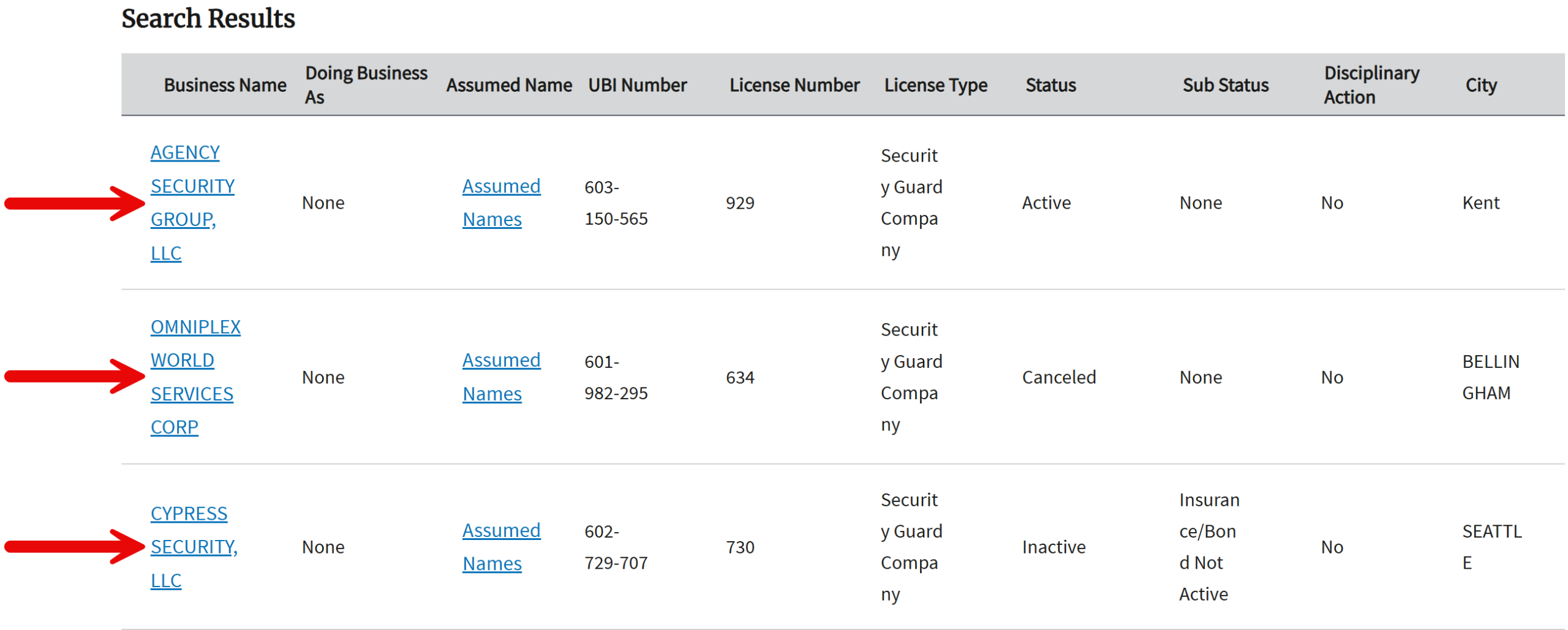
Search results will display various details for each license found, including the licensee’s name, license number, status, and city. The image below shows results for a business license search; individual license search results will appear differently (see image).
Select the licensee’s name on the left to open a page containing more information.
5. Review Additional Information
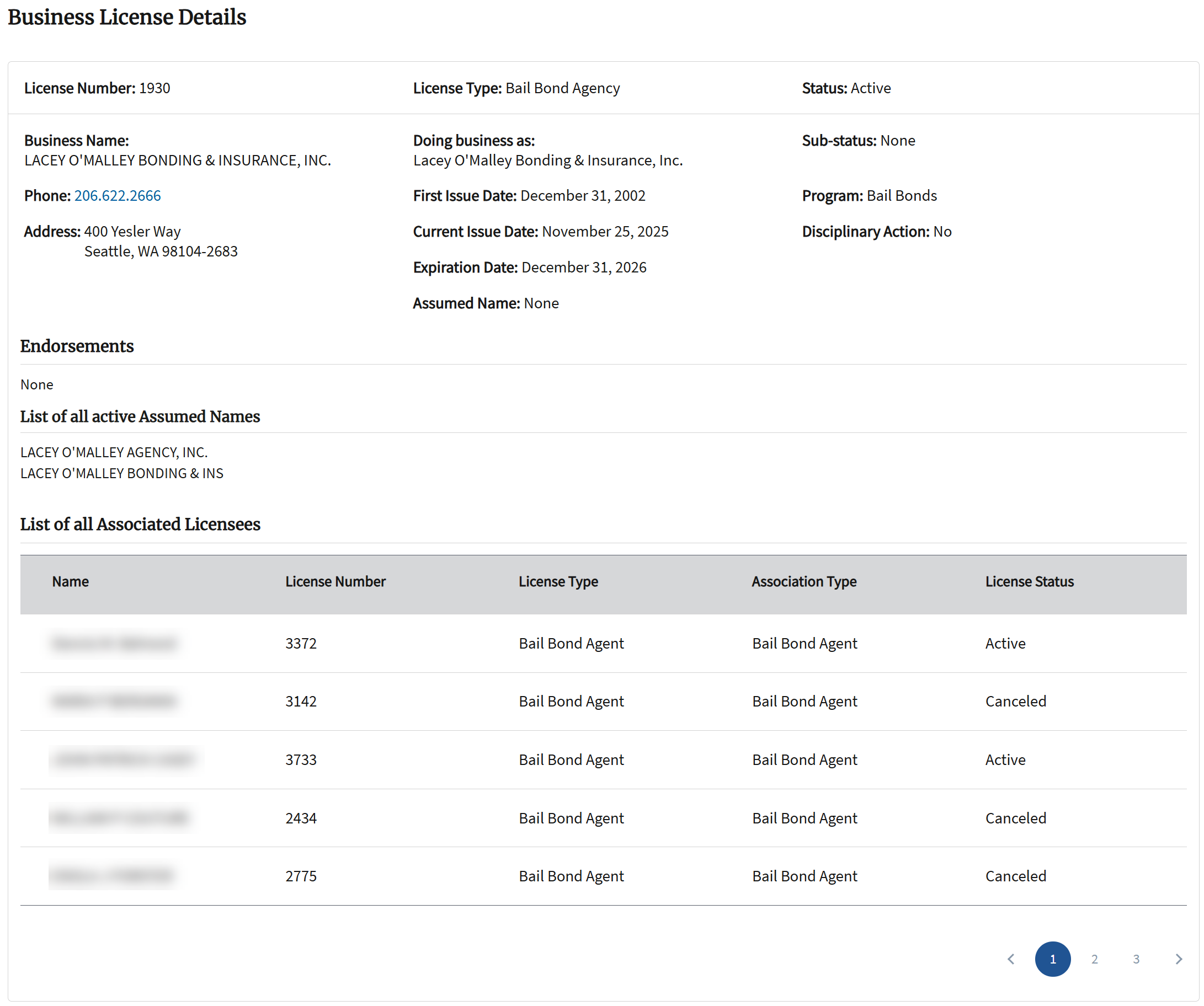
The license information provided by the search portal includes the following:
- License number
- License type
- License status
- Name of licensee
- Licensee’s phone and address (businesses only)
- Licensee’s prior name (individuals only)
- First issue date of license
- Expiration date of license
- Sub-status
- License program
- Disciplinary action (Yes or No)
- DBA and active assumed names (businesses only)
- Endorsements
- Associated licenses