
The Virginia professional license search is an online search application that provides access to licensing records for individuals and businesses in regulated industries. Users can search the database to identify license holders, verify whether their licenses are active, and review the types of licenses they hold. Depending on the profession, users may also check a licensee’s progress toward completing required education or training hours.
Professional License Lookup
1. Visit the License Lookup Webpage
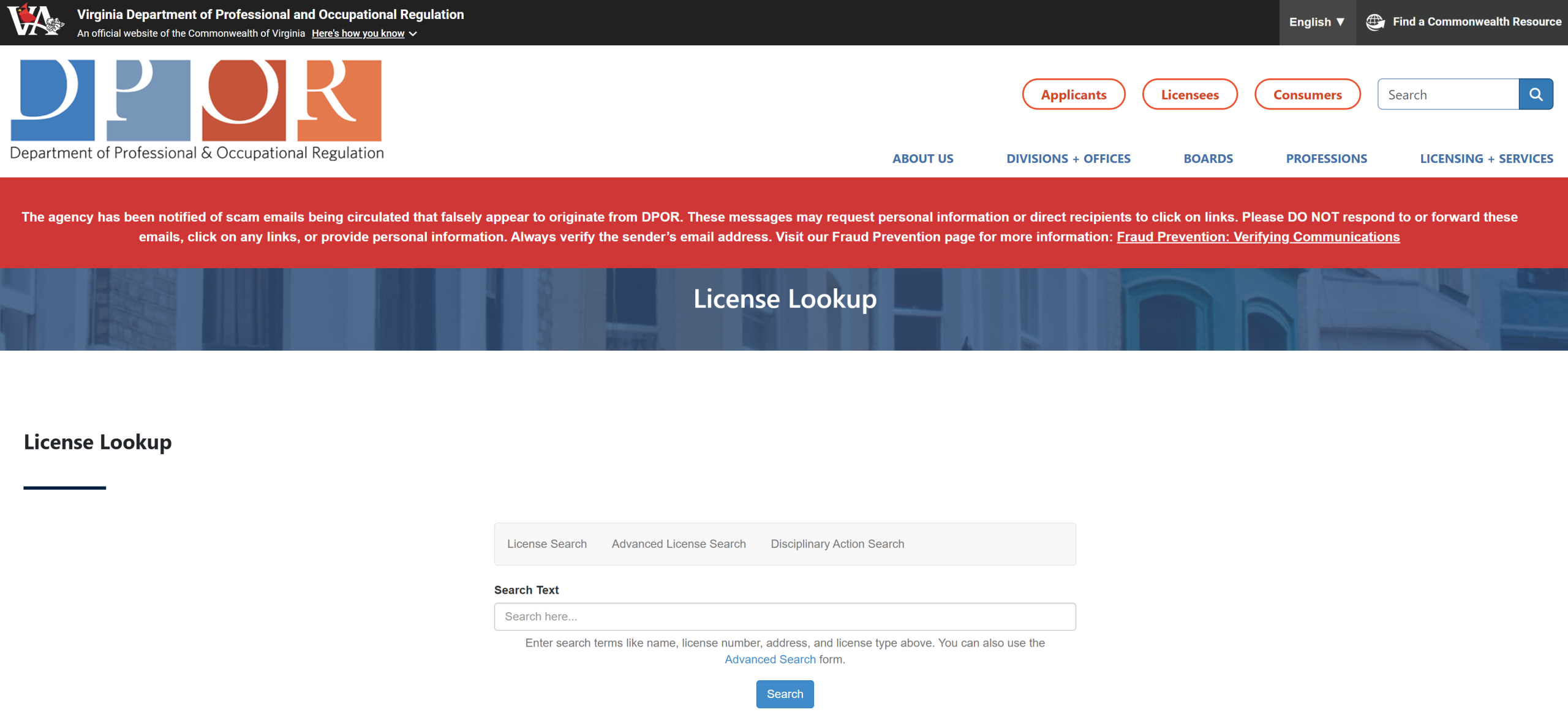
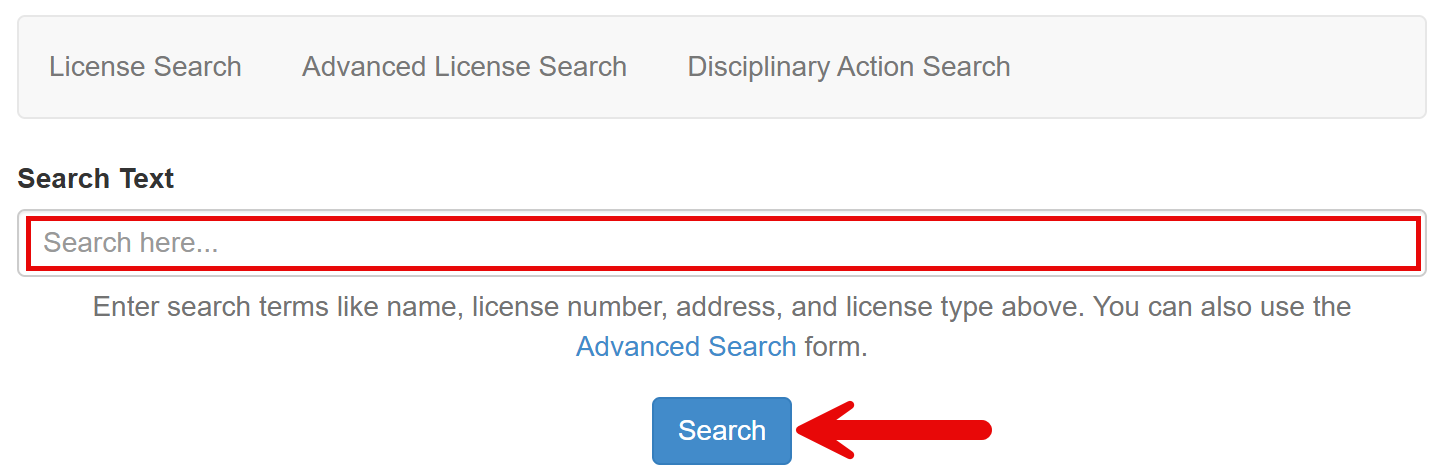
2. Enter Search Text
In the empty search field, enter a licensee name, license number, address, license type, or any combination of these details; the more information provided, the narrower the results will generally be.
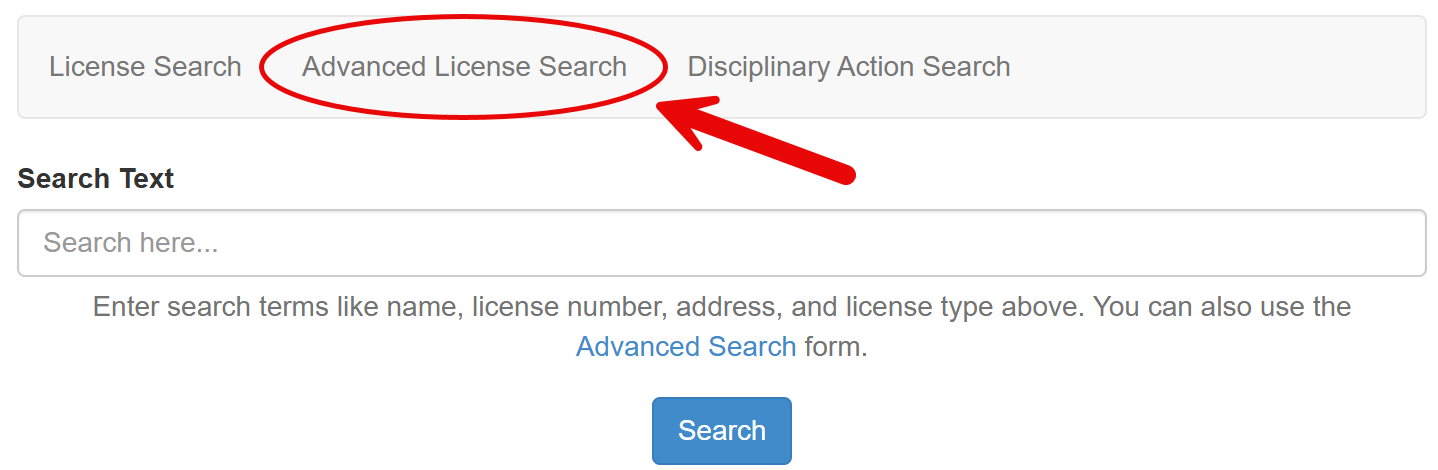
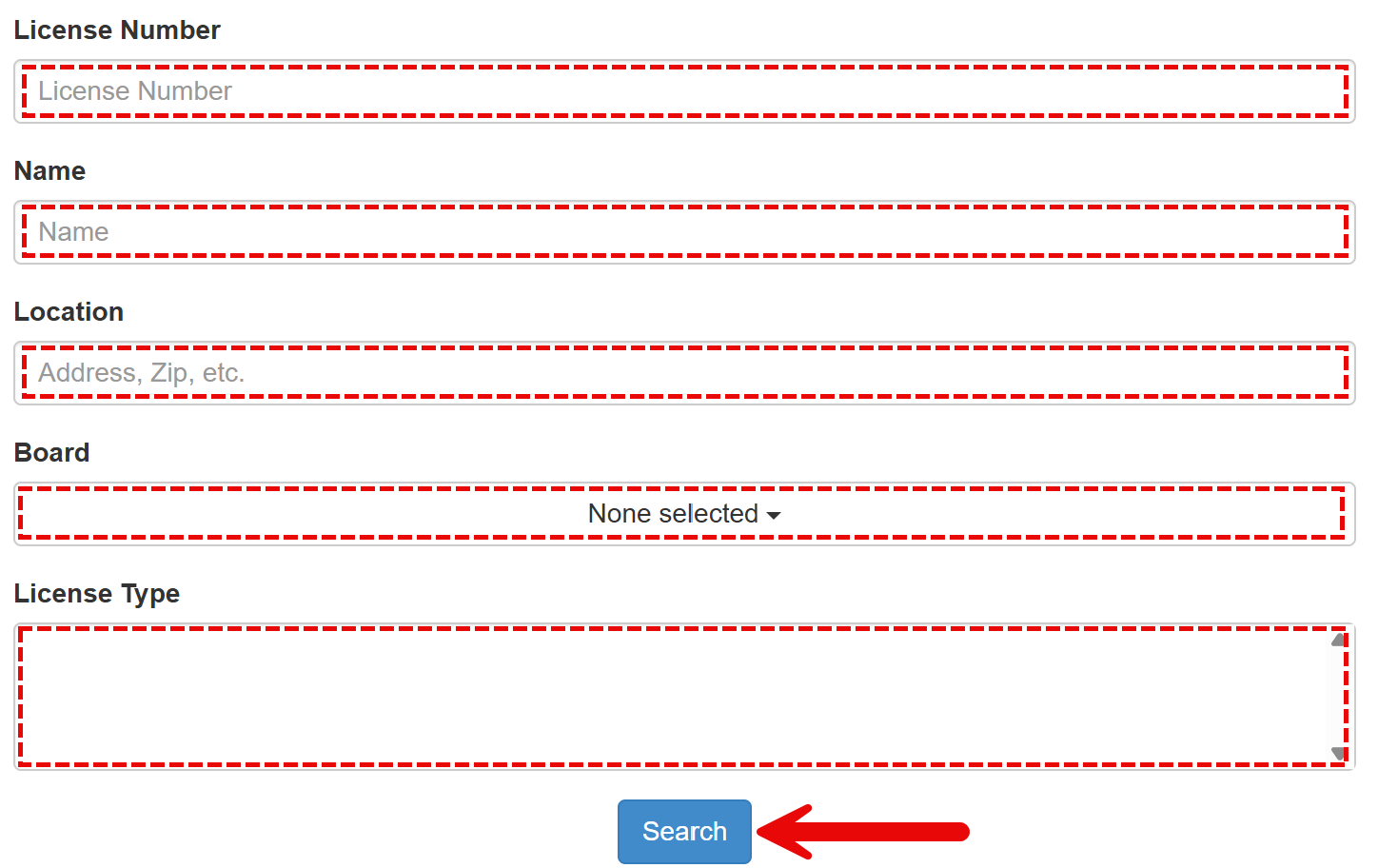
Click Search to view the results, or click Advanced License Search for additional filtering options (see image).
3. Use Advanced Search Tool (if applicable)
If performing an advanced license search, one or more of the following sections of the search form must be completed:
- License Number – If known, enter the license number.
- Name – Enter the licensee’s first and last name or business name.
- Location – Provide the licensee’s location details.
- Board – Select one or more licensing boards to search.
- License Type – If a board is selected, specific license types can also be chosen (see image).
Press Search to continue.
4. Select a License Number
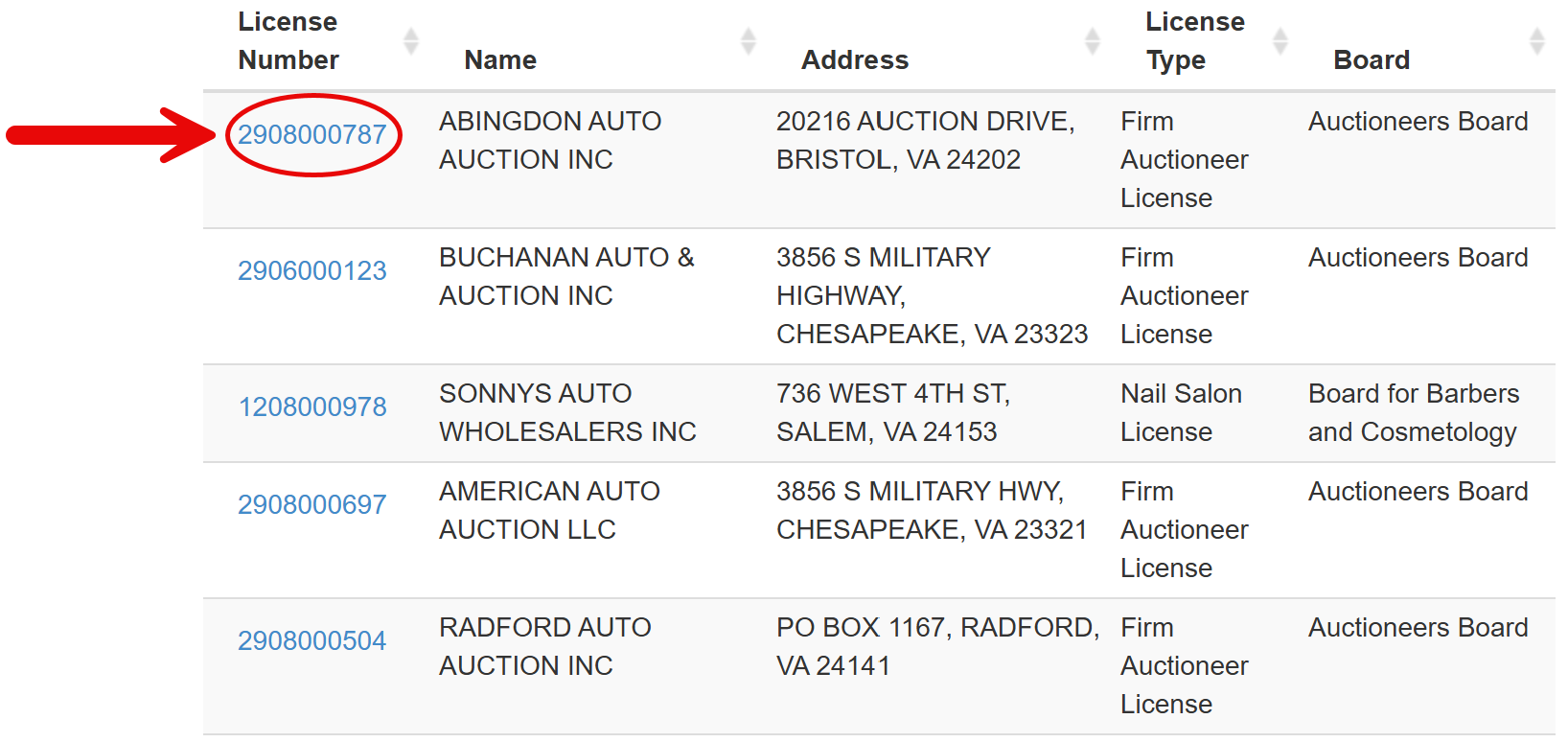
Licenses found through the search will appear in a results list below the search tool. Review the list to locate the desired license, then select its License Number to view additional information.
5. View License Details
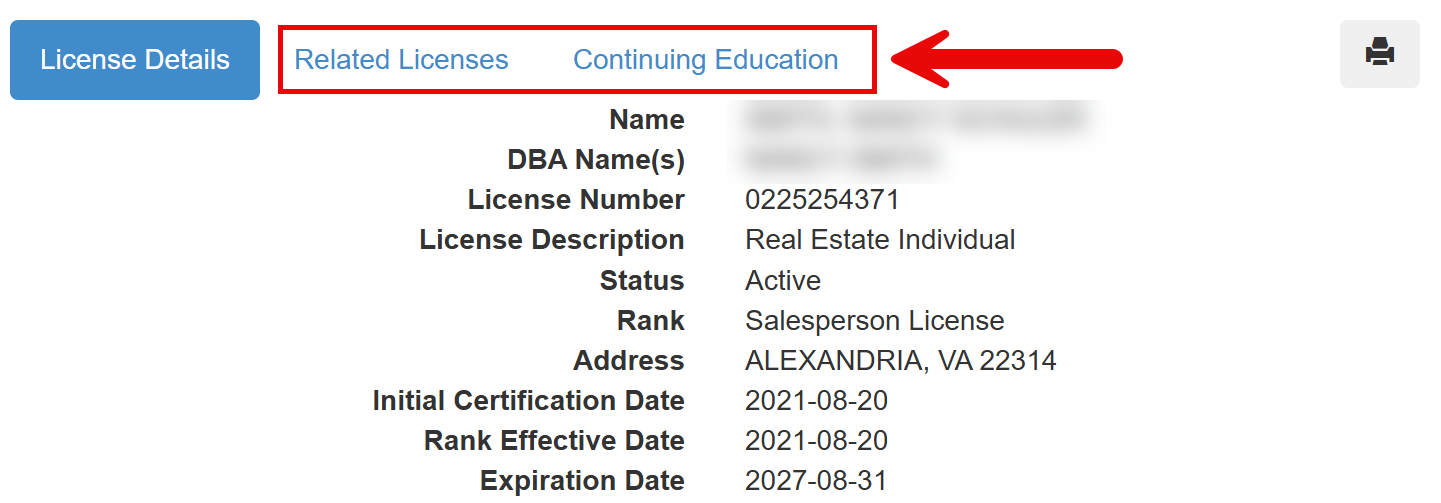
A page will open with additional information about the selected license. The details may differ from those shown in the image below but generally include the following:
- Licensee name
- DBA/trade names
- License number
- License description
- License status
- Rank
- Licensee address
- Initial certification date
- Rank effective date
- License expiration date
Some license detail pages also include the following selectable options:
- Related Licenses – Displays other licenses held by the licensee (see image).
- Continuing Education – Shows the licensee’s education/training progress (see image).